

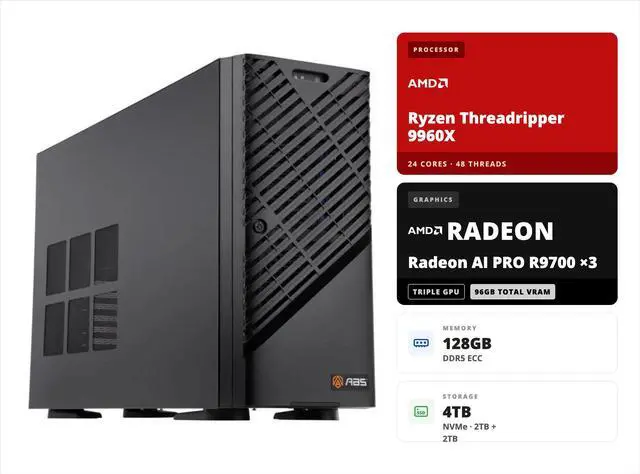
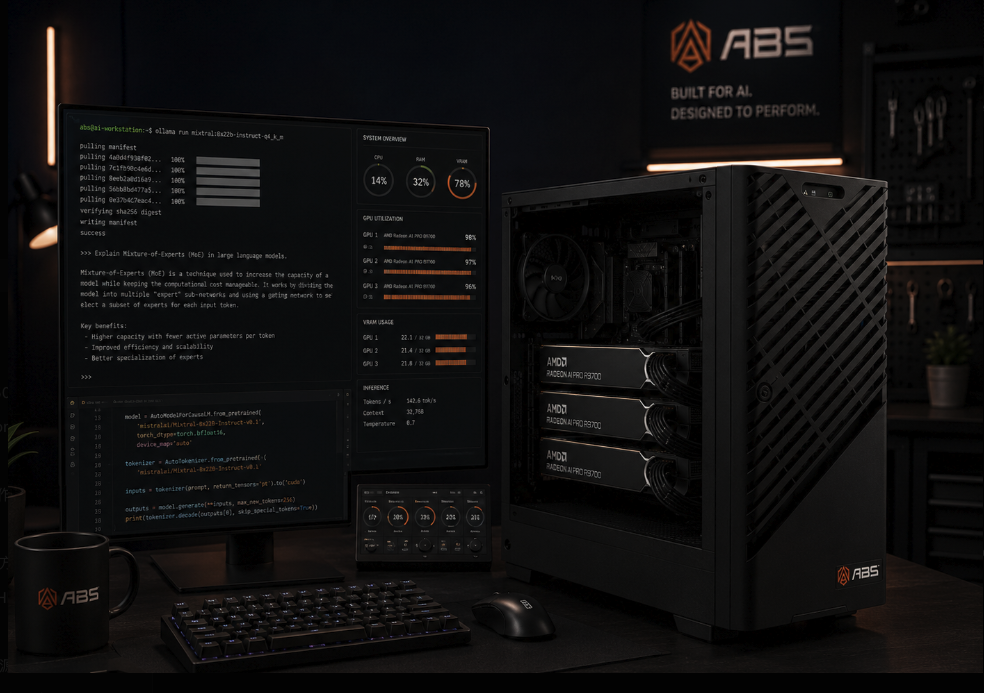
Every month, teams that lean on hosted LLM APIs watch their usage line creep upward — and every prompt they send carries company data off-premises. The Radeon AI Pro R9700 workstation from ABS exists to break that cycle. Built around three of AMD’s RDNA 4 professional GPUs and an entirely open software stack, it brings 70B-parameter models like Llama 3.3, Qwen, and Mixtral in-house, on your desk, behind your firewall — at roughly one-third the cost of an RTX PRO 6000-based solution.
Rather than repeat a spec sheet, this article walks through the decision the way an AI lead actually faces it: what going local really requires, why this particular AMD platform clears the bar, what deployment looks like in the first week, and where the money math lands.
The Case for Owning Your Inference
Local inference pays for itself in three currencies: privacy, predictability, and control. Data never leaves the building, which satisfies compliance teams that cloud APIs cannot. Costs become a one-time capital purchase instead of a metered bill that scales with success. And you choose the model — swap in a new open-weight release the day it ships, pin a version forever, or fine-tune without asking permission.
The catch has always been the entry ticket — which is where a Radeon AI Pro R9700 workstation changes the arithmetic. Serving a 70B-class model well demands more GPU memory than any consumer card offers, and the traditional answer — enterprise silicon — prices out most teams. What changed in 2026 is the arrival of 32 GB professional cards like the R9700 that stack cleanly into one AI workstation, pooling enterprise-scale VRAM from mid-priced parts. That is the wedge this ABS system drives into the market.
The 70B Memory Budget, Line by Line
Think of VRAM (Video RAM) as the apartment your model lives in — if it doesn’t fit, nothing else matters. A 70B-parameter model’s footprint breaks down like this:
| Memory line item | 8-bit deployment | 4-bit deployment |
|---|---|---|
| Model weights | ~70 GB | ~40 GB |
| KV cache (32K context, typical) | ~10–16 GB | ~10–16 GB |
| Runtime overhead / buffers | ~2–4 GB | ~2–4 GB |
| Total needed | ~85 GB | ~55 GB |
| Fits in this system’s 96 GB? | Yes | Yes, with room for a second model |
The KV cache — where the model stores attention state for everything in your context window — is the line most buyers forget. It grows with context length and with each concurrent user, which is exactly why 48 GB setups choke on long documents while a 96 GB pool keeps breathing. With three R9700s, you deploy at 8-bit (near-lossless quality) and still hold tens of thousands of tokens of context, or drop to 4-bit and serve two models side by side.
What ABS Actually Ships in This Box
The ABS Zaurion Ruby Tower, model ZRT9960X-3XR9700, arrives assembled, stress-tested, and running Ubuntu — you provide the models. Under the panel:
| Subsystem | What’s inside | The role it plays |
|---|---|---|
| Compute | 3× AMD Radeon AI Pro R9700 (96 GB GDDR6 combined) | The VRAM pool that holds the model |
| Host CPU | Threadripper 9960X, 24C/48T @ 4.2 GHz | Tokenization, batching, keeping GPUs saturated |
| Platform | Gigabyte MH53-G40 on AMD WRX90 | Six PCIe 5.0 x16 slots — no lane compromises |
| System RAM | 128 GB DDR5 ECC RDIMM, expandable to 1 TB | Staging weights; correcting silent bit errors |
| Disks | Dual 2 TB NVMe (OS + data) | A 70 GB GGUF loads in well under a minute |
| Network | 2× 10 GbE + management port | One box serving an entire office over LAN |
| Power | 2000W 80+ Gold | Sustained triple-GPU load, no throttling |
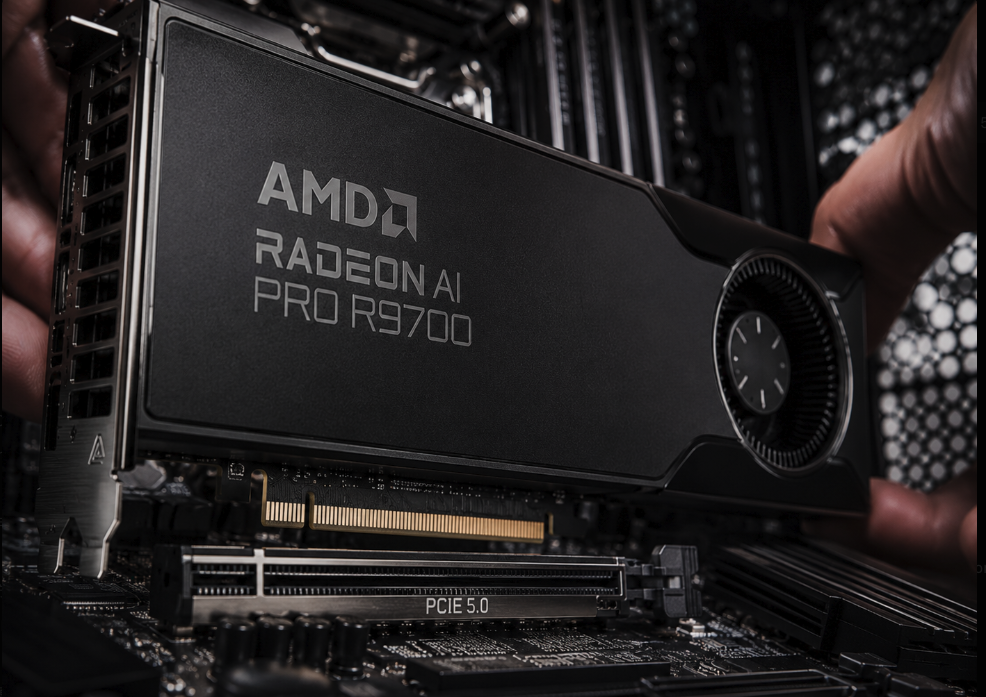
Two details of this Radeon AI Pro R9700 workstation reward a closer look. First, the WRX90 platform feeds every card a full PCIe 5.0 x16 link — on mainstream boards, a third GPU gets squeezed to x4 and inter-card traffic suffers on every token. Second, the barebone supports four dual-slot GPUs, so a fourth R9700 later lifts the pool to 128 GB without replacing anything. Few systems in this class leave that door open. Buyers comparing platforms can browse other Threadripper-based configurations to see how rare full triple-x16 support is.
RDNA 4 and the Bandwidth Story
Once a model fits in memory, tokens-per-second becomes a bandwidth problem: generating each token means streaming a large share of the weights out of VRAM. Here the R9700 earns its “AI Pro” badge. Each card moves 644.6 GB/s across a 256-bit GDDR6 bus — nearly 2 TB/s of aggregate read bandwidth across the trio — while 64 RDNA 4 compute units and 128 second-generation AI accelerators handle the matrix math in FP16, FP8, and INT8.
FP8 support matters more than it sounds. Inference runtimes are converging on 8-bit formats as the default deployment precision, and hardware acceleration for FP8 means the R9700 runs tomorrow’s quantization schemes natively rather than through emulation. AMD rates the second-generation accelerators at up to twice the AI throughput of the prior generation, and the card’s 95.7 TFLOPS of FP16 compute within a 300W envelope keeps the thermal budget sane for a three-card chassis. Blower-style coolers exhaust heat straight out the back — the only design that works when professional AMD GPUs sit shoulder to shoulder.
Your First Week: A Deployment Playbook
A Radeon AI Pro R9700 workstation goes from unboxing to serving an office in days, not weeks. A realistic sequence:
Day 1 — Drivers and sanity checks. Ubuntu ships preinstalled; add the Radeon PRO driver stack and ROCm (AMD’s open compute platform, the CUDA counterpart). Verify all three GPUs enumerate with `rocm-smi`.
Day 2 — First model. Install Ollama, pull a quantized 70B model, and chat with it locally. Ollama detects the three cards and splits layers across them automatically — no configuration files required.
Day 3 — Team access. Stand up Open WebUI in front of Ollama and share the URL over the 10 GbE LAN. Your team now has a private ChatGPT-style interface with zero data leaving the building.
Days 4–5 — Production hardening. For multi-user throughput, switch the backend to vLLM’s ROCm build: OpenAI-compatible APIs, continuous batching, and tensor parallelism across the trio. Wire in your document store for retrieval-augmented generation (RAG).
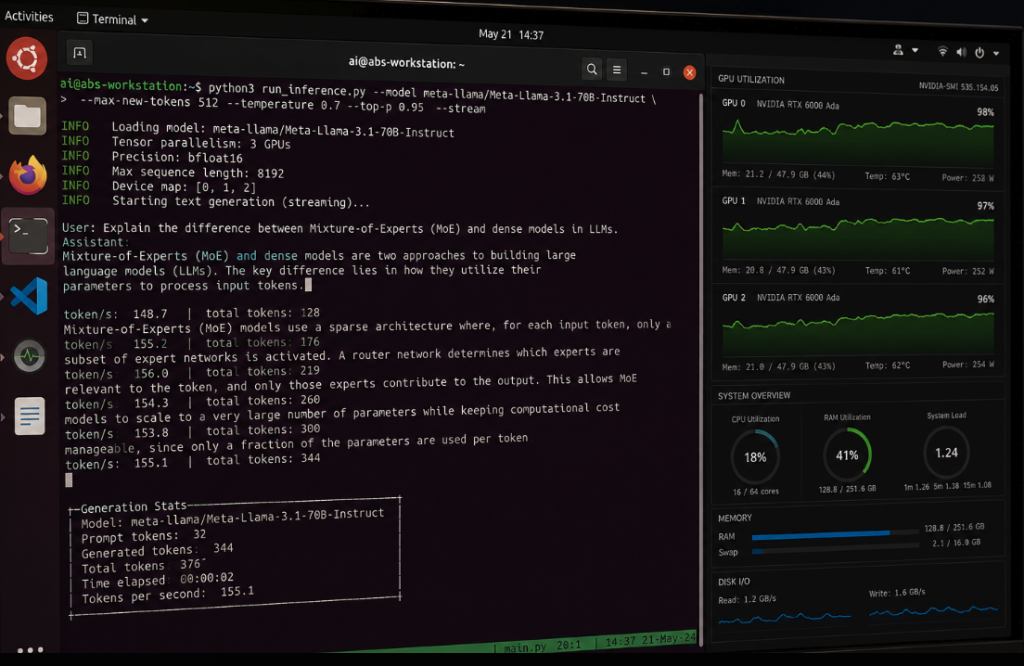
Teams that build custom pipelines get official PyTorch, ONNX Runtime, and TensorFlow wheels for ROCm, and AMD publishes a dedicated PyTorch guide for this GPU family. The honest caveat: a handful of niche research libraries remain CUDA-only, so audit any exotic dependency before you commit. For the mainstream serving stack — Ollama, llama.cpp, LM Studio, vLLM — the road is paved. Similar workstation-class systems for LLM work increasingly treat ROCm as a first-class citizen for exactly this reason.
The Money Math: One-Third, Explained
The claim that a Radeon AI Pro R9700 workstation costs approximately one-third of an RTX PRO 6000-based solution deserves unpacking rather than repetition. NVIDIA’s flagship workstation card matches the 96 GB figure on a single board — but as of mid-2026, that one GPU alone carries a price tag higher than this entire assembled, tested, warrantied ABS system. Wrap the premium card in a comparable Threadripper-class platform with ECC memory and workstation networking, and the finished machine reaches roughly triple this build’s price. You can weigh the current RTX PRO 6000 options yourself to verify the gap.
What does the premium buy? Real things: higher single-card throughput, GDDR7 bandwidth, and CUDA’s deep software bench. If your bottleneck is latency per individual user, or your pipeline depends on CUDA-exclusive tooling, that money is well spent. But for the dominant deployment pattern — a pooled model serving chat, agents, and RAG to a team — the gating question is simply “does the model fit?” Both answers are yes; one costs three times the other. Against a cloud alternative the comparison is starker still: hosted 70B-class API usage for an active team commonly runs thousands of dollars per month, which puts this workstation’s payback period within the first year for many organizations.
Matching the Machine to the Mission
No single box fits every AI program, so here is the honest sorting for the Radeon AI Pro R9700 workstation:
| Mission profile | This system? | Reasoning |
|---|---|---|
| Private LLM for a compliance-bound org | Strong yes | On-prem 70B inference is the whole design brief |
| Agents, RAG, and internal copilots | Strong yes | 96 GB pool + vLLM serving handles concurrency |
| Open-source-first engineering culture | Yes | ROCm, Ubuntu, PyTorch — no proprietary runtime |
| Latency-critical single-user work | Look elsewhere | One big GPU beats three pooled cards on latency |
| Daily large-scale fine-tuning | Look elsewhere | Training still favors CUDA-centric infrastructure |
A useful self-test: count the hours your GPUs would spend serving models versus training them. If serving wins, capacity-per-dollar is your metric, and this configuration leads it. If you’re still weighing component-level alternatives, the broader workstation GPU market offers plenty of comparison points — few of them stack to 96 GB this economically.
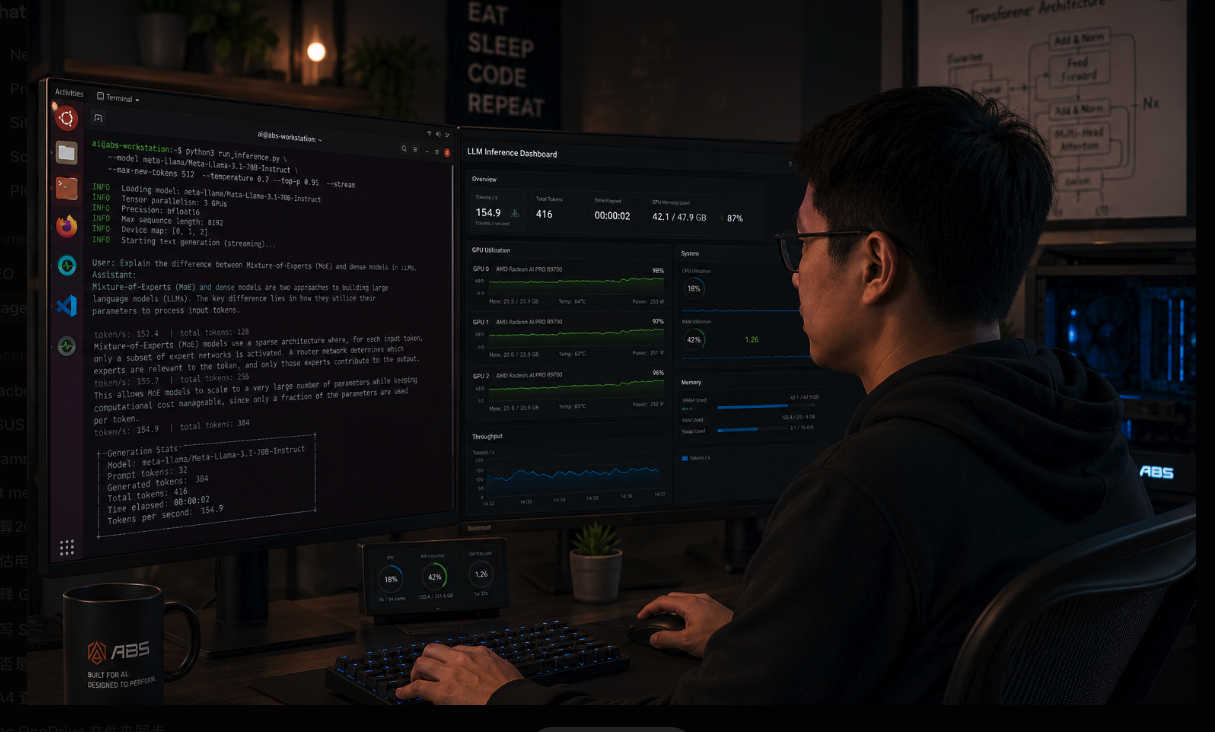
Choosing a Radeon AI Pro R9700 workstation is less about specs and more about changing who controls your AI stack: your models, your data, your hardware, your monthly costs. For teams whose GPU hours go to inference — chat, agents, RAG, document intelligence — three RDNA 4 cards pooling 96 GB deliver the 70B-class capability of an RTX PRO 6000 build at roughly a third of its price, on software you never license. Start with the ABS ZRT9960X-3XR9700 listing, compare it against the wider field of prebuilt workstation systems, and price the cloud bill it replaces. Open-weight models keep getting better every quarter; owning the memory to run them privately is how you compound that progress instead of renting it.