
Before you buy anything, read this paragraph. Most universities prohibit personal wireless routers and access points in residence halls, and they can detect them. Texas A&M’s access control policy states plainly that students may not use personal or unauthorized wireless access points, switches or DHCP servers in residence halls, and that violators lose the wired connection in their room. Rensselaer Polytechnic Institute’s ResNET policy says student-run wireless routers or access points are not allowed and that rooms with active ones may have their network disabled without warning. Western Washington University’s ResTek policy is equally direct, explaining that roughly 400 managed access points auto-tune their power and channel, and one personal router disrupts that tuning for everyone nearby. In all three cases the sanctioned option is the wired Ethernet jack, or the device with its wireless function switched off. So check your own school’s ResNet page first — and if you are in an apartment off campus, read on, because everything below applies to you.
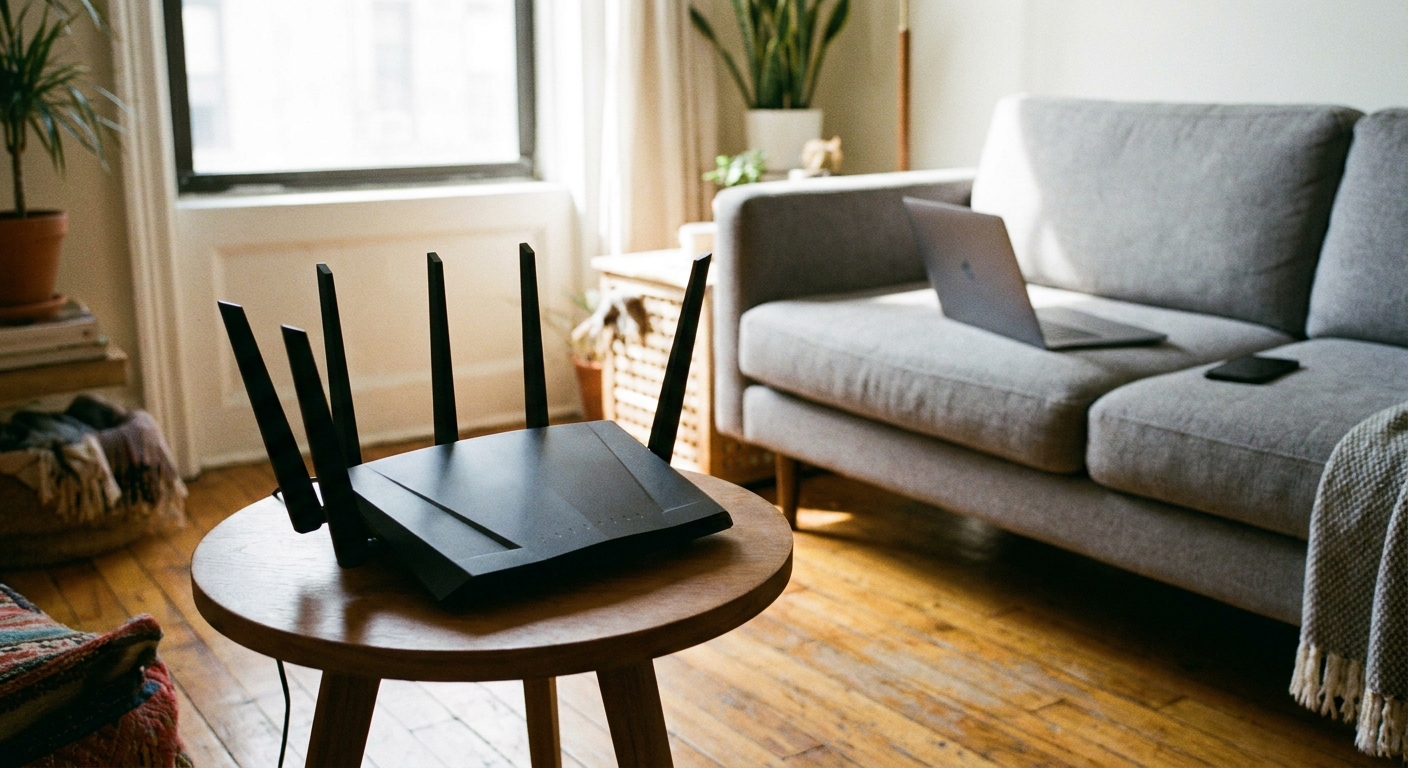
Does Wi-Fi 7 Actually Matter Yet?
Wi-Fi 7 adds three headline features over Wi-Fi 6E: 320MHz channels, which are double the width of Wi-Fi 6E’s and exist only in the 6GHz band; Multi-Link Operation; and 4096-QAM, which raises peak modulation efficiency by roughly 20% but only at short range with a very clean signal. Of the three, Multi-Link Operation is the one that matters in a crowded building. It lets a client hold concurrent links across bands and switch between them without disconnecting, which improves latency stability under congestion rather than peak speed.
The honest caveat is client adoption. Wi-Fi 7 accounted for only about 1.8% of global Wi-Fi samples in the first quarter of 2026, with North America highest at 6.8%. A laptop or phone without a Wi-Fi 7 radio gets none of these benefits. That said, access point shipments are climbing fast — forecast at 117.9 million units in 2026 against 66.5 million in 2025 — so Wi-Fi 7 is now the sensible buy for a router you intend to keep, even if the payoff arrives with your next laptop.
One more useful piece of physics: 6GHz has higher path loss and much worse wall penetration than 5GHz or 2.4GHz. That makes it excellent in a single room where everything is within a few meters and the band is nearly empty, and close to useless for reaching a second bedroom. A dorm room is almost the ideal 6GHz environment. A two-floor rental is not.
The Field at a Glance
| Device | Standard | Bands | Best for |
|---|---|---|---|
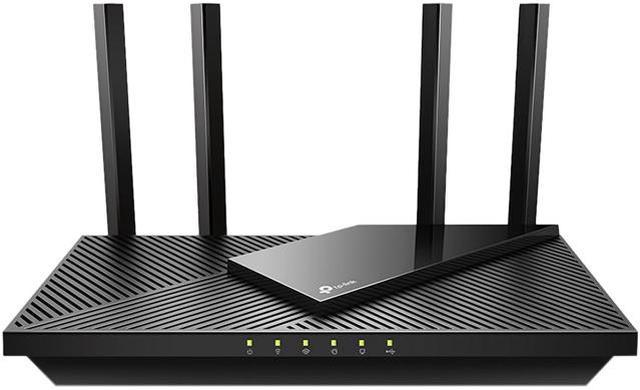
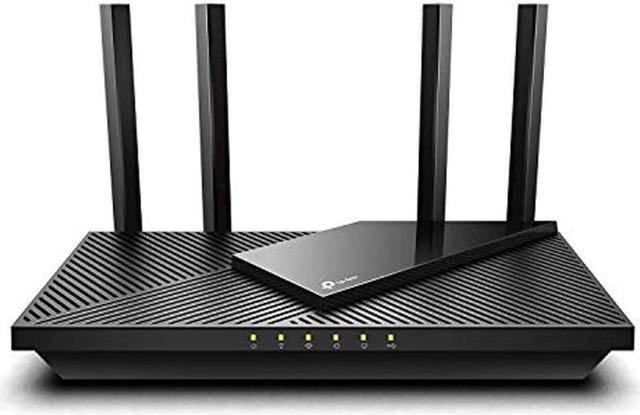
| TP-Link Archer AX55 | Wi-Fi 6 | Dual-band | One room, value |
| GL.iNet Slate 7 | Wi-Fi 7 | Dual-band | Travel, hotel and campus VPN use |
| Netgear Nighthawk RS100 | Wi-Fi 7 | Dual-band | Simple Wi-Fi 7 upgrade |
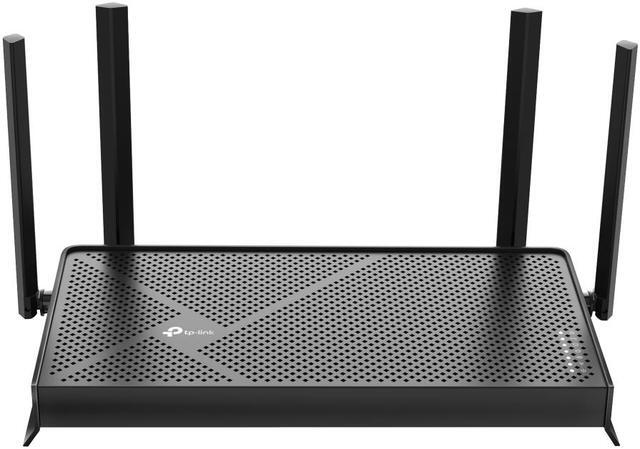
| TP-Link Archer BE550 | Wi-Fi 7 | Tri-band | Mainstream apartment |
| TP-Link Deco X55 (3-pack) | Wi-Fi 6 | Dual-band | Large coverage, value mesh |
| Netgear Orbi 370 (3-pack) | Wi-Fi 7 | Dual-band | Wi-Fi 7 mesh coverage |
| TP-Link Deco BE63 (2-pack) | Wi-Fi 7 | Tri-band | Multi-floor with wired backhaul |
| ASUS ROG Rapture GT-BE19000AI | Wi-Fi 7 | Tri-band | Gaming and heavy device counts |
If You Have One Room and a Modest Internet Plan
You do not need Wi-Fi 7 for a single room on a sub-gigabit plan. The TP-Link Archer AX55 is an AX3000 dual-band Wi-Fi 6 router with a gigabit WAN port, four gigabit LAN ports, OFDMA and MU-MIMO, OneMesh compatibility, OpenVPN and PPTP support, HomeShield parental controls, a USB 3.0 port and WPA3. For one or two people in one room it is more than enough.
If You Move Between Networks, or Need a Router You Can Legitimately Use on Campus
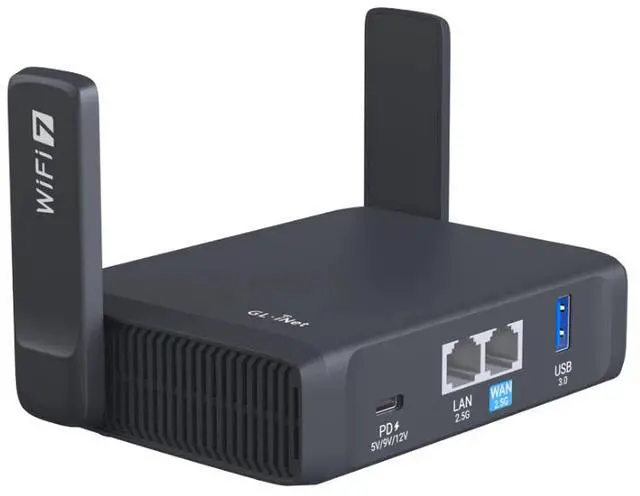
A travel router is the interesting answer to the campus problem, because it can be used wired-only and it solves the hotel and airport situation at the same time. The GL.iNet Slate 7 (GL-BE3600) is a pocket-sized dual-band Wi-Fi 7 device rated at 3570 Mbps aggregate, with a 2.5G WAN port, a 2.5G LAN port, USB 3.0, a touchscreen interface and OpenWrt 23.05. Its real feature is VPN: it works as both client and server with WireGuard throughput around 490 Mbps, integrates with more than 30 VPN providers, supports encrypted DNS and can tether to a phone’s cellular connection. Always confirm your school’s policy before enabling its radio on campus.
If You Want a Straightforward Wi-Fi 7 Router
Two picks, depending on how much you want to spend on bands you may not use yet. The Netgear Nighthawk RS100 is a dual-band BE3600 Wi-Fi 7 router rated up to 3.6 Gbps, with a 2.5G WAN port, four gigabit LAN ports, a quad-core 2.0GHz processor, coverage claimed to 2000 square feet and up to 50 devices, plus NETGEAR Armor security, WPA3 and automatic firmware updates.
Step up to the TP-Link Archer BE550 and you get tri-band BE9300 with a 6GHz radio — up to 9214 Mbps aggregate across three bands, a 2.5G WAN port and four 2.5G LAN ports, six streams, EasyMesh support, VPN client and server functions, HomeShield parental controls and IoT network isolation. For an apartment where you want the 6GHz band’s empty airspace for same-room devices, this is the mainstream pick.
If You Have More Than One Room, or More Than One Floor
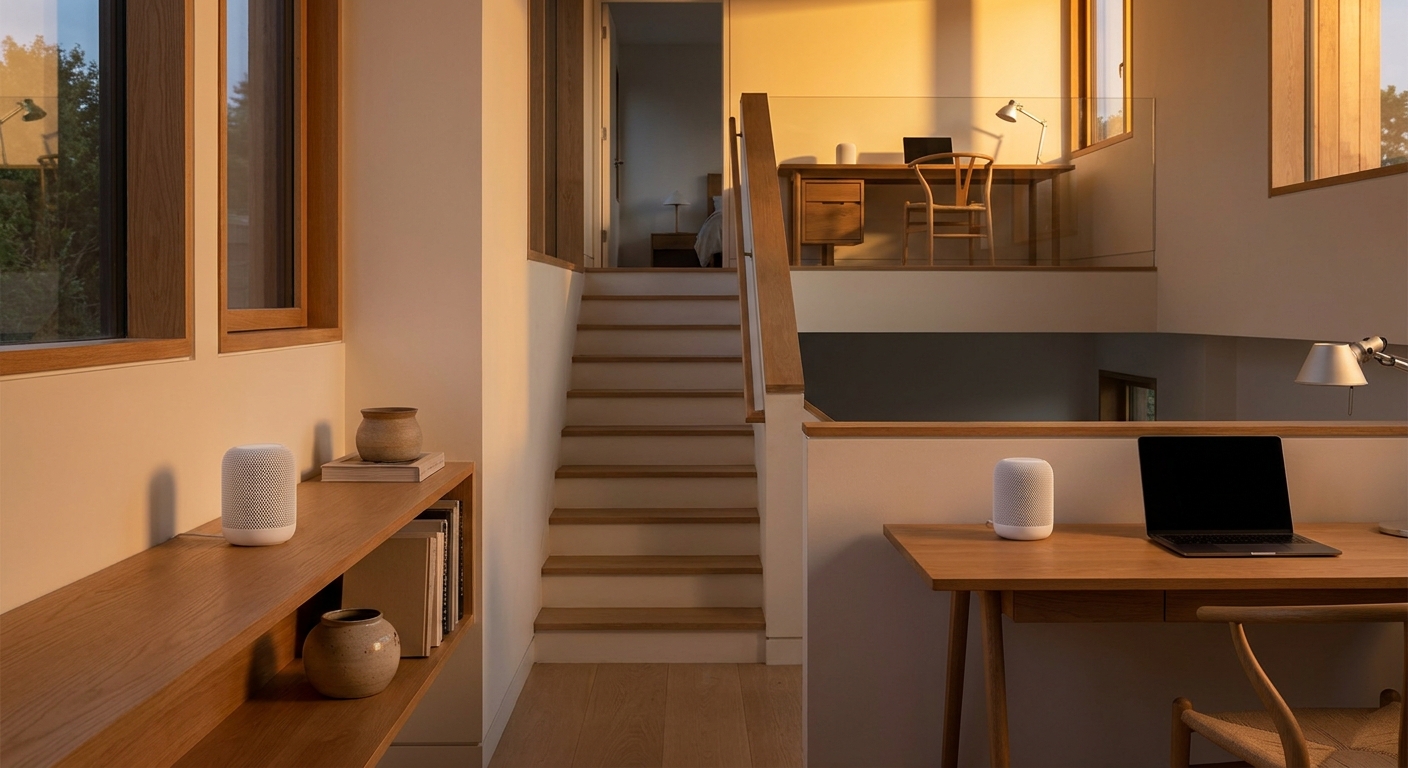
A single router has to push signal vertically through floor assemblies that attenuate 5GHz and 6GHz heavily. Mesh solves that by moving the radio closer to the client instead. The single most important variable is backhaul: a wired Ethernet link between nodes removes the wireless hop entirely, and wireless backhaul consumes airtime on the same radios serving your devices, roughly halving usable throughput per hop. Tri-band systems mitigate this by dedicating a band to backhaul, and Wi-Fi 7 systems can use Multi-Link Operation for it.
For value coverage, the TP-Link Deco X55 3-pack is an AX3000 dual-band Wi-Fi 6 mesh with three auto-sensing gigabit ports per unit, wired backhaul support, any-unit-as-primary flexibility, HomeShield security and a claimed 6500 square feet and 150 devices.
For Wi-Fi 7 coverage, the Netgear Orbi 370 3-pack combines one router and two satellites, rated up to 5 Gbps, using Multi-Link Operation for backhaul, with a 2.5G WAN port on the router and a 2.5G LAN port per unit, separate main, IoT and guest networks and a claimed 6000 square feet and 70 devices.
And if you can run Ethernet between rooms, the TP-Link Deco BE63 2-pack is the strongest option here: tri-band BE10000 with six streams, four 2.5G auto-sensing ports on every unit for wired backhaul, AI-Roaming, a built-in VPN and a claimed 5800 square feet with 200-plus devices.
If You Game, or Share With Four Roommates
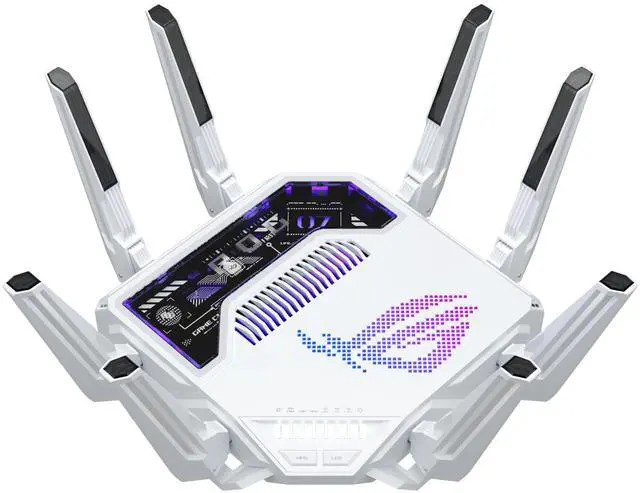
The ASUS ROG Rapture GT-BE19000AI is the top of the range: tri-band BE19000 Wi-Fi 7, a 2.5G and a 10G WAN port, a 10G LAN port plus three 2.5G and one gigabit, coverage claimed to 3500 square feet and 200-plus devices, AiMesh support in router, node or access-point mode, ROG game acceleration, VPN support spanning WireGuard, OpenVPN, IPSec, L2TP and PPTP, up to five SSIDs with VLAN separation, DNS-over-TLS and on-device ad and tracker blocking. In a four-person apartment where everyone streams and games simultaneously, that device capacity is the feature.
The Verdict
In a dorm room, check the policy and plan on Ethernet. In an apartment, the TP-Link Archer BE550 is the mainstream pick and the Deco BE63 2-pack is the answer if you have more than one floor and can run a cable between nodes. Choose the Archer AX55 if your plan is modest and your space is one room, and the GL.iNet Slate 7 if you move between networks. And treat coverage figures as marketing: manufacturer square-footage claims are open-space best cases and do not account for walls, floors or the twenty other networks in your building. Compare current models in Newegg’s wireless router listings.
Frequently Asked Questions
Can I use my own Wi-Fi router in a dorm? Usually not. Texas A&M, RPI and Western Washington University all explicitly prohibit personal wireless routers and access points in residence halls, cite interference and security as the reasons, and can detect them — with loss of the room’s network connection as the consequence. The sanctioned alternative is the wired Ethernet jack or the same device with its wireless function disabled. Check your own school’s ResNet or IT page, because a few institutions do allow registered devices in bridge mode.
Is Wi-Fi 7 worth buying in 2026? For a router you plan to keep several years, yes. Multi-Link Operation genuinely helps latency stability in congested buildings. But client adoption is still low — around 1.8% of global Wi-Fi samples in early 2026 — so the benefit arrives with your next laptop or phone rather than today.
Do I need mesh in an apartment? Only if a single router cannot cover it, which usually means more than one floor or a long layout with thick interior walls. If you do go mesh, prioritize wired Ethernet backhaul between nodes; wireless backhaul consumes airtime on the same radios serving your devices and roughly halves usable throughput per hop.
Should I wait for Wi-Fi 8? No. Wi-Fi 8 is an Ultra High Reliability standard targeting roughly 25% better throughput in poor signal conditions and lower latency while roaming, but it keeps the same peak rate as Wi-Fi 7. Wi-Fi Alliance certification is scheduled for January 2028 and IEEE final approval for March 2028.
Read More
- RTINGS: Best Routers — Lab-tested throughput, range and latency rankings, independent of manufacturer claims.
- Wi-Fi Alliance: Wi-Fi CERTIFIED 7 — The authoritative explainer on 320MHz channels, Multi-Link Operation and 4K-QAM.
- Texas A&M: Personal Wireless Devices in Residence Halls — A representative campus policy, including how to disable a router’s radio.
- TP-Link: Deco Mesh Wi-Fi — The full mesh lineup with coverage tiers and Ethernet backhaul documentation.
- Newegg: Wireless Routers — Filter by Wi-Fi generation, band count and port speed.