
OLED has stopped being the exotic option on a monitor spec sheet and become the default answer for anyone who cares about contrast and motion. What has not gotten simpler is choosing one. Two competing panel technologies, dual-mode refresh switching, matte versus glossy coatings and a brightness number that means almost nothing on its own all sit between you and a purchase. This guide sorts current OLED gaming monitors on Newegg by how you actually play, and explains the specs that decide whether you will be happy.
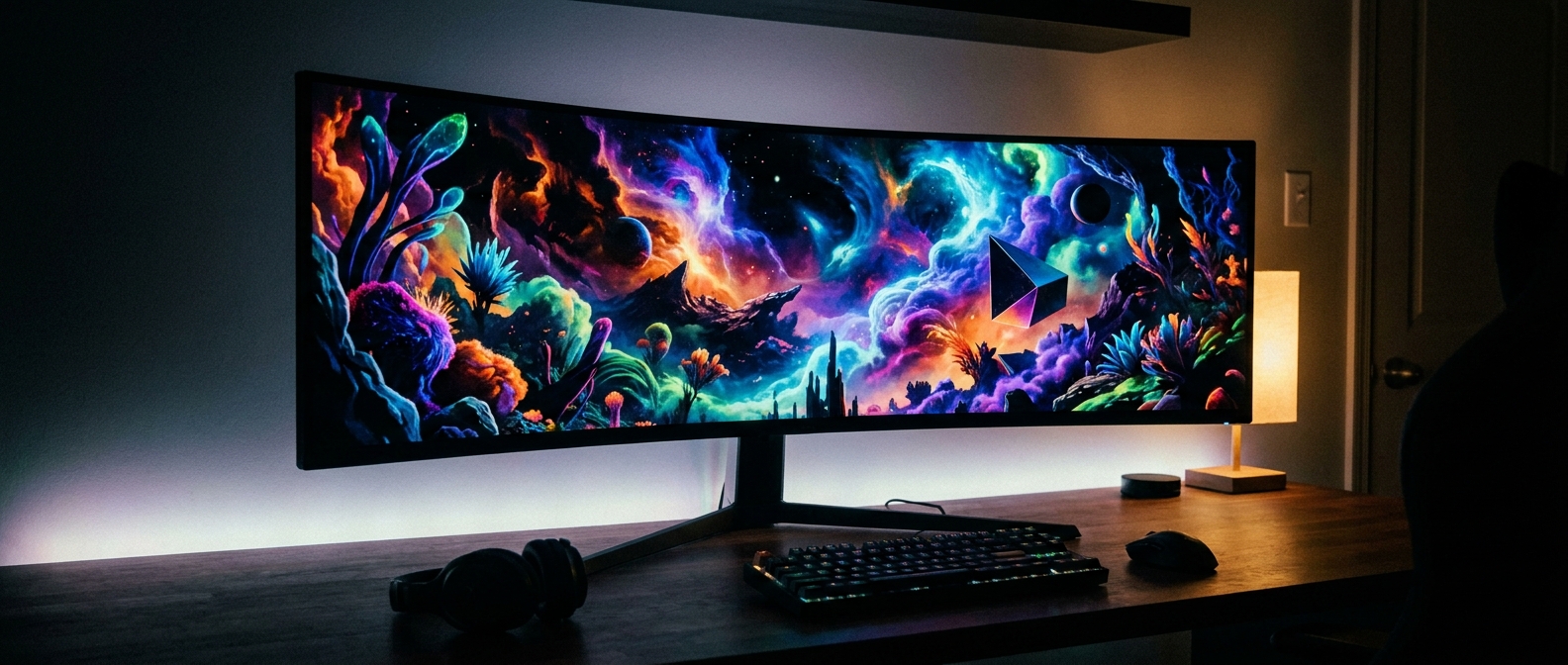
First: QD-OLED or WOLED?
Both are OLED, and both give you per-pixel light control. They differ in how they make white. QD-OLED uses a true RGB additive stack, so colour luminance stays high at the top end — TFTCentral measures roughly 2.4 times higher red luminance at a 1% window than WOLED, and about 36% higher perceived colour brightness on its own metric. WOLED adds a dedicated white subpixel, which pushes the headline white peak higher while colour luminance falls away.
The counterweight is ambient light. QD-OLED omits a polarizer and its quantum-dot layer scatters room light back at you, so blacks lift toward grey as the room gets brighter. TFTCentral measured matte WOLED at roughly double the perceived black depth of second-generation QD-OLED. Coating matters as much as the panel: glossy holds about 3.5 times better black depth than matte anti-glare but reflects far more of the room.
The short version — a dark or light-controlled room favours QD-OLED, a bright room with windows behind you favours matte WOLED.
If You Play Competitive Shooters
Motion clarity on OLED is limited by persistence, not by pixel response, because the spec’d 0.03ms transitions are effectively instant. TFTCentral puts OLED’s motion-clarity advantage over LCD at roughly 1.5 times, so a 240Hz OLED looks about like a 360Hz LCD. Above that you get small incremental gains that matter mainly to competitive players.
The ASUS ROG Swift PG27AQWP-W is the current extreme: a 26.5-inch tandem TrueBlack Glossy WOLED running 1440p at 540Hz, switchable to 720p at 720Hz, with DisplayPort 2.1a UHBR20, DisplayHDR True Black 500 and OLED Care Pro with a proximity sensor and a custom heatsink. It carries a three-year burn-in warranty.
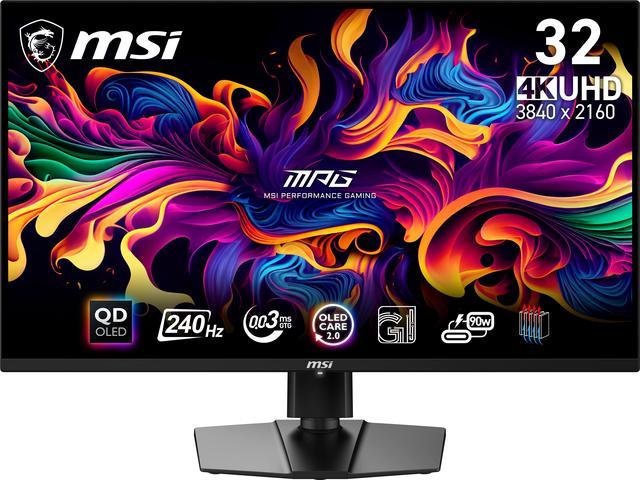
One tier down, the MSI MPG 271QRX QD-OLED pairs 27-inch 1440p at 360Hz with the features most people use daily — USB-C with 90W power delivery, a KVM switch, PiP/PbP and two full 48Gbps HDMI 2.1 ports. MSI OLED Care 2.0 handles pixel shift, panel refresh and static-element dimming, also under a three-year burn-in warranty.
If You Play Story Games in 4K
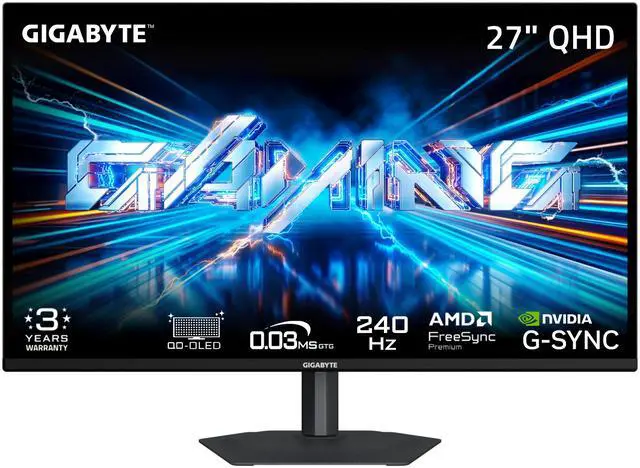
The GIGABYTE MO27U2 is the sharpest of the group at 27-inch 4K — 166 pixels per inch — running 240Hz with 99% DCI-P3, a ΔE under 2, Pantone and Eyesafe 2.0 certification, USB-C KVM, and AI-based OLED Care backed by graphene thermal film and a fanless heatsink. Warranty is three years including panel burn-in.
If you want the same resolution stretched across a larger canvas, the Samsung Odyssey G8 32-inch OLED runs 4K at 240Hz with a glare-free matte finish — the right choice for a room you cannot darken. Note that Newegg lists it with one year of parts and labour and does not state burn-in coverage.
The ASRock Phantom Gaming PGO32UFS is the compromise pick: a 32-inch WOLED that switches between 4K at 240Hz and 1080p at 480Hz, with two DisplayPort 1.4 inputs, two HDMI 2.1, USB-C with 65W power delivery and built-in speakers. Dual mode is genuinely useful, but be clear-eyed about it — the fast mode is a real resolution drop, and 4K down to 1080p on a 32-inch panel looks soft.
If You Want Immersion Above All
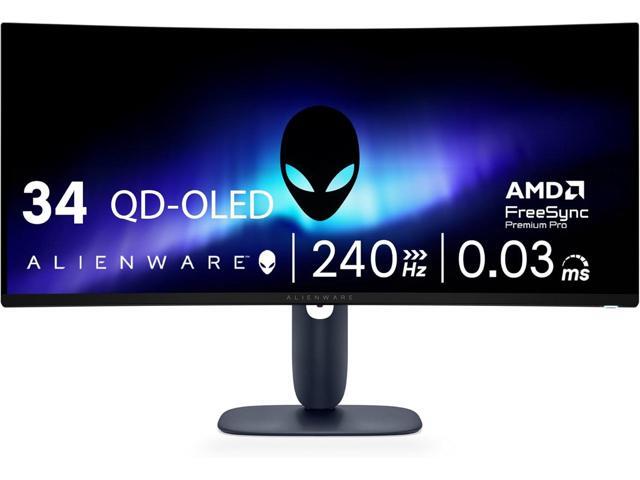
The Alienware AW3425DW is the sensible ultrawide: 34 inches, 3440×1440 at 240Hz on a 1800R curve, 1,500,000:1 contrast, 99.3% DCI-P3, anti-glare, USB-C DP-Alt, and both an anti-burn-in AI algorithm and an anti-burn-in graphite sheet, backed by three years.
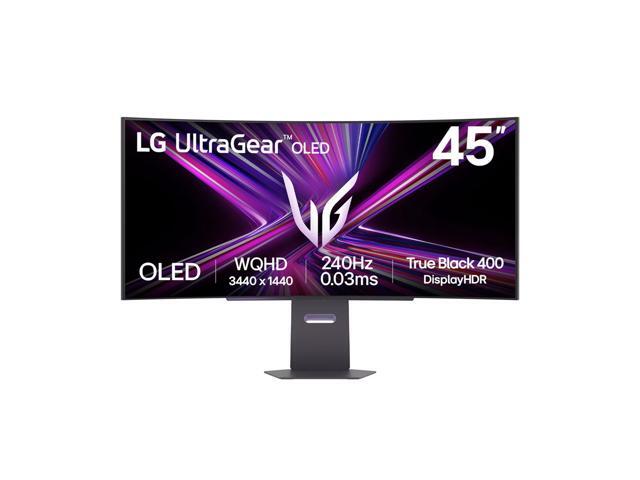
If 34 inches is not enough, the LG UltraGear 45GX900A-B takes the same 3440×1440 at 240Hz out to 45 inches on an aggressive 800R curve, with 98.5% DCI-P3, USB-C carrying 65W of power delivery and 7W speakers. Newegg lists one year of parts and labour on this unit.
The Acer Predator X27U W1 is the entry point to the category — 26.5-inch QD-OLED, 1440p at 240Hz, anti-glare, 99% DCI-P3 with a ΔE under 2, two DisplayPort 1.4 and two HDMI 2.1, and three years of parts and labour. No USB-C or KVM, which is the trade.
Why the Brightness Number on the Box Is Misleading
OLED shares one power and thermal budget across every lit pixel. Light a 2–3% window and that budget concentrates there, producing the 1000-plus-nit figure on the box. Light the whole screen and the same budget spreads out, landing far lower. Judge a panel by its 10% and 25% window figures and its real-scene brightness, and remember that colour luminance — not white-only nits — is what you actually see.
Burn-In, Honestly
RTINGS’ accelerated longevity programme ran more than 10,000 hours of static-heavy content across 100 televisions and found modern OLED panels just as susceptible to permanent retention as a 2017 LG C7 — every unit showed it eventually. What improved is headroom: 2023-era panels averaged around 28% brighter sustained output while drawing roughly 27% less power per nit, so you can reach a comfortable brightness at a much lower drive level. That is risk reduction, not immunity.
Every monitor here ships mitigations — pixel refresh cycles, pixel shift, static-element dimming and an automatic brightness limiter. And coverage has improved: TFTCentral notes most leading OLED monitor makers now include burn-in in the warranty, typically for three years, though it is not universal. On this list MSI, GIGABYTE, ASUS and Alienware state burn-in coverage; the Samsung and LG units are listed on Newegg at one year without it.
One Note on Text
Windows subpixel rendering assumes a vertical RGB stripe. QD-OLED’s triangular layout and WOLED’s extra white subpixel both break that assumption, which is why fine text can show colour fringing. Genuine RGB-stripe OLED panels began shipping in 2026 and fix it outright. Separately, LG Display announced its FLiPP process at IMID in August 2026 — dropping the fine metal mask for photolithographic patterning, with a larger aperture ratio promising brighter, longer-lived panels, starting with monitors and tablets. If text sharpness is your priority and you can wait, the next wave is worth watching. Otherwise, compare current models in Newegg’s OLED gaming monitor listings.
Frequently Asked Questions
Should I buy QD-OLED or WOLED? It depends on your room. QD-OLED holds much higher colour luminance — roughly 2.4 times the red luminance of WOLED at a small window — so it looks more vivid in a dark or light-controlled space. But it lacks a polarizer, so room light lifts its blacks toward grey; matte WOLED measured about twice the perceived black depth in ambient light. Bright room with windows, choose matte WOLED. Dark room, choose QD-OLED.
Is burn-in still a real risk in 2026? Yes, but it is manageable. RTINGS’ longevity testing found modern panels just as susceptible to permanent retention as a 2017 model, so the technology has not solved it. What changed is that panels are roughly 28% brighter at sustained output while using about 27% less power per nit, so you can run comfortably at a lower drive level, and every current monitor ships pixel shift, pixel refresh and static-element dimming. Most major brands now cover burn-in for three years — check that field before buying.
Is 360Hz or 540Hz worth it over 240Hz? For most people, no. OLED already has roughly a 1.5x motion-clarity advantage over LCD, so a 240Hz OLED looks about like a 360Hz LCD. Beyond that, higher refresh rates give small incremental gains that competitive players notice and most others do not. Spend the difference on resolution or size unless ranked play is why you are buying.
Which OLED monitor works best with a PS5 or Xbox Series X? A 16:9 4K model with full 48Gbps HDMI 2.1, 4K at 120Hz and VRR. Consoles output over HDMI, so DisplayPort version does not matter, and they do not natively output 21:9 or 32:9, which rules out the ultrawides. The 27-inch and 32-inch 4K panels on this list are the right shape.
Read More
- RTINGS: Best OLED Monitors — A continuously updated pick list with lab-measured brightness, response and text-clarity data behind every recommendation.
- TFTCentral: The Definitive OLED FAQ — The clearest explainer on burn-in risk, built-in mitigations, ABL and how much a jump from 240Hz to 500Hz actually buys you.
- TFTCentral: OLED Black Depth, Panel Type and Coating — Measured data on how ambient light affects QD-OLED and WOLED differently, and why the coating matters as much as the panel.
- ASUS: ROG Swift OLED PG27AQWP-W — The manufacturer’s own documentation of the tandem panel, the 540Hz/720Hz dual-mode switch and the OLED Care Pro suite.
- Newegg: OLED Gaming Monitors — Filter current models by size, resolution, refresh rate and panel type.