
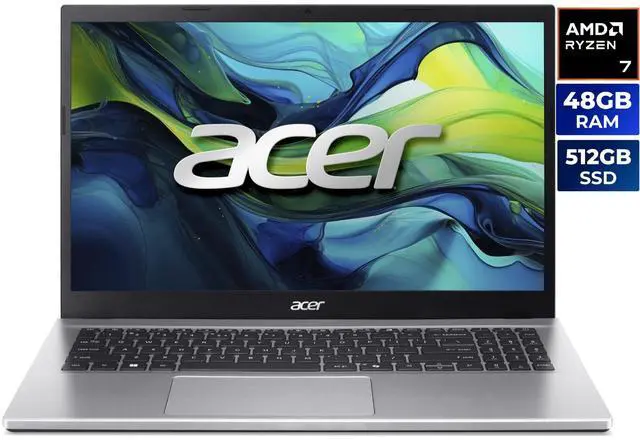
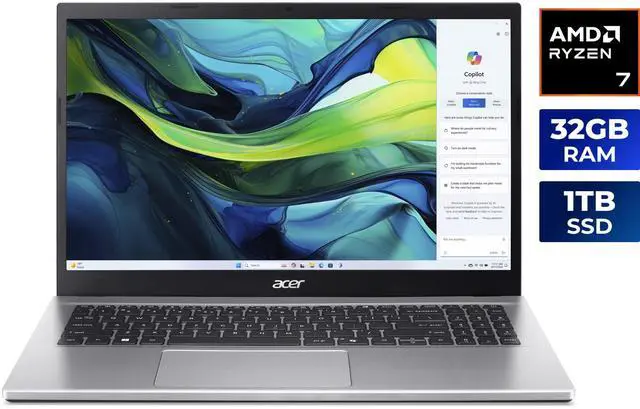
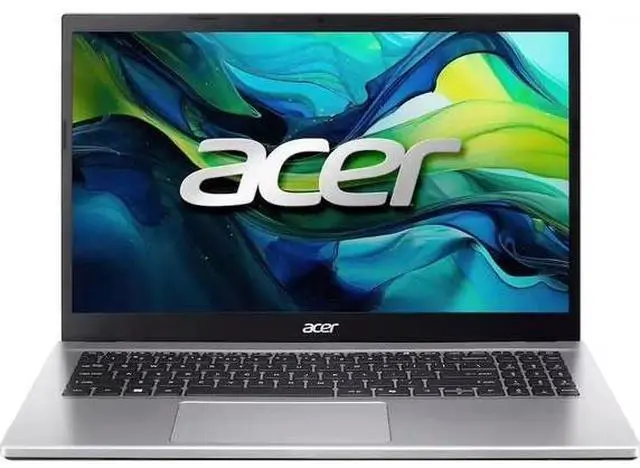
Shopping for a new laptop and stuck on the memory question? For the Acer Aspire Go 15 lineup, the answer comes down to how hard you actually work your machine day to day. These three configurations all share the same core hardware: an Intel Core i9-13900H, a 15.6-inch 1080p IPS display, Intel Iris Xe graphics, and a 512GB PCIe SSD. The main difference is RAM, with 16GB, 32GB, and 48GB options built around DDR4-3200 SODIMMs.
That makes this one of the clearest “buy for your workload” decisions you can make. If your laptop life is mostly browsing, streaming, and video calls, you do not need to overspend. But if you keep a lot of apps open, edit media, or run memory-heavy tools, the right RAM tier can make the Aspire Go 15 feel noticeably smoother for longer.
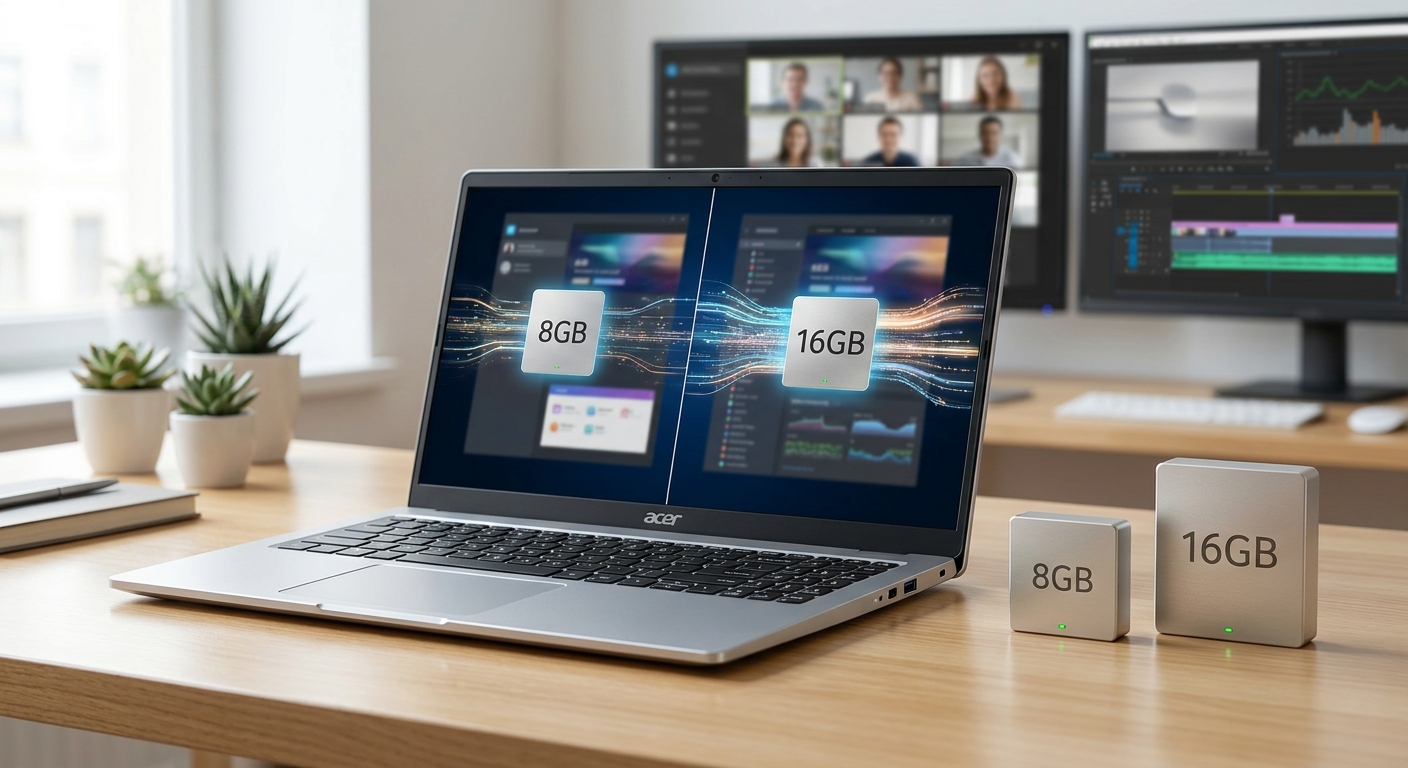
Why RAM matters on the Aspire Go 15
RAM is the space your laptop uses for whatever you are actively doing right now. That includes browser tabs, communication apps, office tools, editing software, and anything else you do at the same time. On the Aspire Go 15, the Intel Core i9-13900H brings serious processing power, with 14 cores, 20 threads, up to 5.4GHz boost, and 24MB of L3 cache. In other words, the CPU is not the weak link here for most buyers. Memory capacity is what starts to matter once multitasking ramps up.
This is even more relevant because the system uses integrated Intel Iris Xe graphics, which share system memory instead of using dedicated VRAM. So whether you are streaming, connecting external displays, or doing light creative work, RAM is helping carry more of the load. More memory can keep the whole experience feeling responsive when your browser, meeting software, cloud sync, and creative tools are all running together.
What 16GB, 32GB, and 48GB really mean in daily use
- 16GB is the practical starting point for school, office work, streaming, and everyday multitasking.
- 32GB is the smarter pick for heavier multitaskers, creators, and anyone who likes extra breathing room.
- 48GB is aimed at memory-hungry users who work with virtual machines, large projects, or long-term headroom.
The Aspire Go 15 also includes Wi-Fi 6, Bluetooth 5.3, two USB-C ports, two USB-A ports, and HDMI 2.1, so it is well suited to a desk setup as well as portable productivity. If you regularly plug into external monitors, accessories, and cloud-based workflows, memory capacity becomes a bigger deal than many shoppers expect.
What to look for before you choose
The best way to choose is to match the RAM to your actual workload, not just the price tag. If you mainly use a browser, spreadsheets, classes, and basic productivity apps, 16GB should cover the essentials well. If your day includes photo editing, bigger files, or lots of tabs and apps at once, 32GB is the safer long-term choice.
It is also worth paying attention to the memory ceiling and upgrade path. The 16GB Aspire Go 15 configuration listed here shows one occupied memory slot and one available slot, with a maximum supported memory of 32GB. The 32GB and 48GB options are factory-configured differently in the listings provided, but the practical point is simple: avoid paying for more memory than you will use, but do not underbuy if your current laptop already feels sluggish under load.
Decision tree for real-world buyers
- Choose 16GB if you mainly browse, attend online classes, stream, write, shop, and use Office apps.
- Choose 32GB if you edit photos or video, work in large spreadsheets, keep many tabs open, or run creative apps alongside meetings.
- Choose 48GB if you use virtual machines, handle large media projects, keep multiple heavy apps open all day, or want maximum headroom for the future.
Storage is another factor to keep in mind. All three versions come with a 512GB PCIe SSD, so RAM is the real differentiator in this lineup. If you expect your files, projects, or exports to grow quickly, 32GB or 48GB will feel more balanced than 16GB over time.
Comparison table
The table below keeps the focus on what changes between the three versions, while the core chassis and platform stay the same.
ModelMemoryBest forStrengthWatch out forAspire Go 15 16GB16GB DDR4-3200School, office, streaming, everyday multitaskingLowest-cost practical optionCan feel cramped with many tabs or creative appsAspire Go 15 32GB32GB DDR4-3200Photo work, light-to-moderate video editing, heavy multitaskingBest balance of price and headroomMay be more than casual users needAspire Go 15 48GB48GB DDR4-3200Virtual machines, heavier creative work, future-proofingMost headroom for demanding workflowsOnly worth it if you actually use the extra memory
All three versions also share the same key platform features: Intel Core i9-13900H, 15.6-inch Full HD IPS display, Intel Iris Xe graphics, Wi-Fi 6, Bluetooth 5.3, dual USB-C, dual USB-A, HDMI 2.1, FHD webcam, and Acer PurifiedVoice with AI noise reduction. So the real buying decision is not about a different platform — it is about how much active memory your day-to-day work really needs.
Detailed picks
If you want the shortest possible answer, 32GB is the best all-around recommendation for most serious shoppers. It gives you enough room for modern multitasking without jumping straight into memory capacity many users will never fully tap. For a lot of people, 32GB is the point where a laptop starts feeling comfortable all day instead of just acceptable.
That said, each version has a very clear audience. The best choice is the one that fits the way you use your laptop right now, not just the idea of future-proofing.
Best budget-minded choice: 16GB Aspire Go 15
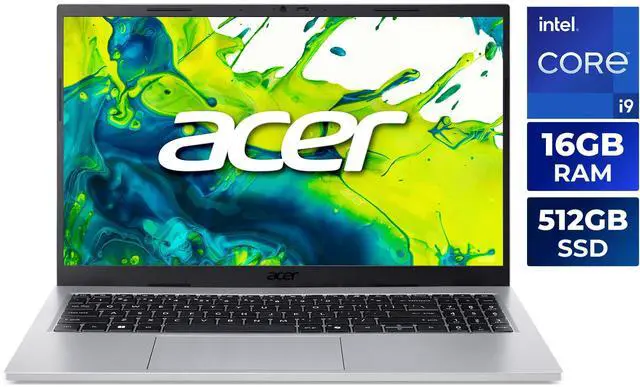
The 16GB version is the easy pick if your laptop is mostly for browsers, Google Docs or Microsoft 365, streaming, and video calls. It still gets the same Core i9-13900H and 512GB SSD as the higher-memory models, so you are not giving up the core platform to stay at this tier.
Where 16GB makes sense is in straightforward everyday use. If you are in online classes with a handful of tabs, a note-taking app, and a meeting window, it should feel solid. It starts to feel tighter once you add editing tools, large design files, or several demanding browser sessions at the same time.
- Choose this if: you want value and do not run memory-heavy apps.
- Great for: school, office work, media streaming, travel productivity.
- Limit: less breathing room for editing and virtualization.
Best all-around pick: 32GB Aspire Go 15
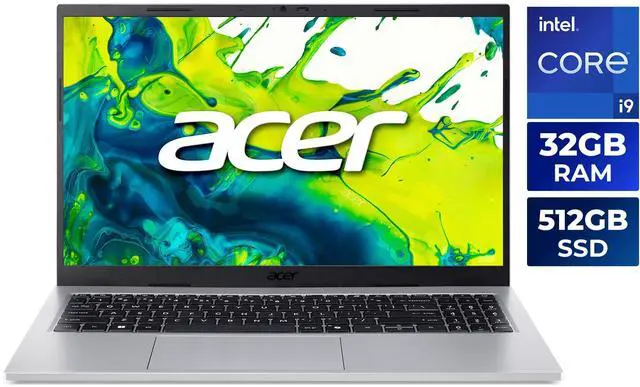
The 32GB version is the sweet spot for most buyers who want the laptop to stay responsive under pressure. Based on the provided specs, this configuration uses 16GB installed plus an added 16GB DDR4-3200 module, which clearly positions it for people who need more active memory without going all the way to the highest tier.
This is the model I would point most shoppers toward if they edit photos occasionally, work across multiple browser profiles, keep Slack or Teams open all day, and still want plenty of tabs in the background. It is also easy to recommend because the rest of the machine is already strong: the 14-core Core i9-13900H, integrated Iris Xe graphics, and PCIe SSD all support a smooth multitasking experience.
- Choose this if: you multitask heavily and want the best balance.
- Great for: creators, remote workers, heavy browser users, students with demanding workloads.
- Limit: not the best fit if you run multiple large virtual machines regularly.
Best for power users: 48GB Aspire Go 15
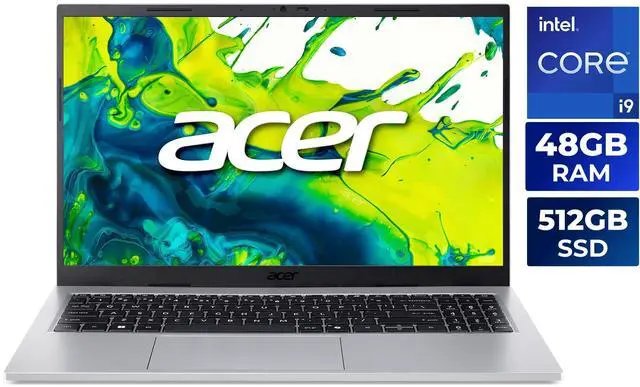
The 48GB version is the clear choice for users who know they are memory-bound. In the listing, it is configured with 16GB installed plus a 32GB DDR4-3200 module, bringing the system to 48GB total. That amount of memory is most useful when your active workloads are large and stay open for long stretches, such as virtual machines, heavy browser workspaces, or editing projects with lots of assets.
For the right buyer, 48GB is less about chasing a big spec number and more about keeping the machine from slowing down when it is doing real work. If you test software in virtual environments, keep several creative apps open, or simply want as much long-term breathing room as possible, this is the version that should age the most gracefully.
- Choose this if: you already know 32GB is not enough for your workflow.
- Great for: VMs, advanced multitasking, large creative projects.
- Limit: overkill for casual use and standard productivity.
Final verdict
For the Acer Aspire Go 15 family, the best RAM choice in 2026 is usually 32GB. It delivers the strongest balance of cost, responsiveness, and long-term comfort for the widest range of buyers. If your laptop use is mostly online classes, office work, and streaming, 16GB is still a perfectly sensible buy. If you already know you work with virtual machines or demanding creative projects, 48GB is the option that gives you the most breathing room.
My simple rule is this: buy 16GB if you are a light-to-moderate user, buy 32GB if you want the best overall value, and buy 48GB if your workflow regularly pushes memory to the limit. Since all three versions share the same Core i9-13900H, 15.6-inch FHD IPS display, and 512GB PCIe SSD, RAM is the real decision point. That makes this lineup a very straightforward buy-for-your-needs proposition.
If you want the most future-proof choice without overspending, the 32GB Aspire Go 15 is the one to put at the top of your list.
Frequently Asked Questions
Is 16GB RAM enough for the Aspire Go 15 in 2026?
Yes — if your day is mostly browsing, schoolwork, office apps, streaming, and video calls, 16GB should be enough. It handles everyday multitasking well. If you tend to leave a lot of tabs open or use creative software, though, 32GB is the more comfortable choice.
Who should buy the 32GB Aspire Go 15?
The 32GB model is the best fit for shoppers who want a laptop that feels smooth even when the workload gets busy. It is a strong choice for photo editing, light-to-moderate video editing, remote work, and heavy browser use. For most people who want the best mix of value and headroom, this is the one to get.
When does 48GB RAM make sense on this laptop?
48GB is the right call if you use virtual machines, work with larger creative projects, or keep multiple demanding apps open all day. It is also the best option if you want the most room to grow over time. For casual users, it is usually more memory than they will need.
Can I upgrade the Aspire Go 15 RAM later?
Based on the configuration details in this guide, the 16GB version shows one occupied slot and one available slot, with a listed maximum supported memory of 32GB. That means there is some upgrade flexibility, but the exact ceiling depends on the specific model and slot setup. It is a good idea to confirm the SKU and memory layout before buying.
Is the 32GB version better value than 16GB or 48GB?
For most buyers, yes. 32GB tends to offer the best mix of speed, longevity, and practical value, especially if you multitask or use creative apps. The 16GB model is the value-friendly pick for lighter users, while 48GB is best reserved for buyers who already know they need that much memory.
Read More
- Acer Aspire Go 15 Official Product Page — Official Acer overview of the Aspire Go 15 lineup and key features.
- Intel Core i9-13900H Product Brief — Intel’s official specification page for the processor used in this guide.
- DDR4 Memory Overview by Crucial — A practical explainer on DDR4 memory and how it differs from newer RAM types.
- How Much RAM Do You Need? – PCWorld — A mainstream buying guide that helps translate RAM capacity into real-world use cases.
- How Much RAM Do You Need in 2026? – Tom’s Hardware — A hardware-focused guide for choosing between 16GB, 32GB, and higher RAM tiers.
Related Posts
- 2-in-1 vs Traditional Laptop for Students: Which Should You Buy?
- Best USB-C Docks and Hubs for Students in 2026
- Wi-Fi 8 Is Almost Here: What ASUS’s Wi-Fi 8 Routers Actually Mean
- Best OLED Gaming Monitors in 2026
- How to Upgrade a Prebuilt Desktop PC: What You Can and Cannot Change
Frequently Asked Questions
Answers to common questions about Acer Aspire Go 15 RAM configurations.