
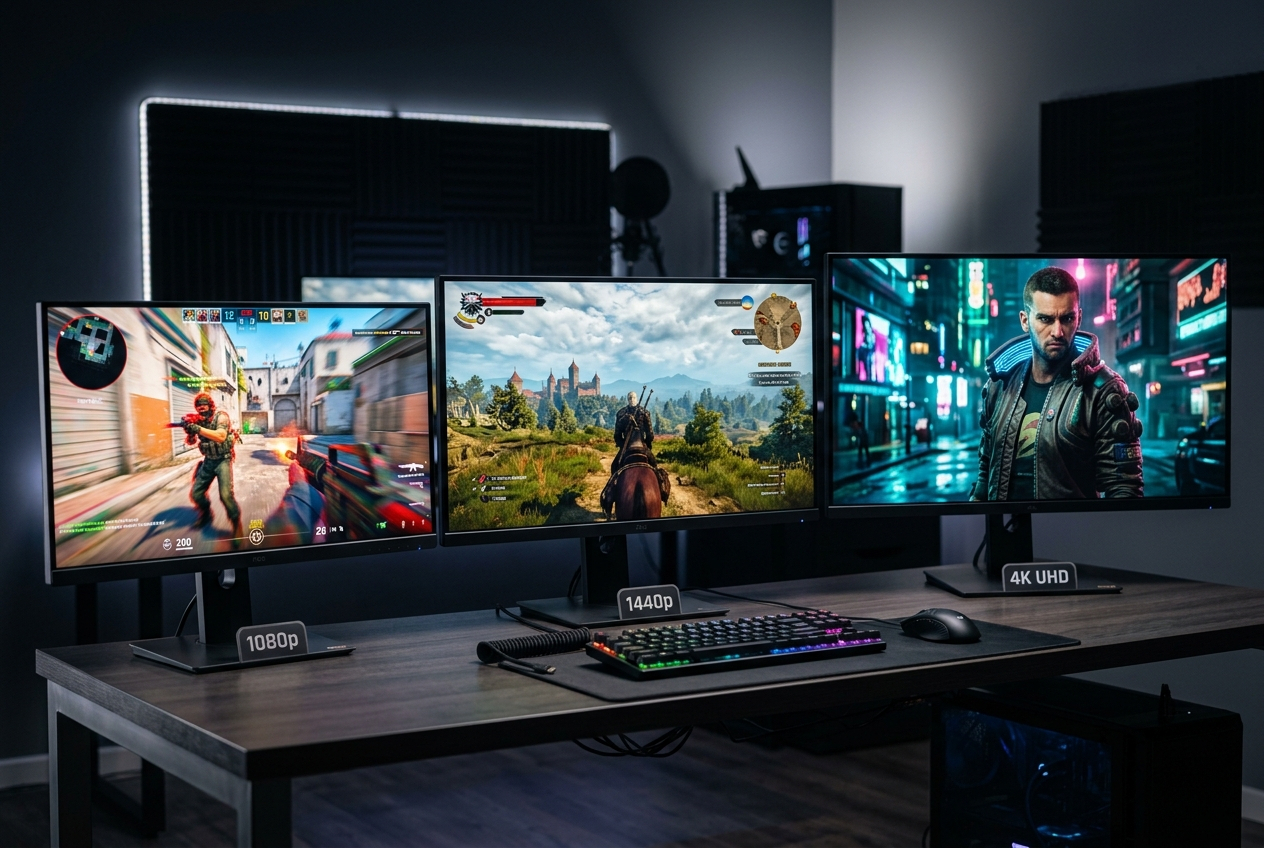
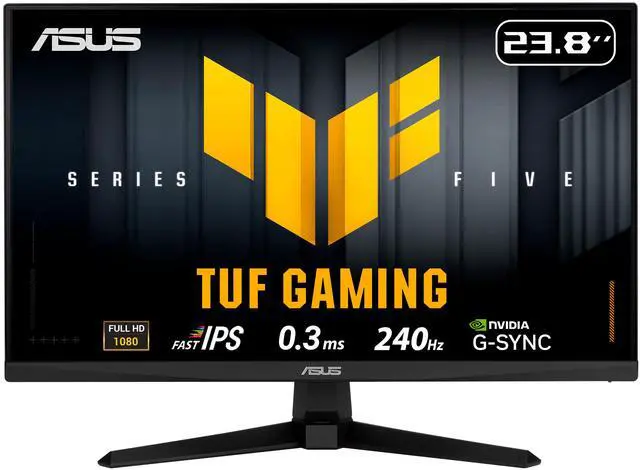
Resolution is one of the first specs you’ll see on any gaming monitor listing — and one of the most consequential decisions you’ll make. More pixels mean sharper images, richer detail, and a more immersive visual experience. But more pixels also demand more from your GPU. So what gaming monitor resolutions are available in 2026, and which one actually fits your setup?
This guide answers those questions clearly, with real-world performance context to help you match the right resolution to your GPU, your games, and your priorities.
Why Resolution Matters — and What It Actually Changes
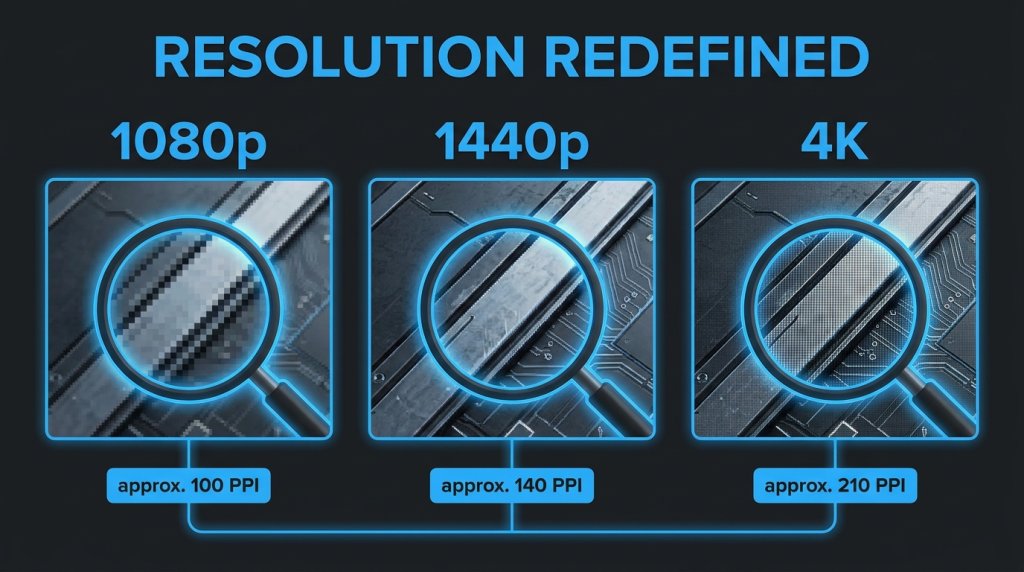
Resolution refers to the number of pixels displayed horizontally × vertically. A higher resolution packs more pixels into the same physical screen area, producing a sharper, more detailed image with finer text, crisper textures, and more visible detail in distant game objects.
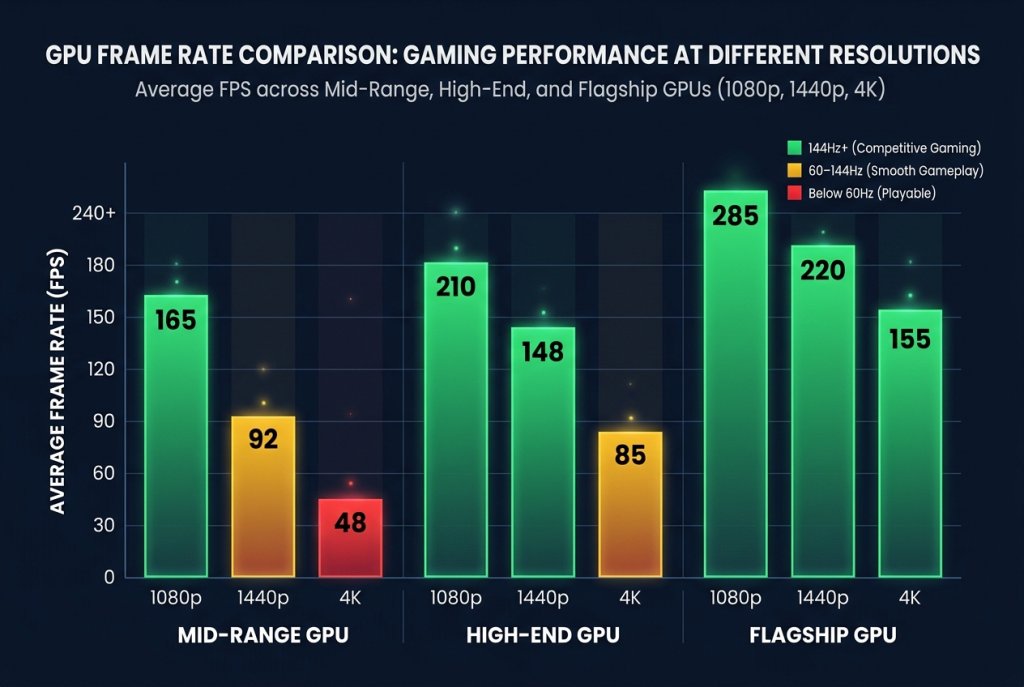
But resolution has a direct cost: rendering more pixels requires more GPU processing power. A GPU that runs a game at 144 frames per second at 1080p may only achieve 80 frames per second at 1440p and 45 frames per second at 4K — in the same game, with the same settings.
This GPU-resolution relationship is the central trade-off every gaming monitor buyer must navigate.
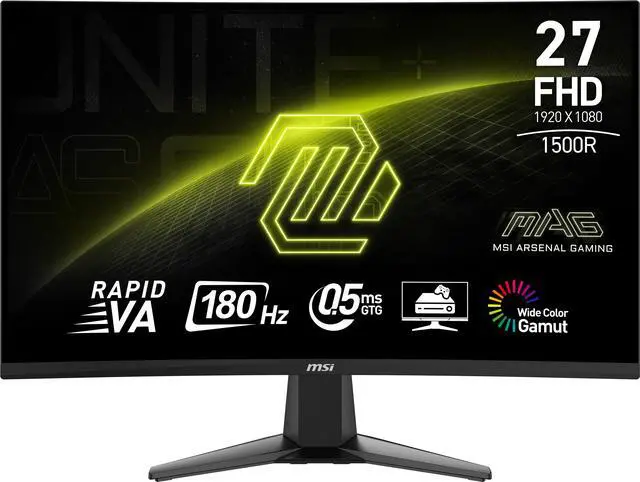
1080p (Full HD): The Competitive Gaming Standard
Resolution: 1920 × 1080 — approximately 2.07 million pixels
1080p Full HD gaming monitors remain the most widely used resolution in competitive gaming in 2026 — and for good reason. At 1080p, even mid-range GPUs can sustain 240Hz or higher frame rates in popular esports titles like Valorant, CS2, and Apex Legends. The lower rendering load means VRR technologies like G-Sync and FreeSync operate in the upper range of the refresh window more consistently.
Best for:
- Competitive esports players prioritizing maximum frame rates
- Budget-conscious buyers who want the best refresh-rate-to-GPU-demand ratio
- 24–26 inch monitor users — at this size, 1080p pixel density is acceptable at typical desk viewing distances
Limitation: On screens larger than 27 inches, 1080p pixel density drops visibly. Individual pixels become distinguishable, text edges soften, and fine texture detail in games becomes noticeably less crisp. 1080p and large screens don’t pair well.
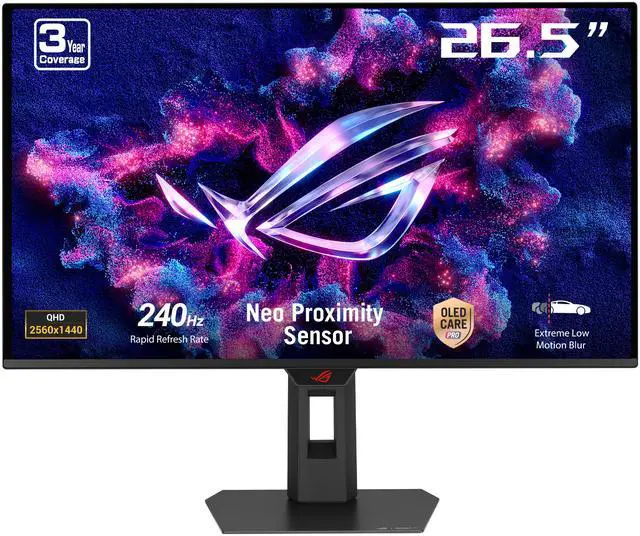
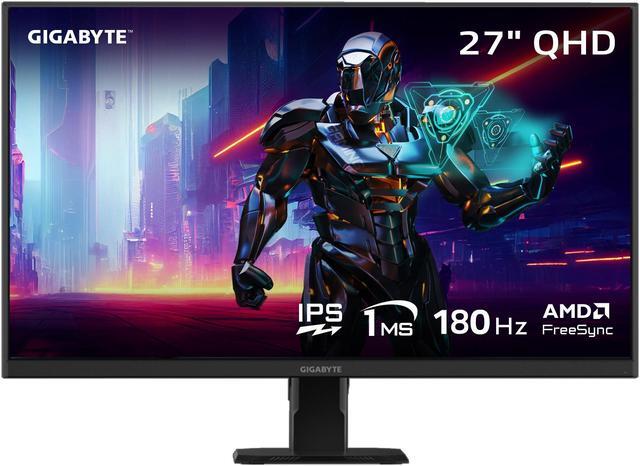
1440p (QHD / 2K): The 2026 Sweet Spot
Resolution: 2560 × 1440 — approximately 3.69 million pixels (78% more pixels than 1080p)
If one resolution defines the mainstream premium gaming experience in 2026, it is 1440p. It strikes a balance that neither 1080p nor 4K can fully match:
- Significantly sharper than 1080p, even on 27–32 inch panels
- Substantially lower GPU demand than 4K, enabling high frame rates on mid-to-high tier hardware
- Broad monitor availability across IPS, VA, OLED, and QLED panel types
- Compatible with HDR implementations at high refresh rates
In 2026, mid-range GPUs from both NVIDIA and AMD can sustain 144Hz or higher at 1440p in demanding AAA titles — making 1440p achievable without requiring flagship GPU investment.
Best for:
- Gamers who want visual quality above 1080p without the GPU demands of 4K
- 27–32 inch monitor users — 1440p pixel density is excellent at this size range
- Players who split time between competitive multiplayer and immersive single-player titles
4K (UHD): Maximum Visual Fidelity
Resolution: 3840 × 2160 — approximately 8.29 million pixels (4× more pixels than 1080p, 2.25× more than 1440p)
4K gaming monitors deliver the sharpest, most detailed images available in mainstream gaming hardware in 2026. At 4K, texture detail is razor-sharp, distant objects retain clarity, and the overall image quality in visually rich games is in a different tier from 1080p or 1440p.
The caveat is well-known: 4K gaming at high frame rates demands the most powerful GPUs available. In 2026, consistent 60Hz performance in demanding AAA titles at 4K requires upper-mid to high-end hardware. Sustaining 120Hz or higher at 4K in demanding titles currently requires flagship GPU configurations.
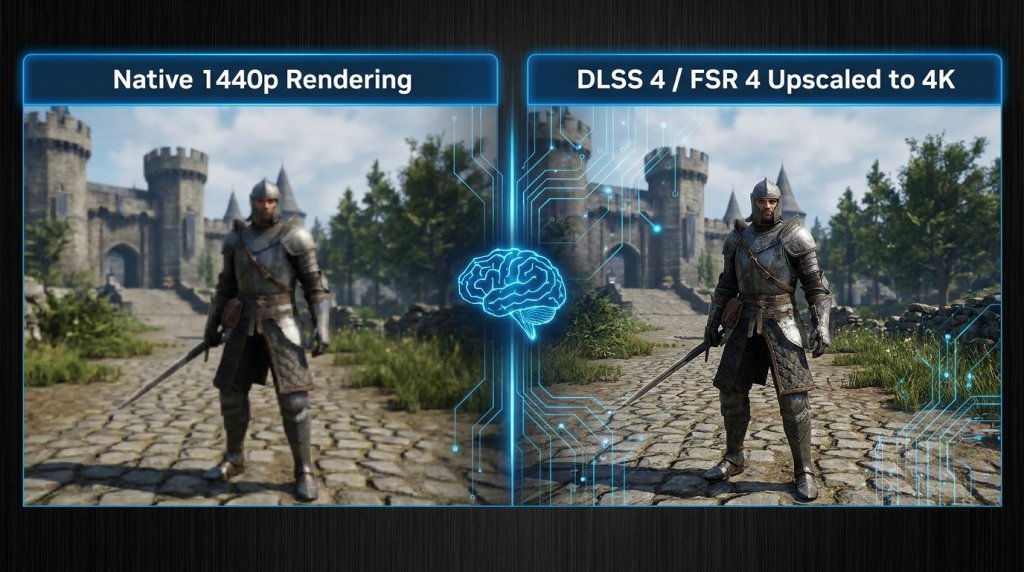
AI-powered upscaling technologies — NVIDIA DLSS 4 (Multi Frame Generation) and AMD FSR 4 — have partially addressed this. By rendering internally at 1440p or even 1080p and using neural network models to reconstruct 4K-quality output, these tools make 4K gaming accessible at higher frame rates on a broader range of GPUs than native 4K rendering would allow.
Best for:
- Players with high-end GPU builds seeking maximum visual fidelity
- Single-player gamers focused on immersive visual experiences over competitive frame rates
- 33-inch and larger monitor users — at large screen sizes, 4K pixel density is essential for a sharp image
- Users who also do content creation, where 4K resolution has practical workflow benefits
Beyond 4K: 5K and Ultrawide Resolutions
For specialized professional and creative use cases, 5K displays (5120 × 2880) and 39+ inch ultrawide configurations push resolution further. 5K is primarily a content creation and professional productivity resolution — the rendering demands for gaming at 5K exceed what most consumer GPU setups can sustain at playable frame rates.
Ultrawide resolutions (3440 × 1440 and 5120 × 1440) offer a middle path: more horizontal screen real estate than 16:9 displays, with manageable rendering demands relative to 4K. These are popular for immersive single-player gaming and multi-application productivity workflows.
Resolution vs. GPU: A Practical Matching Guide
| Resolution | Pixel Count | Recommended GPU Tier | Ideal Monitor Size | Best Use Case |
|---|---|---|---|---|
| 1080p | 2.07M | Entry to mid-range | 24–27 inch | Competitive gaming, budget builds |
| 1440p (QHD) | 3.69M | Mid to high-range | 27–32 inch | Balanced gaming, versatile use |
| 4K (UHD) | 8.29M | High to flagship | 32–43 inch | Visual fidelity, content creation |
| 5K | 14.75M | Flagship + | 27–32 inch | Professional creative work |
| Ultrawide 1440p | 4.93M | Mid to high-range | 34–38 inch | Immersive single-player, productivity |
The AI Upscaling Factor: Changing the Resolution Math
In 2026, AI-powered upscaling has meaningfully altered the resolution decision. Technologies like DLSS 4, FSR 4, and Intel XeSS allow games to render at a lower internal resolution and reconstruct higher-resolution output through machine learning inference. The practical result:
- A game can run at 4K visual quality with approximately 1440p GPU rendering load
- Frame generation multiplies effective frame rate output beyond what native rendering produces
- Curved gaming monitors at large sizes benefit particularly from upscaling, maintaining sharpness across the curved surface
This changes the calculus for buyers: choosing a 4K monitor is less constrained by current GPU specs than it was three years ago, as upscaling can bridge the performance gap while still delivering near-native visual quality.
Quick Decision Guide
Choose 1080p if: Competitive gaming at maximum refresh rates is your priority, or your GPU is entry-to-mid tier.
Choose 1440p if: You want the best balance of visual quality and frame rate performance, and your monitor is 27–32 inches.
Choose 4K if: Visual fidelity is your top priority, you have a high-end GPU, and your monitor is 32 inches or larger.