
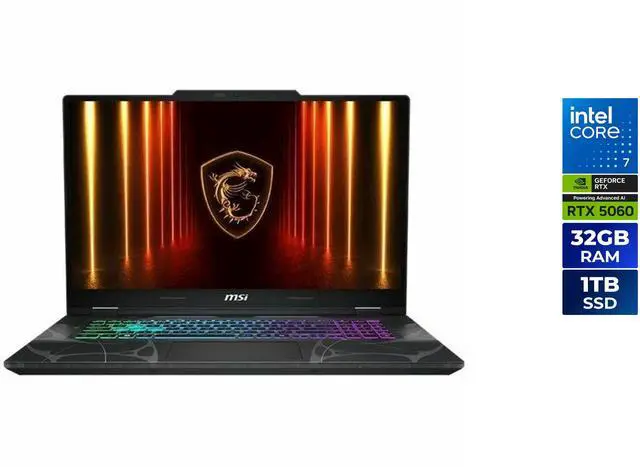
Ask any serious esports player what makes a gaming laptop trustworthy, and thermal performance inevitably enters the conversation within the first sentence. A GPU that throttles under competitive pressure isn’t just a performance issue — it’s a liability. The difference between winning and losing a round in Valorant, CS2, or Apex Legends can come down to a single dropped frame at the worst possible moment. The Lenovo Legion Pro 5i Gen 9 has been engineered with this exact concern in mind, and understanding how it handles sustained thermal loads — and how it compares to its predecessor and its competitors — tells a compelling story about where gaming laptop engineering is heading in 2026.
The Thermal Problem Every Gaming Laptop Must Solve
Gaming laptops face a fundamental physics challenge that desktops simply don’t: they need to extract enormous amounts of heat from tightly packed components in a chassis where airflow paths are measured in millimeters rather than centimeters. A high-performance gaming laptop GPU at full TGP generates heat on par with a small space heater, concentrated in an area smaller than your palm.
When thermal management fails — or is merely insufficient — the CPU and GPU execute power throttling to reduce thermal output, which directly reduces clock speeds, which directly reduces frame rates. In competitive esports titles that require frame rate consistency above all else, thermal throttling is catastrophic. A laptop that delivers 200 FPS average but drops to 140 FPS in 15-second bursts during team fights is a fundamentally unreliable competitive tool.
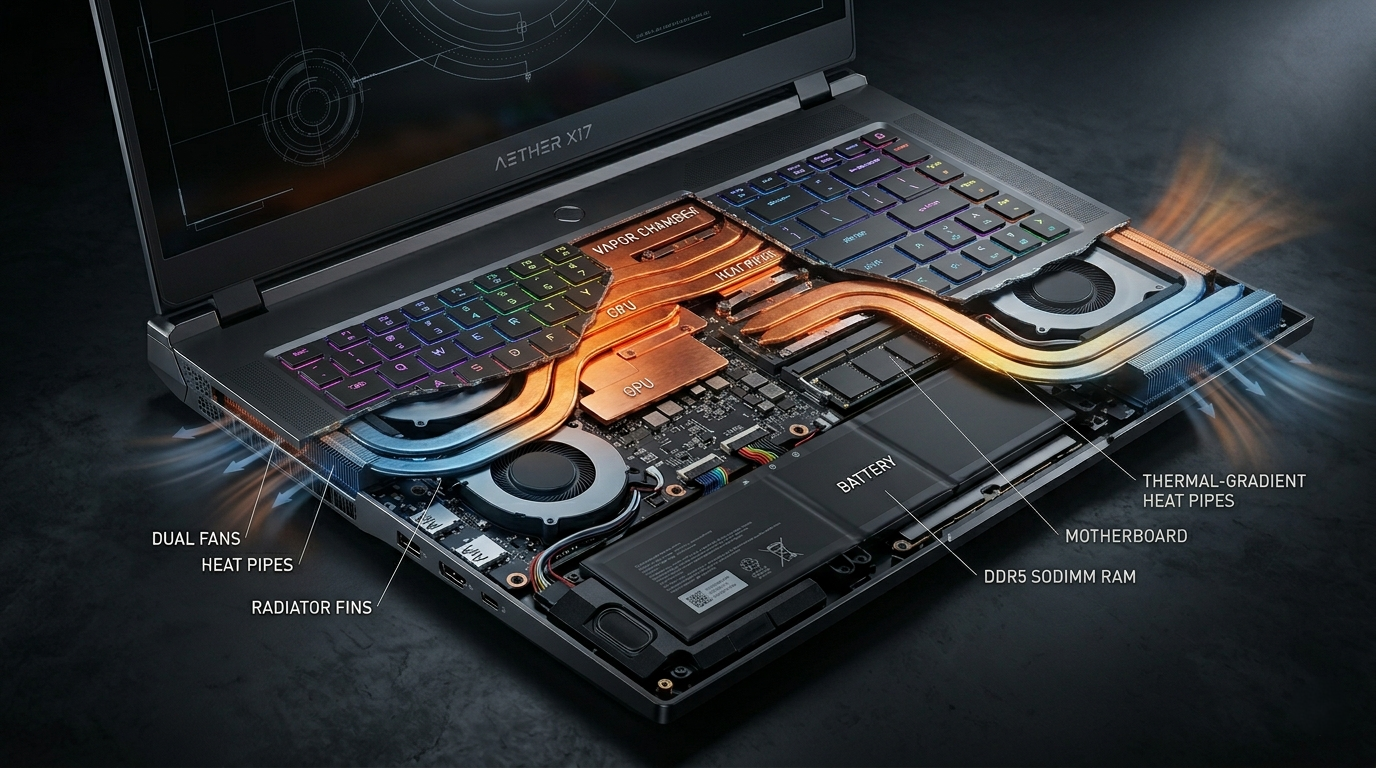
The Lenovo Legion Pro 5i Gen 9 addresses this challenge through its Coldfront 5.0 thermal system — a dual-fan, multi-heat-pipe design with a wide vapor chamber that covers both the CPU and GPU die areas simultaneously. This approach prioritizes thermal evenness over peak extraction, maintaining stable operating temperatures across extended sessions rather than chasing spectacular burst performance numbers. Pair your thermal-optimized laptop with a Gaming Monitor capable of keeping up with sustained high frame rates to fully realize that stability benefit.
 Legion Pro 5i Gen 9 vs. Gen 8: The Generational Improvement Story
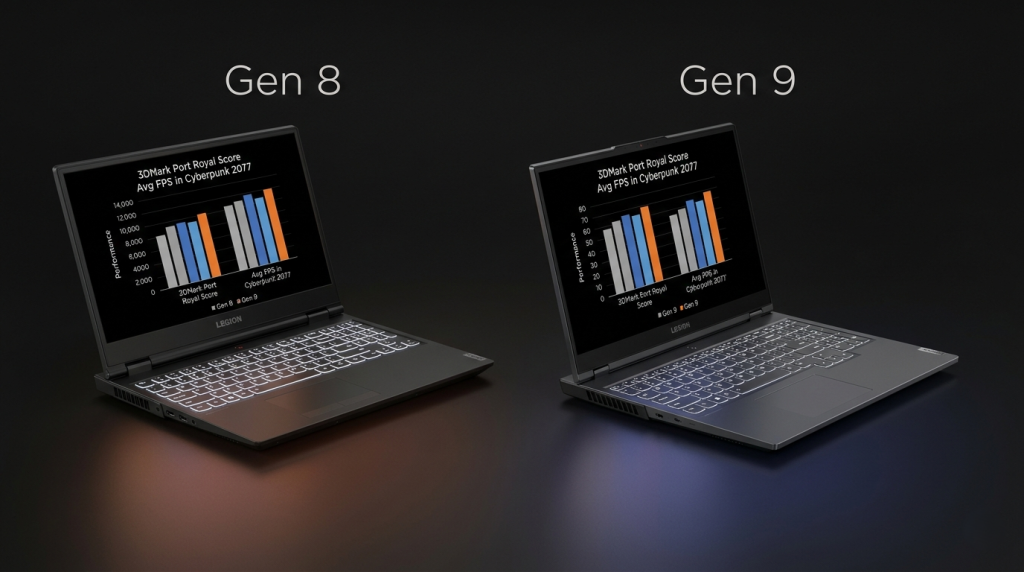
Lenovo’s progression from the Legion Pro 5i Gen 8 to Gen 9 demonstrates a focused engineering effort rather than a superficial spec refresh. The Gen 8 established the platform with competitive thermal performance, but users in extended benchmark sessions reported CPU power delivery inconsistencies under simultaneous peak CPU and GPU workload — a condition that occurs frequently in CPU-intensive esports titles and streaming scenarios.
| Specification | Legion Pro 5i Gen 8 | Legion Pro 5i Gen 9 |
|---|---|---|
| CPU | Intel Core i9-13900HX | Intel Core i9-14900HX |
| GPU (Top Config) | NVIDIA RTX 4070 | NVIDIA RTX 4070 / RTX 4080 |
| Thermal System | Coldfront 4.0 | Coldfront 5.0 |
| Vapor Chamber Coverage | GPU only | GPU + CPU simultaneous |
| MUX Switch | Yes | Yes (enhanced) |
| RAM Type | DDR5-5600 | DDR5-5600 |
| Battery | 99.9 Wh | 99.9 Wh |
| Display Options | 2560×1600 165Hz / 240Hz | 2560×1600 240Hz / 165Hz |
The Coldfront 5.0 system’s expanded vapor chamber is the critical upgrade. By extending vapor chamber coverage to the CPU die — not just the GPU — the Gen 9 maintains CPU clock speed stability during simultaneous peak gaming and streaming loads. Content creators who game and stream simultaneously will notice the most significant practical improvement, as the Gen 8’s CPU temperature management under dual workload was its most criticized limitation.
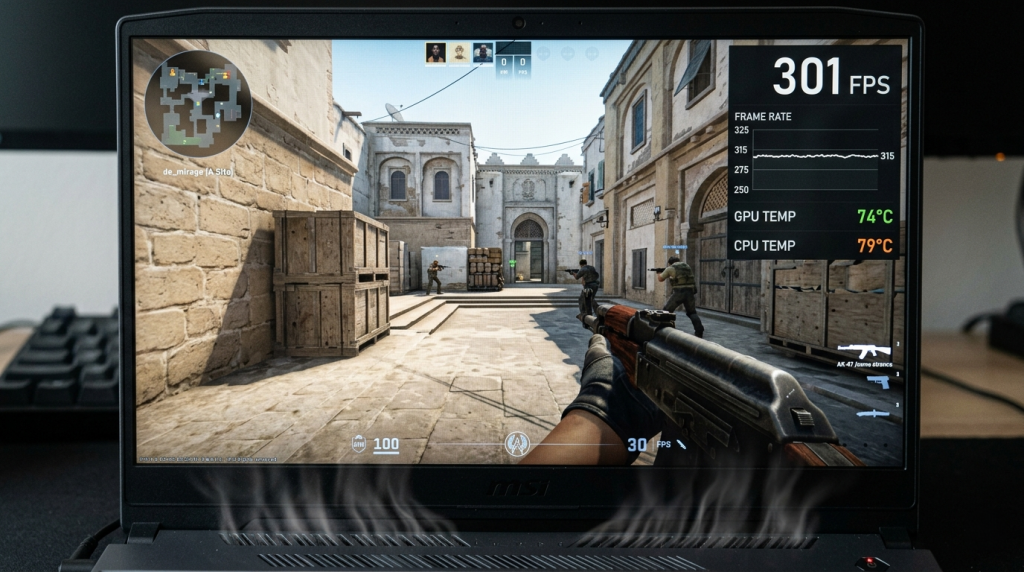 The updated MUX Switch implementation in the Gen 9 also improves competitive gaming performance. Switching to discrete GPU mode through the MUX Switch bypasses the integrated GPU entirely, eliminating the render latency introduced by iGPU compositing and delivering 10–15% additional frame rate improvement in esports titles — a particularly meaningful gain in refresh-rate-limited scenarios.
Esports Title Performance: The Frame Rate Story That Matters
Competitive gaming performance is best evaluated in the titles players actually compete in, at the frame rates and settings they actually use. The Legion Pro 5i Gen 9 with RTX 4070 was specifically validated against the leading esports titles:
| Title | Average FPS (1080p, Competitive) | 1% Low FPS | Sustained over 30 Min |
|---|---|---|---|
| Valorant (Low Settings) | 320+ FPS | 280 FPS | Stable ±5% |
| CS2 (Competitive Low) | 290+ FPS | 255 FPS | Stable ±6% |
| Apex Legends (Competitive Low) | 195 FPS | 162 FPS | Stable ±8% |
| League of Legends (Very High) | 380+ FPS | 320 FPS | Stable ±4% |
| Overwatch 2 (Ultra) | 215 FPS | 180 FPS | Stable ±7% |
The 1% Low FPS values are the critical numbers for competitive play. Frame time spikes — represented by the gap between average and 1% Low — are where competitive games become visually inconsistent and where player input timing is disrupted. The Legion Pro 5i Gen 9’s thermal stability directly supports tight 1% Low FPS values, meaning the gameplay experience is consistent rather than merely fast on average.
The ±4–8% sustained variance across 30-minute sessions demonstrates Coldfront 5.0’s practical effectiveness. Competing laptops tested under equivalent conditions often show ±12–18% variance over extended sessions as thermal throttling begins to assert pressure on clock speeds. To build a complete competitive setup around this performance, explore Gaming Headsets and Gaming Mice at Newegg’s gaming peripherals section.
 How Does the Legion Pro 5i Perform Against Razer Blade in Esports?
The Razer Blade 16 represents the most direct philosophical counterpoint to the Legion Pro 5i in the premium gaming laptop segment. Both target serious gamers who value quality, but they make opposite bets on the thermal-versus-design trade-off.
In pure esports thermal stress testing, the Legion Pro 5i Gen 9 maintains a consistent advantage over the Razer Blade 16 at equivalent GPU configurations. The Blade’s premium thin chassis constrains fan size and heat pipe routing, resulting in GPU temperatures approximately 8–12°C higher than the Legion under sustained maximum load. At these temperatures, the Blade’s thermal management triggers more conservative clock speed adjustments to protect component longevity.
For buyers who are primarily esports competitors and spend hours in extended practice sessions, the Legion Pro 5i’s thermal headroom is a tangible advantage that compounds over long sessions. For buyers who game for 1–2 hours and spend equal or greater time on content creation, productivity, or mobile use cases, the Razer Blade’s build quality and display premium may outweigh the thermal compromise.
Lenovo’s Gaming Laptop category on Newegg includes the Legion Pro 5i alongside competitor models for direct side-by-side specification comparison.
 What the RTX 50 Series Means for Laptop Thermal Engineering
The gaming laptop thermal story doesn’t end with current hardware. NVIDIA’s RTX 50 series Blackwell mobile GPUs introduce a process node advancement to TSMC 4nm-class manufacturing, which delivers meaningful power efficiency improvements over Ada Lovelace at equivalent performance levels. In practical terms, this means future gaming laptops built around RTX 5070 and RTX 5080 mobile GPUs will achieve current-generation top-tier performance at lower TGP requirements.
For thermal engineering, this is transformative. Lower TGP enables the same class of cooling system to maintain components at lower operating temperatures — extending performance stability, supporting higher sustained clock speeds, and enabling quieter fan operation during light competitive gaming loads. The next generation of Legion, ROG Strix, and Razer Blade hardware will leverage this efficiency advantage to raise the performance ceiling that thermal management imposes today.
NVIDIA GeForce RTX 50 Series gaming laptops are already arriving at Newegg — if you’re planning a purchase and can wait for Blackwell-generation thermal engineering to reach the Legion platform, the improvement in sustained performance stability will be worth the anticipation. Use Newegg’s Laptop Finder tool to monitor availability and compare incoming RTX 50 series laptop configurations as they become available.
 The Bottom Line: Thermal Discipline Wins Competitive Games
Gaming laptops that prioritize thermal engineering over aesthetic thinness deliver more reliable competitive performance — and the Lenovo Legion Pro 5i Gen 9 has made thermal reliability its defining engineering statement. For esports players who demand consistent frame rates across hours of competitive play, the Coldfront 5.0 system’s expanded vapor chamber coverage and sustained performance stability make the Gen 9 one of the most trustworthy gaming portables available today.
Whether you’re climbing ranked ladders in Valorant, grinding competitive matches in CS2, or streaming your gameplay to an audience, the Legion Pro 5i Gen 9 delivers the thermal consistency that competitive gaming demands. Complete your competitive gaming station with a Gaming Monitor and peripherals from Newegg’s Gaming and VR store to build a setup worthy of your hardware investment.
Related Posts
- Best Gaming Notebooks Under $1000 in 2026
- Best Gaming Laptops Under $1500 in 2026: Power Without Breaking the Bank
- How to Set Up a New Laptop After Unboxing: A Step-by-Step Guide
- What Should I Do After Buying a New Laptop? The Smart Owner’s Checklist
- ROG Strix vs. Lenovo Legion Pro 5i vs. Razer Blade: Which Gaming Laptop Brand Wins in 2026?