
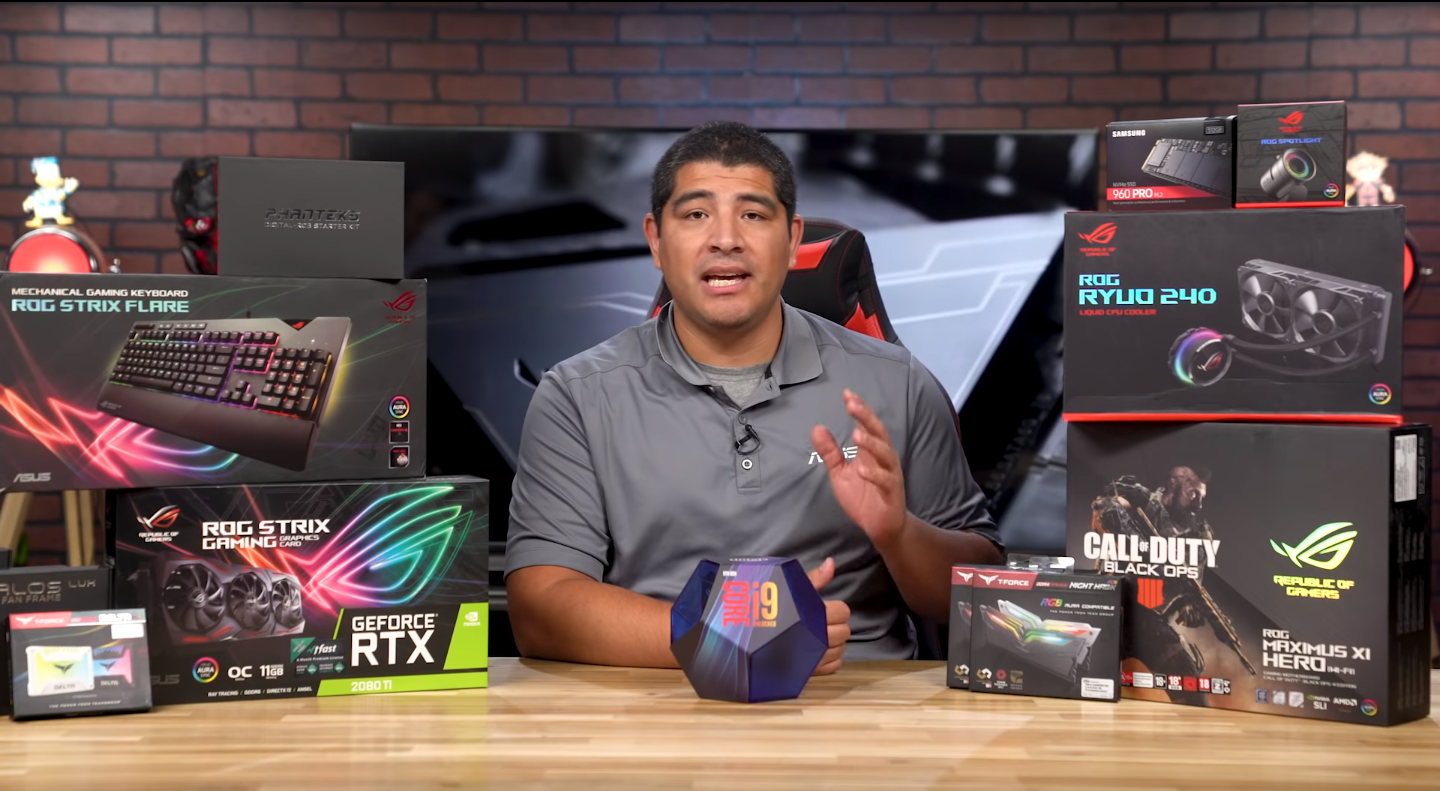

Looking to build a RGB gaming PC, built on Intel’s latest Z390 chipset and latest 9th Gen K series CPUs? This build video walks you through each and every step to help you get your awesome gaming PC up and running. Everything from CPU, Memory M.2 and GPU installation is covered, along with insights and important points to consider. The system features the latest hardware from Intel and ASUS, allowing for impressive aesthetics as well as outstanding performance.
Products in Video:
CPU – Intel 9th Gen K Series
Motherboards
CPU Cooler
Chassis
LED Lighting
- Phanteks LED RGB Strip Kit
- Exhaust ( Rear Fan ) Phanteks 140MM Case Fan
- Phanteks Halos LUX RGB Fan Frames 120mm
- Phanteks Halos LUX RGB Fan Frames140mm
Memory
- T-FORCE NightHawk RGB
- SSD T-FORCE RGB ( Addressable SSD )
- M.2 SSD Samsung M.2 PCIe NVMe SSD
- Power Supply Seasonic Prime Ultra 850WATT
Keyboard
Mouse
Gaming Surface
Monitors
Related Posts
- AI Workstation vs Gaming PC: Which Do You Actually Need?
- Best Gaming Benchmark PCs for Everyday Play: What to Look For
- How to Use Newegg’s Custom PC Builder: From Blank Page to Complete Build
- How to Tune Your Gaming Desktop for Crimson Desert and Other Open-World RPGs
- Max Out the Fear: How to Optimize Your Gaming PC for Resident Evil Requiem and Other Survival Horror Hits