
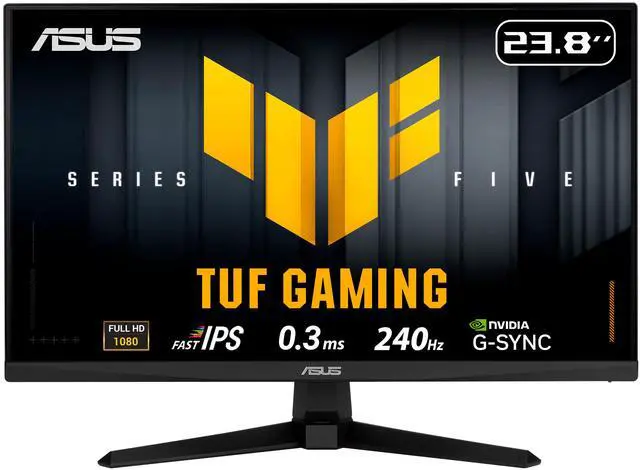
Selecting the optimal gaming monitor in 2026 involves navigating the complex relationship between resolution, refresh rate, and your hardware capabilities. With AI-driven display technologies and next-generation GPUs reshaping performance expectations, understanding how 1080p high-refresh-rate displays compare to 1440p and 4K alternatives has never been more critical.
The Resolution and Refresh Rate Equation
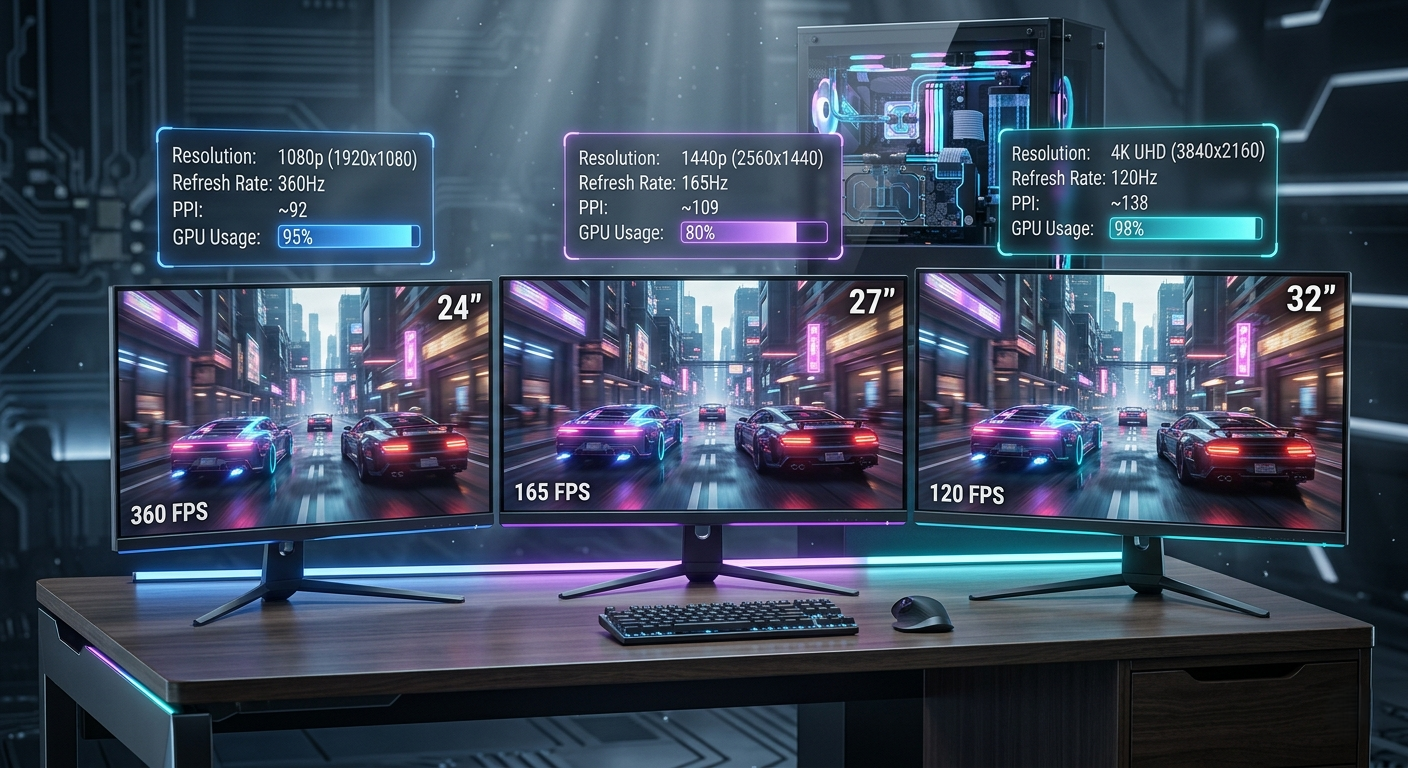
The fundamental trade-off between resolution and refresh rate remains relevant even in 2026. Higher resolutions demand significantly more GPU processing power, which often necessitates accepting lower refresh rates to maintain acceptable frame rates. However, advances in upscaling technologies and hardware capabilities have shifted this balance considerably.
1080p High Refresh Rate: The Competitive Gaming Standard
Full HD gaming at 1080p resolution with refresh rates reaching 360Hz to 500Hz represents the pinnacle of competitive gaming performance. These high-refresh-rate Full HD monitors deliver the smoothest motion clarity available, making them indispensable for esports professionals and enthusiasts.
Advantages of 1080p High Refresh Rate
At 1920×1080 resolution, modern GPUs can easily maintain frame rates that saturate ultra-high refresh rate displays. This creates the smoothest possible gaming experience with minimal input lag, crucial for competitive titles where milliseconds determine victory.
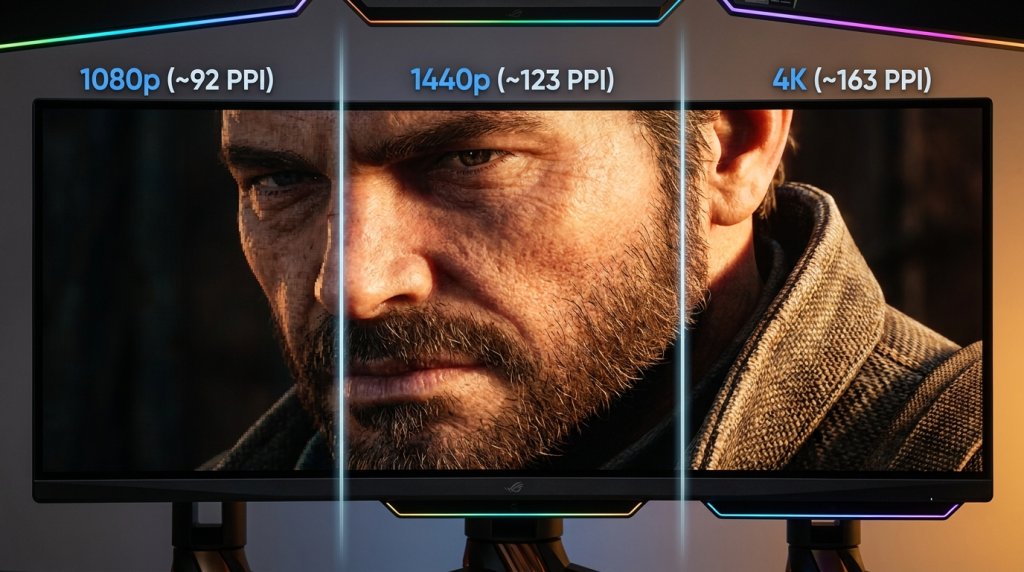
The pixel density of 1080p at typical screen sizes (24-26 inches) remains perfectly acceptable for most users, approximately 90-95 pixels per inch. While not as sharp as higher resolutions, the trade-off for extreme smoothness is worthwhile for competitive gaming.
Current Technology Integration
Modern 1080p gaming monitors incorporate AI-enhanced motion blur reduction and adaptive sync technologies that work seamlessly with both NVIDIA and AMD graphics solutions. These technologies eliminate screen tearing while maintaining the responsive feel essential for competitive play.
1440p: The Sweet Spot for Modern Gaming
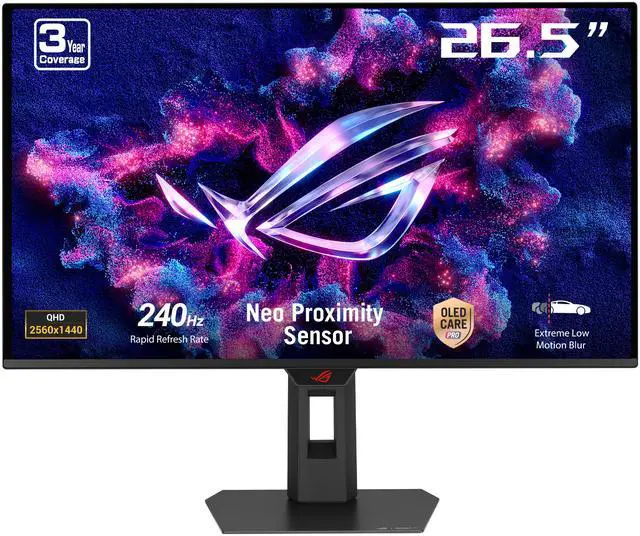
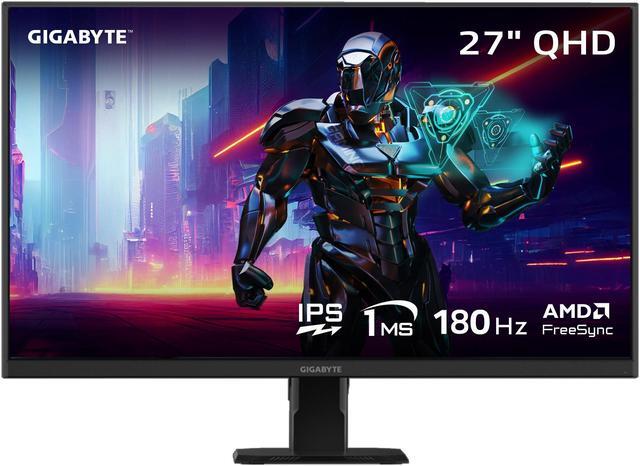
Quad HD resolution at 2560×1440 pixels has emerged as the preferred choice for most gamers in 2026, offering an excellent balance between visual fidelity and performance. 1440p gaming monitors typically operate at 165Hz to 240Hz refresh rates, providing both sharp imagery and smooth motion.
Why 1440p Works
The 78% increase in pixels over 1080p delivers noticeably sharper image quality, making textures, distant objects, and UI elements significantly clearer. At 27-inch screen sizes, 1440p provides approximately 109 PPI, creating a visibly crisp experience without requiring display scaling.
Modern mid-range to high-end GPUs handle 1440p gaming admirably, with AI-powered upscaling technologies like DLSS 4 and FSR 4 enabling high frame rates even in demanding titles. This resolution works particularly well for games that balance competitive and visual elements, such as battle royales, RPGs, and action-adventure titles.

The 1440p Advantage
For users who engage in both gaming and productivity work, 1440p offers substantial desktop real estate without requiring operating system scaling. The extra pixels make multitasking more comfortable and content creation workflows more efficient.
4K: The Visual Showcase
Ultra HD 4K resolution at 3840×2160 pixels represents the current pinnacle of mainstream gaming display technology. 4K gaming monitors now commonly feature refresh rates between 120Hz and 144Hz, with premium models reaching 240Hz.
4K Gaming Realities in 2026
The four-fold pixel count compared to 1080p creates stunning visual clarity, with even the smallest details rendered sharply. At 27-32 inch screen sizes, 4K provides pixel densities exceeding 160 PPI, approaching print-quality sharpness.
However, 4K gaming remains demanding. Even flagship GPUs from 2026 struggle to maintain high frame rates in the latest AAA titles at maximum settings. This is where AI-driven upscaling technologies prove invaluable, allowing games to render at lower internal resolutions while presenting nearly native 4K image quality.
HDR and 4K Synergy
4K displays particularly benefit from HDR implementation, as the increased pixel count allows for more nuanced brightness and color gradations. Many 4K gaming monitors now feature VESA DisplayHDR 1000 or higher certification, creating truly cinematic gaming experiences.
Performance Comparison Table
| Resolution | Pixel Count | Typical Refresh Rate | GPU Demand | Best Screen Size | Ideal Use Case |
|---|---|---|---|---|---|
| 1080p | 2,073,600 | 240-500Hz | Low to Medium | 24-26″ | Competitive Gaming |
| 1440p | 3,686,400 | 165-240Hz | Medium to High | 27-32″ | Balanced Gaming |
| 4K | 8,294,400 | 120-240Hz | Very High | 27-43″ | Visual Showcase |
Emerging Display Technologies in 2026
The gaming monitor market has seen several breakthrough developments this year. Dual-mode displays that dynamically switch between 1440p at 360Hz and 4K at 144Hz are gaining traction, using AI algorithms to automatically select the optimal mode based on game type and GPU performance.
Additionally, 5K ultra-wide monitors have entered the mainstream, offering 5120×2160 resolution that splits the difference between 1440p and 4K while providing immersive ultra-wide aspect ratios.
Screen Size Considerations
Resolution choice should align with screen size for optimal pixel density. For competitive gaming, 24-26 inch displays at 1080p or 1440p provide the best field of view without requiring excessive eye movement. For immersive gaming, 33+ inch ultra-wide displays at 1440p or higher create engaging experiences.
Large format displays (39+ inches) particularly benefit from 4K resolution, as lower resolutions appear noticeably pixelated at these sizes when viewed from typical desk distances.
The Curved Display Factor
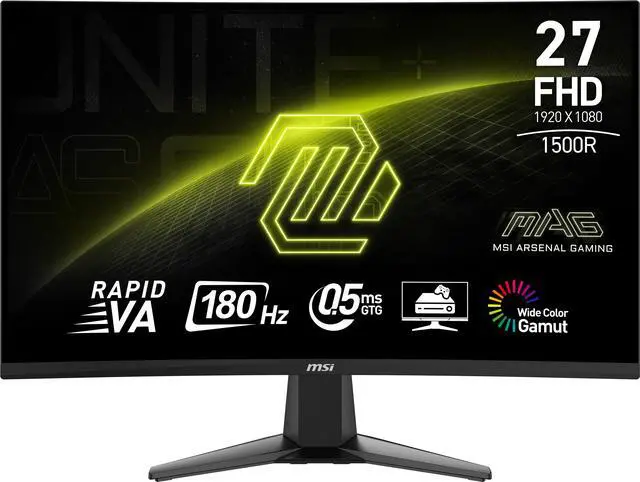
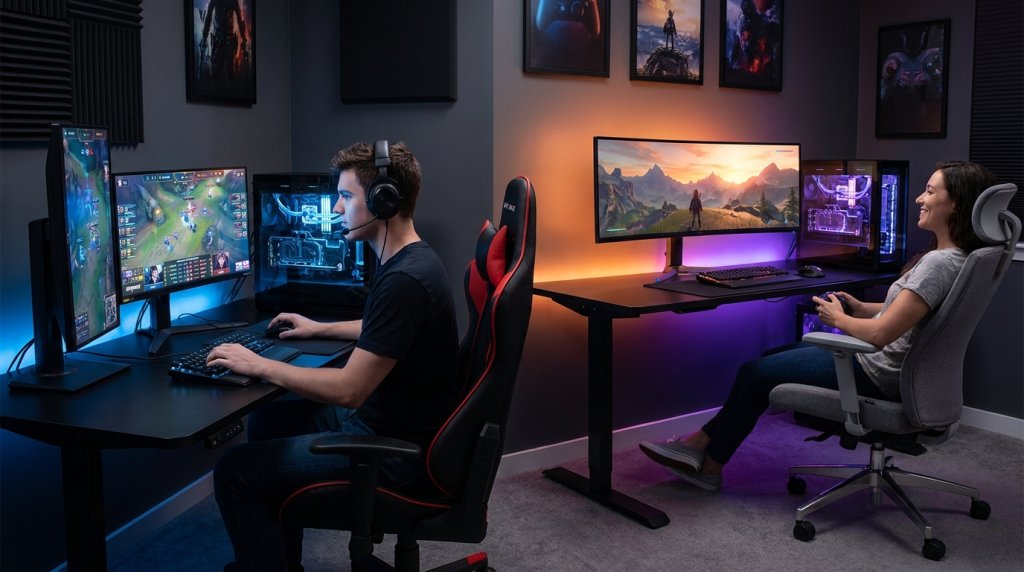
Curved gaming monitors, particularly at larger sizes and higher resolutions, enhance immersion by matching the natural curvature of human vision. The combination of 1440p or 4K resolution with ultra-wide aspect ratios and gentle curves creates exceptional gaming environments for single-player experiences.
Adaptive Sync Importance
Regardless of resolution choice, adaptive sync technology remains essential. G-Sync compatible monitors and FreeSync displays eliminate screen tearing across all frame rate ranges, ensuring smooth gameplay whether running at 60fps or 360fps.
OLED and Advanced Panel Options
Premium monitors now feature OLED and QLED technology across various resolutions. These displays deliver perfect blacks and infinite contrast regardless of resolution, significantly enhancing image quality especially in 1440p and 4K configurations.
Making Your Resolution Decision
Your ideal resolution depends on three primary factors: gaming priorities, GPU capabilities, and budget allocation.
Choose 1080p high refresh rate if:
- Competitive gaming is your primary focus
- You play fast-paced esports titles
- You have a mid-range GPU
- Maximum smoothness matters more than visual detail
Choose 1440p if:
- You want balanced performance and visuals
- You play diverse game genres
- You have a modern mid-to-high-end GPU
- You value both gaming and productivity
Choose 4K if:
- Visual fidelity is paramount
- You primarily play single-player, story-driven games
- You own a flagship GPU or plan to upgrade soon
- You want the sharpest possible image quality
The AI Gaming Revolution
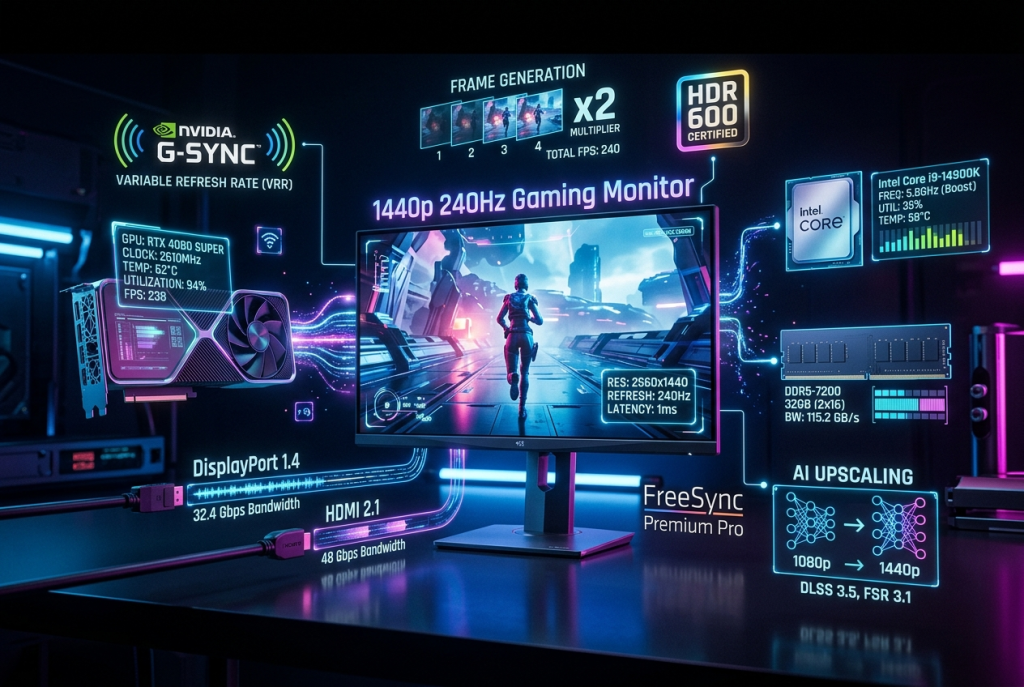
AI technologies have transformed gaming display performance in 2026. Frame generation, upscaling, and latency reduction technologies now work seamlessly with gaming monitors, allowing impressive visual quality at higher frame rates than raw GPU power alone would permit. When evaluating your resolution and refresh rate choice, factor in these AI-enhanced capabilities that can significantly extend the effective lifespan of your hardware.
Conclusion
The choice between 1080p high refresh rate and 1440p or 4K lower refresh rate configurations ultimately reflects your gaming priorities. The good news is that 2026’s display and GPU technologies have narrowed the gaps, with AI-driven solutions enabling impressive performance across all resolution categories. Consider your primary use cases, current hardware capabilities, and future upgrade plans when making your selection, and don’t hesitate to experience different options in person before committing to your ideal gaming display.