
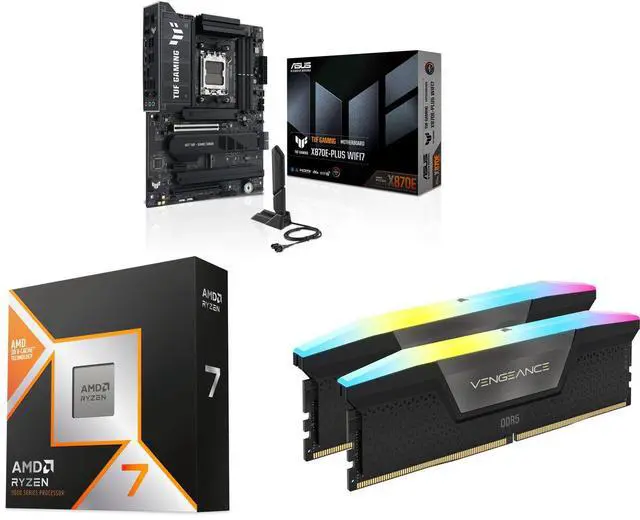
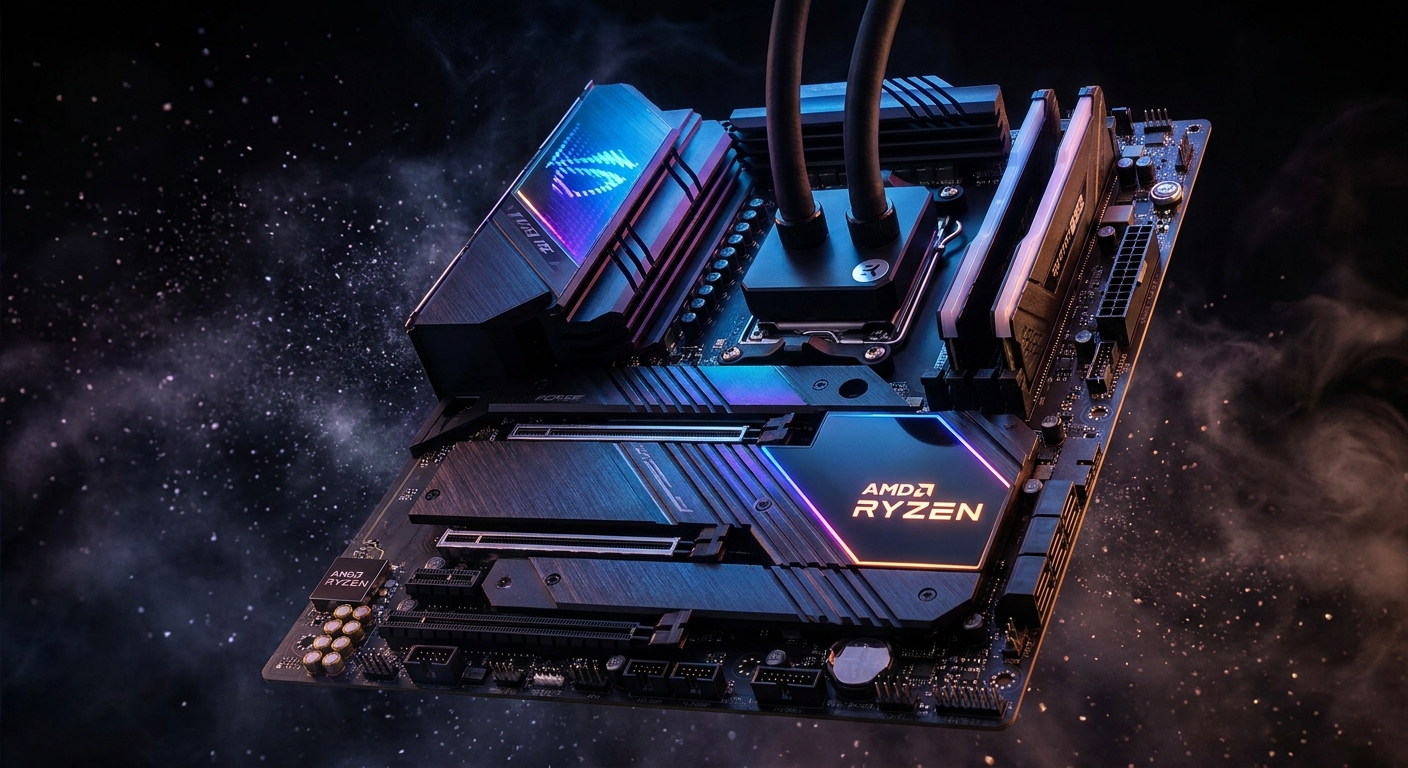
Your motherboard is the backbone of your PC build — it determines compatibility, upgrade paths, and features available for years to come. For AMD builders in 2026, the AM5 platform offers an excellent range from budget B650 boards to feature-packed X870E flagships. This guide to the best AMD Ryzen motherboards in 2026 will help you find the perfect board without overspending.
Understanding AMD AM5 Chipsets in 2026
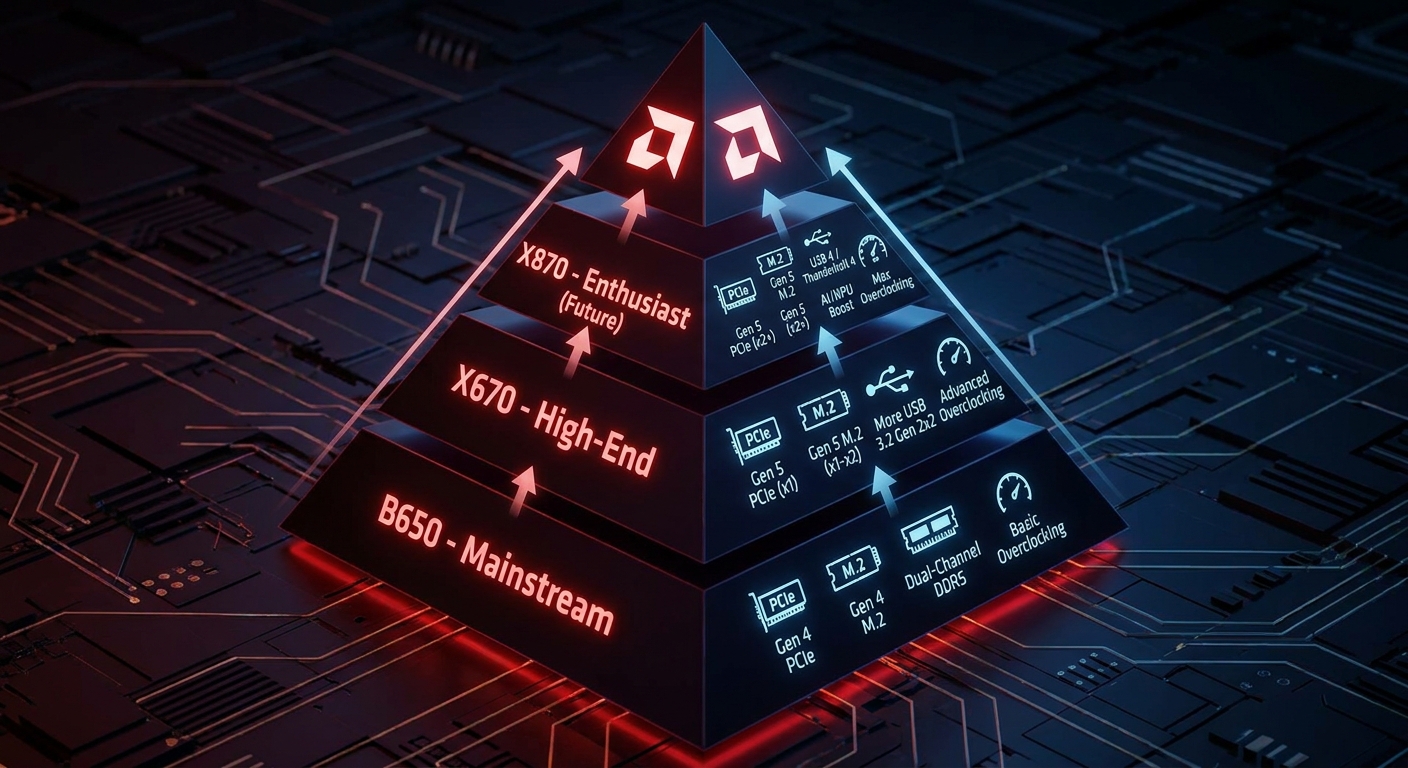
AMD’s AM5 platform supports Ryzen 7000 and 9000 series and will continue receiving new CPU support — a major advantage over Intel’s frequent socket changes. Key chipsets: B650 (entry-level, PCIe 5.0 GPU slot), B650E (mandatory PCIe 5.0 everywhere), X670/X670E (more lanes, better VRM), X870 (USB4 standard, enhanced EXPO), X870E (maximum PCIe 5.0, dual USB4 40Gbps, best VRM).
Best AMD Ryzen AM5 Motherboards 2026
| Motherboard | Chipset | Form Factor | Max RAM | M.2 Slots | Best For |
|---|---|---|---|---|---|
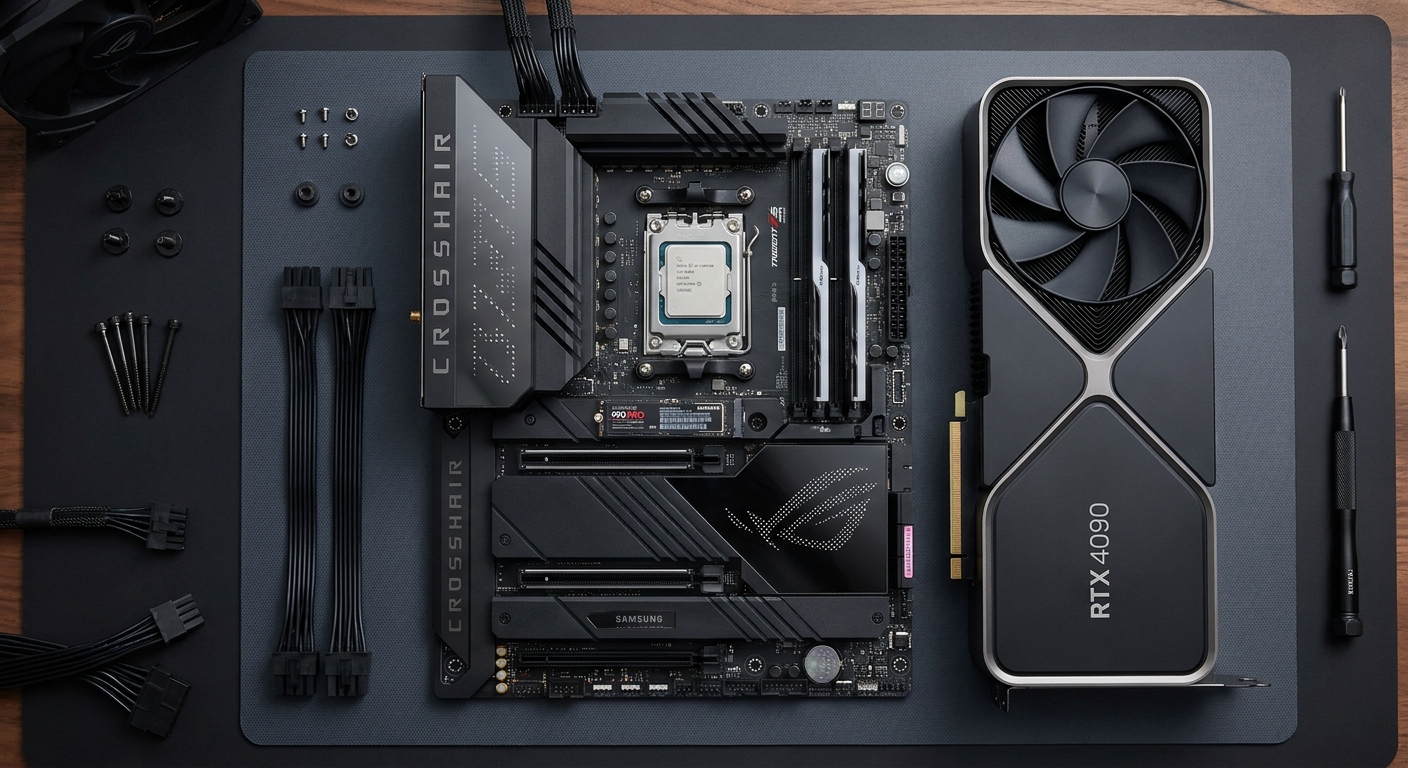
| ASUS ROG Crosshair X870E Hero | X870E | ATX | 256GB DDR5 | 5x M.2 | Flagship / enthusiast |
| MSI MAG X870 Tomahawk WiFi | X870 | ATX | 192GB DDR5 | 4x M.2 | Best value X870 |
| Gigabyte B650 AORUS Elite AX | B650 | ATX | 128GB DDR5 | 3x M.2 | Best mid-range |
| ASRock B650E PG Riptide WiFi | B650E | ATX | 128GB DDR5 | 4x M.2 | Best bang-for-buck B650E |
| ASUS ROG Strix X670E-I Gaming | X670E | Mini-ITX | 64GB DDR5 | 2x M.2 | Best compact/ITX |
Our Detailed Recommendations
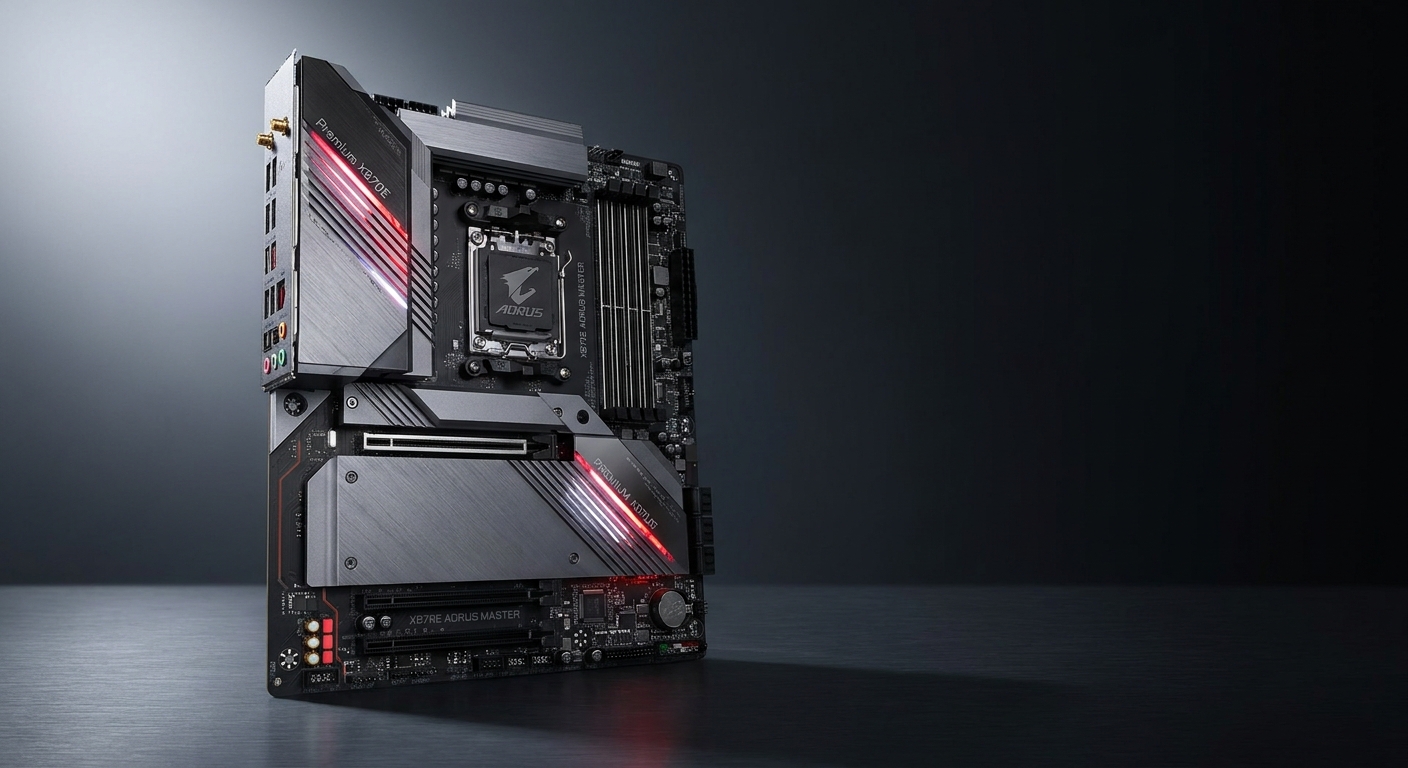
Best Flagship: ASUS ROG Crosshair X870E Hero
The ROG Crosshair X870E Hero is ASUS’s finest AM5 board, and it shows. Dual USB4 40Gbps ports, five M.2 slots (all PCIe 5.0), a beefy 20+2 power stage VRM, and an exceptional BIOS experience make this the board for builders who want to push their Ryzen 9 9950X or 9800X3D to the absolute limit. The integrated I/O shield, pre-mounted standoffs, and thoughtful cable management cutouts make building inside it a genuine pleasure.
Shop ASUS ROG Crosshair X870E Hero on Newegg
Best Value X870: MSI MAG X870 Tomahawk WiFi
MSI’s MAG X870 Tomahawk WiFi is the sweet spot for builders who want X870-tier features without the flagship price tag. It includes USB4, WiFi 7, 2.5GbE LAN, four M.2 slots, and a solid 16+2+1 VRM capable of handling any Ryzen 9000 CPU without thermal throttling. It’s consistently one of the best-reviewed AM5 boards and a perennial recommendation for good reason.
Shop MSI MAG X870 Tomahawk WiFi on Newegg
Best Mid-Range: Gigabyte B650 AORUS Elite AX
If you’re pairing with a Ryzen 5 9600X or Ryzen 7 9700X, the Gigabyte B650 AORUS Elite AX gives you everything you need without paying for features you won’t use. It sports PCIe 5.0 on the primary GPU slot, three M.2 slots, WiFi 6E, and a 16+2+2 VRM design that handles mid-range Ryzen chips effortlessly. Great build quality for the price.
Shop Gigabyte B650 AORUS Elite AX on Newegg
Best for Compact Builds: ASUS ROG Strix X670E-I Gaming
Building a small form-factor AMD rig? The ROG Strix X670E-I is one of the best Mini-ITX AM5 boards available. Despite its compact size, it packs an X670E chipset, two M.2 slots, USB4, 2.5GbE LAN, and a strong VRM. It’s pricier than ATX alternatives due to the engineering required to fit these features in a 170×170mm form factor, but for SFF enthusiasts it’s unmatched.
Shop ASUS ROG Strix X670E-I on Newegg
Which AMD Motherboard Should You Buy?
For most Ryzen 9000 builds, the MSI MAG X870 Tomahawk WiFi hits the best value-to-feature ratio. Enthusiasts and overclockers should go straight to the ASUS ROG Crosshair X870E Hero. Budget builders pairing with a Ryzen 5 or 7 will be well-served by the Gigabyte B650 AORUS Elite AX. And SFF builders have an excellent option in the ROG Strix X670E-I. The AM5 platform’s longevity means whichever board you choose today will serve you well for future CPU upgrades too.
Read More
- Newegg Insider Motherboard Buying Guide — What to look for when choosing a motherboard, including chipset differences and VRM explained.
- MSI MAG X870 Tomahawk WiFi Full Review (YouTube) — Benchmark testing and detailed look at features, BIOS, and thermal performance.
- Tom’s Hardware Best AMD Motherboards — Expert-tested rankings of the best AM5 motherboards across all price tiers.
- AMD AM5 Chipset Official Overview — Platform features, chipset compatibility matrix, and upgrade path information from AMD.
- ASUS ROG Crosshair X870E Hero Official Page — Full specifications and feature details for the flagship ROG motherboard.
Related Posts
- Wi-Fi 8 Is Almost Here: What ASUS’s Wi-Fi 8 Routers Actually Mean
- Best OLED Gaming Monitors in 2026
- How to Upgrade a Prebuilt Desktop PC: What You Can and Cannot Change
- Best PCIe 5.0 NVMe SSDs in 2026
- B850 vs B860: How to Pick a Motherboard in 2026
Frequently Asked Questions
Answers to the most common questions about this topic.