
Choosing the Right Foundation for Your Ryzen 9000 Build
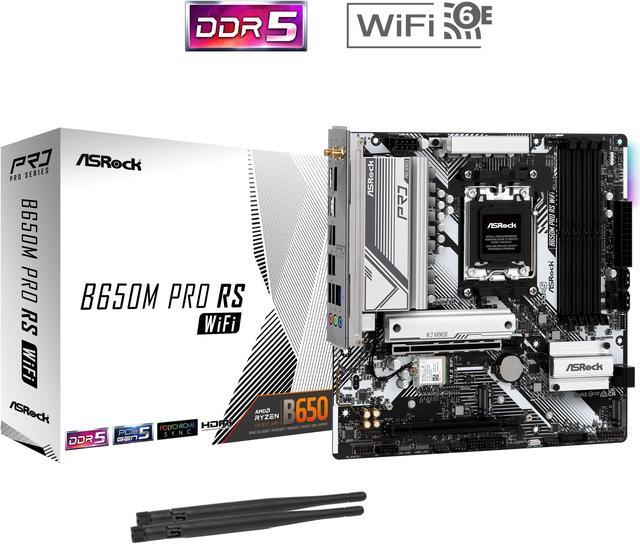
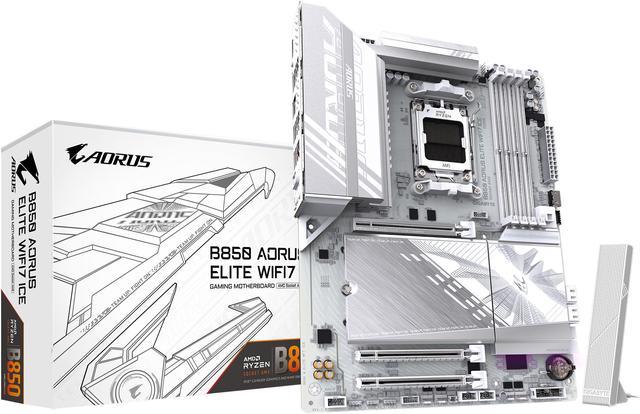
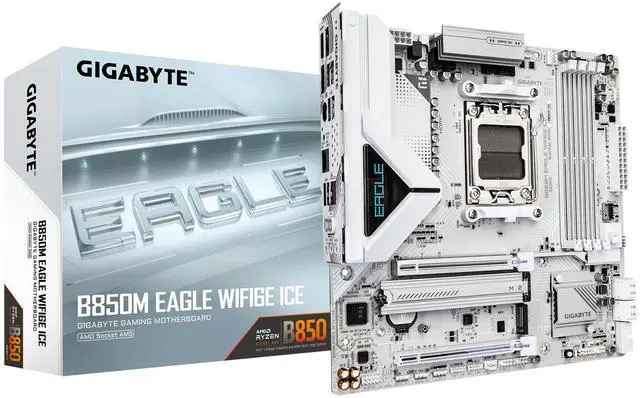
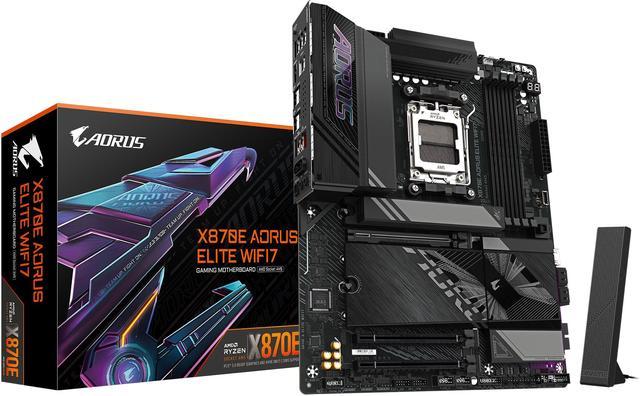
AMD’s Ryzen 9000 series runs on the AM5 platform, available in four chipsets: X870E, X870, B850, and B840. For most builders, the choice comes down to B850 versus X870 — two chipsets that share the same core feature set but differ in connectivity and price. With AMD confirming AM5 platform support through at least 2027, a good AM5 motherboard is a long-term investment.
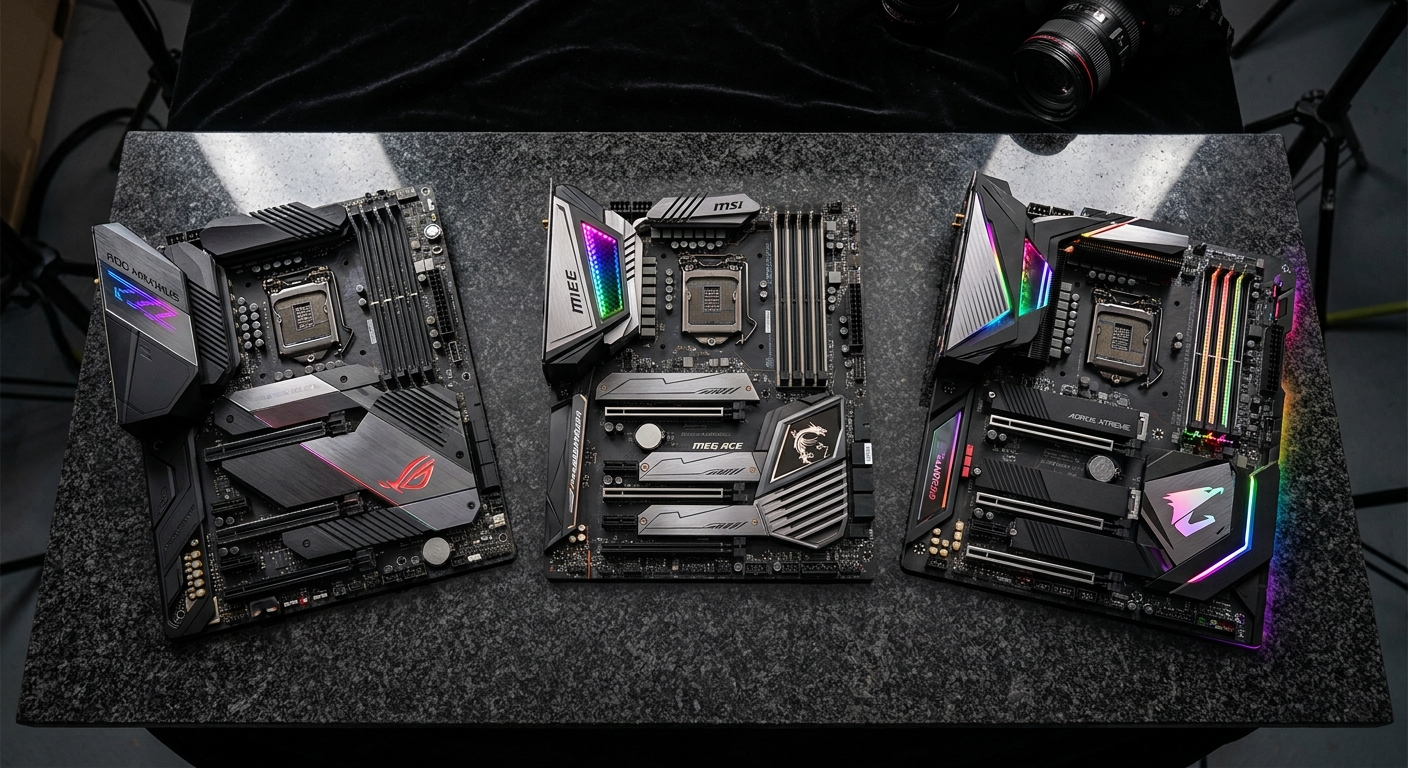
B850 vs X870: Which Chipset Do You Actually Need?
The B850 chipset handles the needs of roughly 95 percent of gaming and enthusiast builds. Every B850 board ships with PCIe 5.0 x16 for the GPU, at least one M.2 Gen 5 slot for the boot drive, Wi-Fi 6E or 7, and DDR5 support up to 8000MHz+. Overclocking is fully supported on B850.
X870 adds more connectivity: additional USB 4 ports, more PCIe 5.0 M.2 slots, and lanes for users who need multiple ultra-high-speed storage devices. It also typically brings better VRM designs for stability under sustained heavy loads.
Top AM5 Motherboard Picks for 2026
| Motherboard | Chipset | Highlights | Best For |
|---|---|---|---|
| MSI MAG X870 Tomahawk WiFi | X870 | Wi-Fi 7, USB 4, great VRM | Best overall |
| MSI MAG B850 Tomahawk Max WiFi | B850 | Wi-Fi 7, excellent value | Best B850 pick |
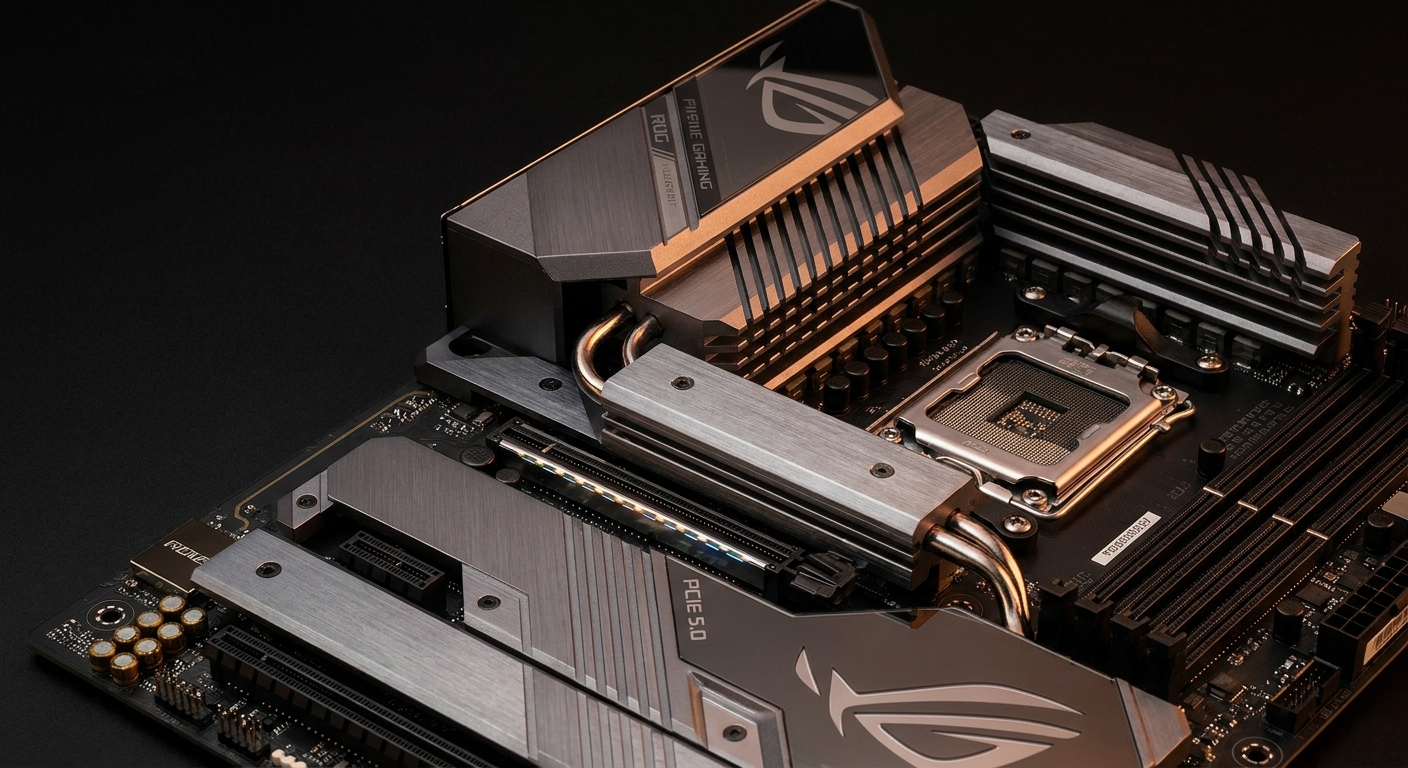
| ASUS ROG Crosshair X870E Hero | X870E | 20+2 power stages, 4 M.2 Gen5 | Best flagship |
| ASRock X870E Taichi | X870E | Great VRM at lower X870E price | Best X870E value |
Detailed Board Picks
Best Overall: MSI MAG X870 Tomahawk WiFi
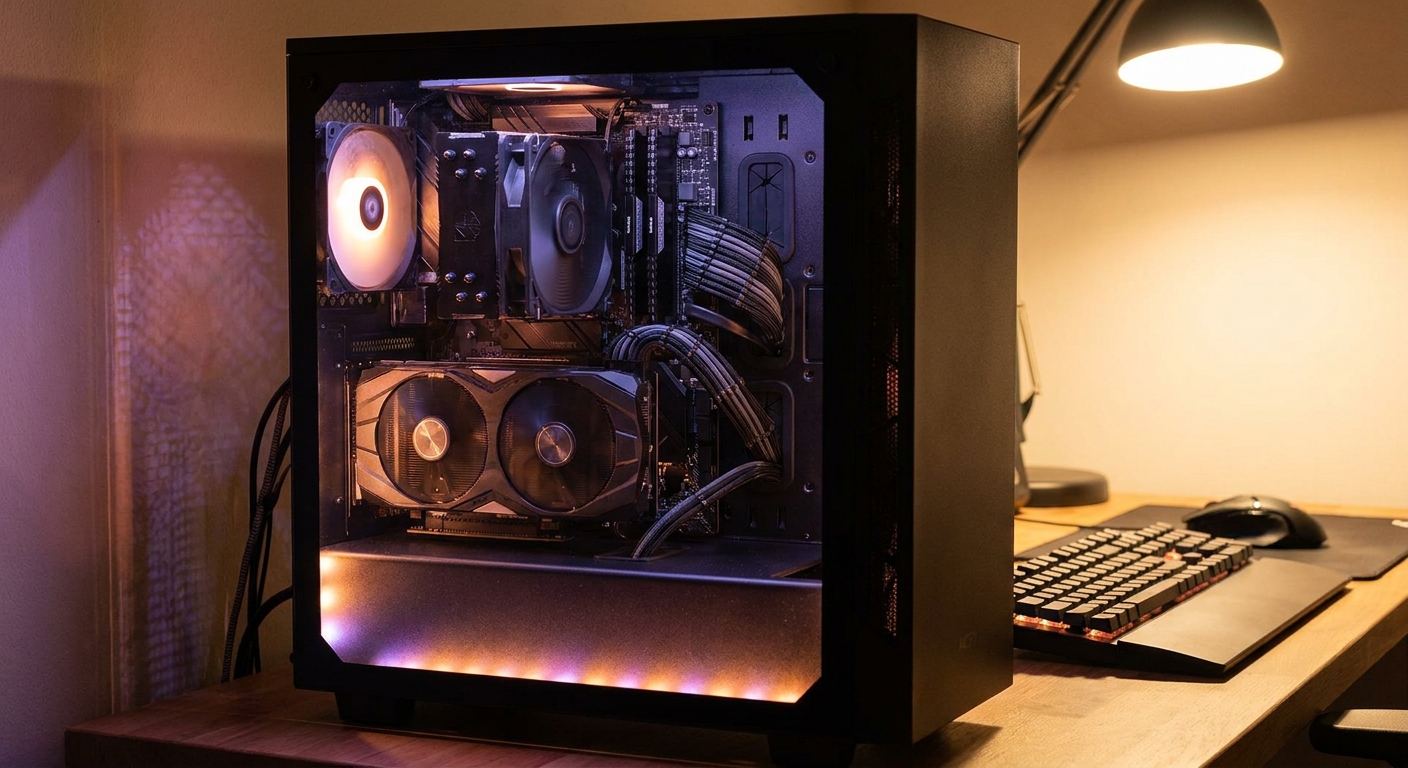
The MSI MAG X870 Tomahawk WiFi earns widespread recognition as the best value AM5 motherboard for enthusiast gaming builds. It features robust VRM capable of supporting the Ryzen 9 9950X3D at full TDP without throttling, Wi-Fi 7, two USB 4 ports at 40Gbps, and two M.2 Gen 5 slots. Find it on Newegg.
Best B850 Pick: MSI MAG B850 Tomahawk Max WiFi
For builders who want premium B850 without X870 pricing, this board includes Wi-Fi 7, PCIe 5.0 x16, one M.2 Gen 5 slot, and a solid VRM. The recommended choice for most gaming builds running Ryzen 7 9700X or Ryzen 7 9800X3D. Find it on Newegg.
Best Flagship: ASUS ROG Crosshair X870E Hero
When you need the absolute best, the ROG Crosshair X870E Hero delivers: a 20+2 power stage design for extreme overclocking, four M.2 Gen 5 slots, multiple USB 4 ports, a 10GbE LAN port, and ASUS’s BIOS software. Find it on Newegg.
Key Features to Check Before Buying
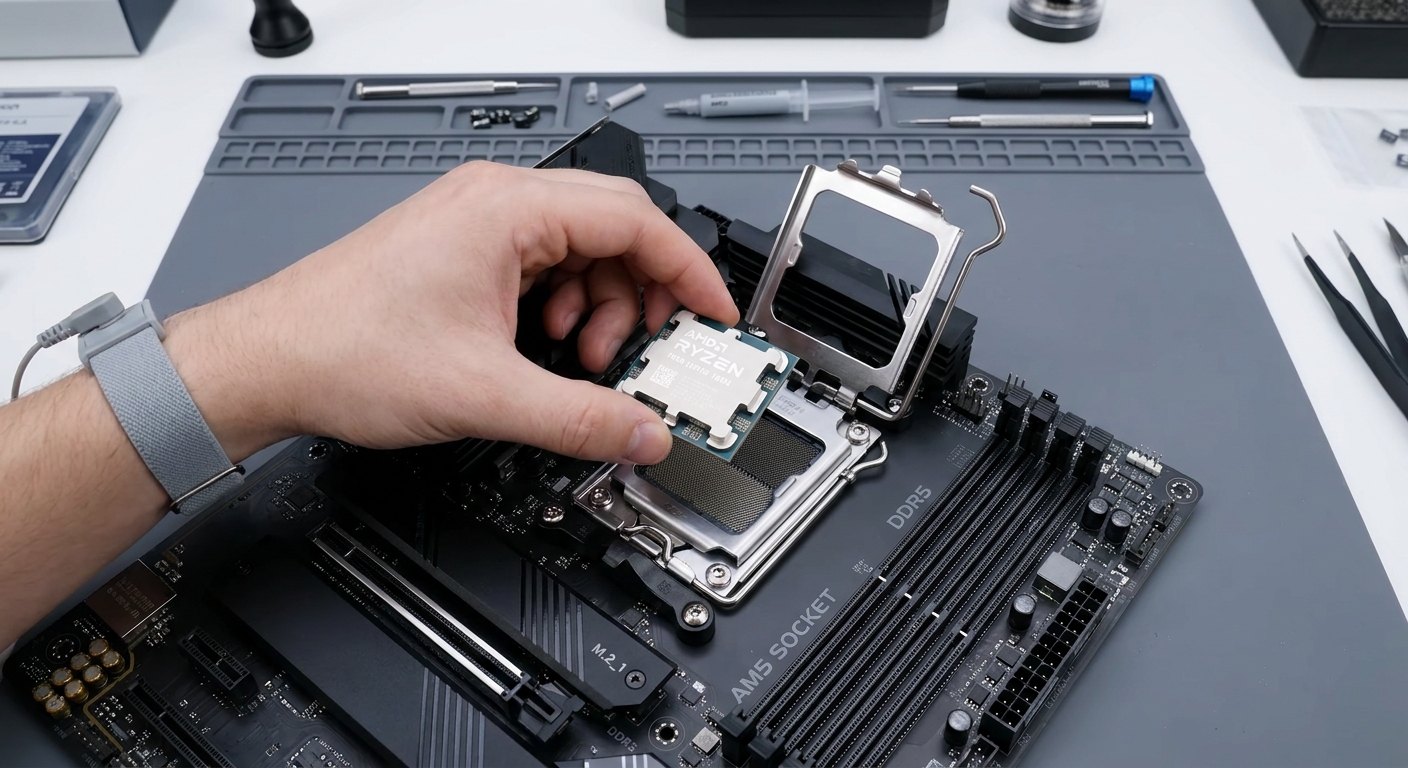
BIOS Update Status: All current production B850 and X870 boards ship Ryzen 9000-ready out of the box. Older boards from 2022-2023 may need a BIOS update. VRM Quality for High-TDP CPUs: If you plan to run the Ryzen 9 9950X3D (170W TDP), verify the board’s VRM rating — all picks in this guide handle 170W without issue. RAM Speed: DDR5-6000 CL30 is the recommended sweet spot for Ryzen 9000 builds.
Final Verdict
For the majority of Ryzen 9000 builds, the MSI MAG B850 Tomahawk Max WiFi covers every need at a price that leaves budget for a better GPU. If you are building with the Ryzen 9 9950X3D or need USB 4, step up to the MSI MAG X870 Tomahawk WiFi.
Read More
- Best Motherboards 2026 (Tom’s Hardware) – Tested rankings covering every socket type and price tier.
- Best B850 Motherboards in 2026 (PC Guide) – In-depth review covering VRM testing and real-world overclocking.
- AMD AM5 Platform Official Page – AMD’s official AM5 documentation and compatible CPU list.
- X870 vs B850: How to Choose (NoobFeed) – Practical breakdown of when each chipset tier makes sense.
- Browse AM5 Motherboards on Newegg – Full selection of B850, X870, and X870E boards with filters.
Related Posts
- Ryzen 7 7700X3D Motherboard and BIOS Guide: Official Support, Step by Step
- Get Your AM5 Rig Ready: Motherboards to Buy Before AMD’s Next X3D CPU Lands
- How to Upgrade a Prebuilt Desktop PC: What You Can and Cannot Change
- Best PCIe 5.0 NVMe SSDs in 2026
- B850 vs B860: How to Pick a Motherboard in 2026
Frequently Asked Questions
Common questions about choosing the right AM5 motherboard for Ryzen 9000.