

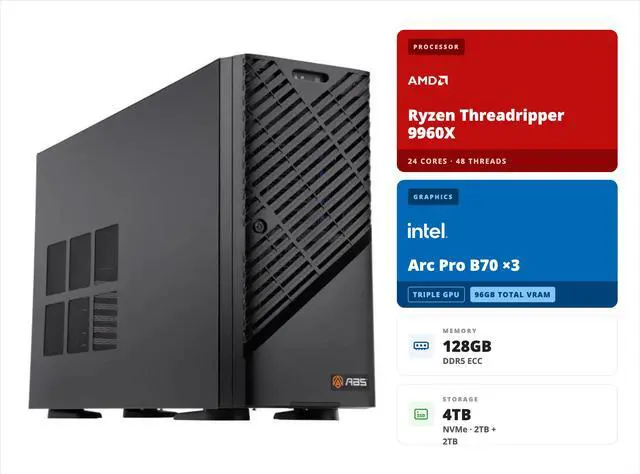
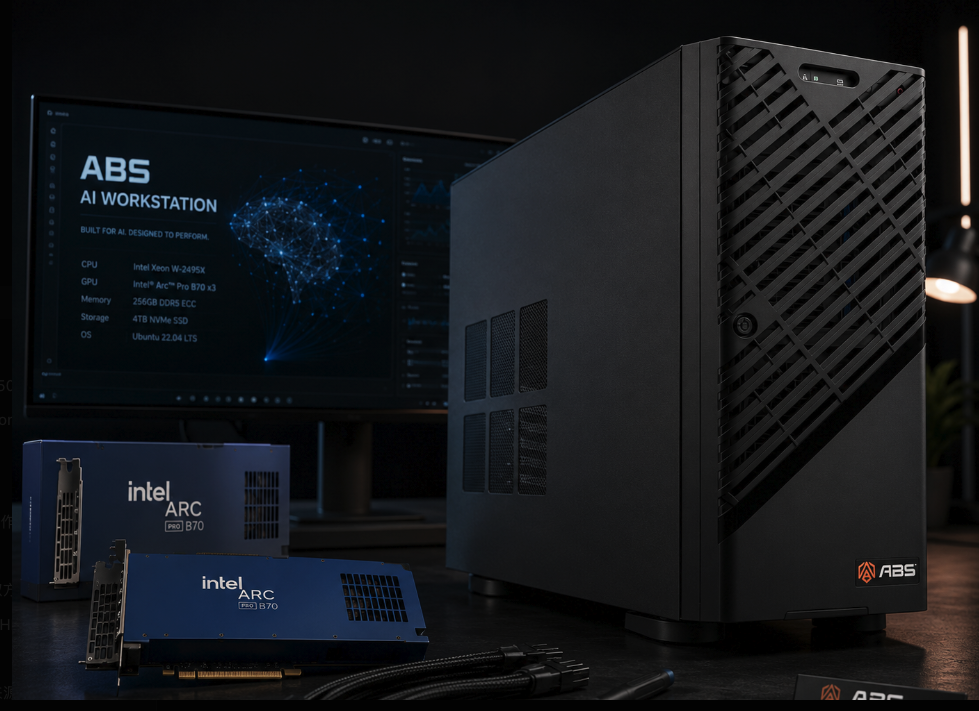
Running a 70B-parameter large language model on your own hardware used to mean one thing: an enterprise GPU budget. The ABS 3× Intel Arc Pro B70 AI workstation changes that math. With three Arc Pro B70 cards delivering 96 GB of combined VRAM, this pre-built system runs models like Llama 3.3 70B entirely in local memory — at roughly one-third the cost of a comparable RTX PRO 6000-based solution. For organizations and AI enthusiasts who need high-performance local inference without enterprise GPU pricing, this Intel Arc Pro B70 AI workstation is one of the strongest price-to-performance options you can buy today.
In this guide, we break down what makes this configuration work for local LLM inference: the VRAM math behind 70B models, the multi-GPU architecture, the software stack, and who should (and shouldn’t) buy it.
Why VRAM Capacity Decides What You Can Run Locally
VRAM (Video RAM) is the single most important spec for local LLM inference. A model must fit in GPU memory to run at full speed; anything that spills to system RAM slows token generation dramatically.
Here is the practical math for a 70B-parameter model:
| Precision | Approx. memory for 70B weights | Fits in 96 GB? |
|---|---|---|
| FP16 (16-bit) | ~140 GB | No |
| INT8 / Q8 (8-bit) | ~70 GB | Yes, with KV cache headroom |
| INT4 / Q4 (4-bit) | ~40 GB | Yes, with room for long context |
A single consumer GPU with 24 GB of VRAM cannot hold a 70B model even at 4-bit quantization once you account for the KV cache (the memory that stores attention state for your context window). By contrast, the 96 GB pooled across three Arc Pro B70 cards runs 70B models at 8-bit precision — where quality loss versus full precision is minimal — and leaves headroom for long context windows. That capacity is what separates a true 70B-class AI workstation from a gaming PC pressed into AI duty.
Inside the ABS 3× Intel Arc Pro B70 Configuration
This Intel Arc Pro B70 AI workstation pairs three professional GPUs with a platform designed for sustained multi-GPU workloads. In short, every component choice serves the same goal: keep three cards fed with data around the clock.
| Component | Spec | Why it matters for inference |
|---|---|---|
| GPUs | 3× Intel Arc Pro B70, 32 GB GDDR6 each (96 GB total) | Holds 70B models at Q8 fully in VRAM |
| CPU | AMD Ryzen Threadripper 9960X (24 cores / 48 threads, 4.2 GHz) | Abundant PCIe 5.0 lanes for three x16 slots |
| Motherboard | Gigabyte MH53-G40 (AMD WRX90), 6× PCIe 5.0 x16 | Full-bandwidth slots with room to add a 4th GPU |
| Memory | 128 GB DDR5 ECC RDIMM (8 slots, expandable to 1 TB) | Model loading, preprocessing, error correction |
| Storage | 2× 2 TB NVMe M.2 (OS + data) | Fast model weight loading; dataset staging |
| Networking | 2× 10 GbE + dedicated management LAN | Serve inference APIs to the whole team |
| PSU | 2000W 80+ Gold | Headroom for 3× 230W GPUs plus CPU |
| OS | Ubuntu (preinstalled) | First-class support for Intel’s AI stack |
The chassis is the ABS Zaurion Ruby Tower (model ZRT9960X-3XB70), built on Gigabyte’s W773-H5D GPU workstation platform — assembled and stress-tested in the USA, TAA compliant, and shipped ready to deploy. Notably, the board’s six PCIe 5.0 x16 slots support up to four dual-slot GPUs, so a fourth B70 (128 GB total) remains an upgrade path.
The AMD Threadripper platform matters more than it might appear. Consumer desktop CPUs offer limited PCIe lanes, which forces multi-GPU setups into x8 or x4 slots and throttles inter-GPU communication. Threadripper provides enough PCIe 5.0 lanes to run all three cards at full bandwidth — important when a model’s layers are split across GPUs and activations pass between cards on every token.
The 128 GB of ECC memory (Error-Correcting Code RAM, which detects and fixes single-bit memory errors) is a workstation-grade touch. For inference servers that run for weeks between reboots, ECC prevents silent corruption during model loading and long-running sessions.
The Intel Arc Pro B70: 32 GB of VRAM at a Workstation-Card Price
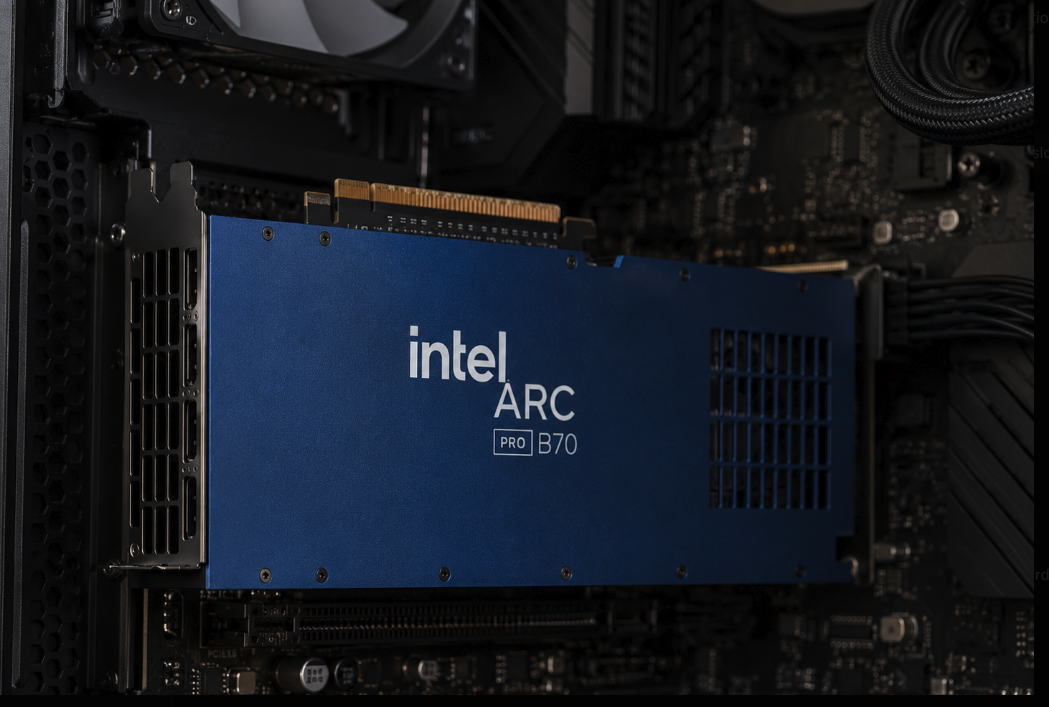
The Arc Pro B70 is the reason this system’s economics work. Launched in 2026 on Intel’s “Big Battlemage” BMG-G31 silicon, each card carries 32 GB of GDDR6 on a 256-bit bus with 608 GB/s of memory bandwidth, 32 Xe2 cores with 256 XMX matrix engines, and a rated 367 INT8 TOPS (trillions of operations per second) of AI inference throughput — all within a 230W TBP (Total Board Power).
Two design choices make it particularly good in this triple-GPU role. First, the XMX engines natively support INT2, INT4, INT8, FP16, BF16, and TF32 precision formats, which covers every quantization level used by modern local inference runtimes. Second, the card uses a two-slot blower-style cooler that exhausts heat directly out of the chassis — the correct thermal design for stacking three cards in adjacent slots, where open-fan consumer coolers would recirculate hot air.
At its price point, the B70 delivers more VRAM per dollar than any current professional workstation GPU from the competition. That value is exactly what a multi-GPU inference build wants: capacity first, then throughput.
The Cost Case: One-Third the Price of an RTX PRO 6000 Solution
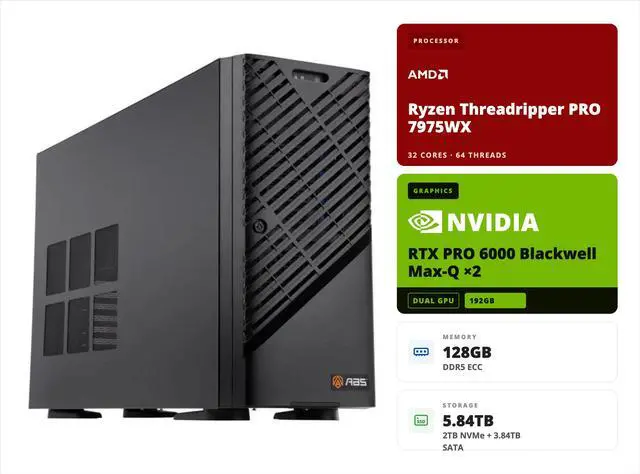
Here is the comparison that defines the Intel Arc Pro B70 AI workstation. NVIDIA’s RTX PRO 6000 Blackwell also offers 96 GB of VRAM — on a single card — but as of mid-2026 that single GPU lists at roughly $13,250, and a complete workstation built around it typically lands well north of $15,000.
| Approach | Total VRAM | Approx. GPU cost | System price |
|---|---|---|---|
| 3× Intel Arc Pro B70 (this ABS system) | 96 GB | ~$2,850 | $10,999 (list $12,599) as of mid-2026 |
| 1× NVIDIA RTX PRO 6000 Blackwell workstation | 96 GB | ~$13,250 | Well above the GPU’s own price |
Put plainly: the RTX PRO 6000 GPU alone costs more than this entire workstation. Once you add a workstation-class CPU, ECC memory, and chassis around that card, the complete system lands at roughly three times the price of this ABS build.
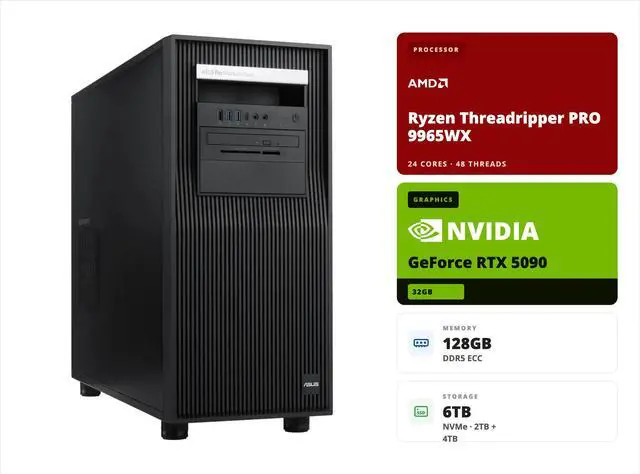
To be fair about the tradeoffs: the RTX PRO 6000 delivers higher single-GPU throughput, GDDR7 bandwidth, and the mature CUDA ecosystem. If your workload demands maximum tokens per second per user, or you depend on CUDA-only software, the NVIDIA card justifies its premium. However, for the most common deployment pattern — serving a 70B model to a team, running agents, or powering retrieval-augmented generation (RAG) pipelines — VRAM capacity is the gating factor, and the three-B70 approach reaches the same 96 GB for approximately one-third the cost. That is the price-to-performance argument in one sentence: same model class, dramatically lower entry price.
Running 70B Models: What the Software Stack Looks Like
Hardware is only half the story; on an Intel Arc Pro B70 AI workstation, the inference stack determines your day-one experience. The good news is that Intel’s software support for local LLM inference has matured quickly, and Ubuntu — this system’s preinstalled OS — is where it is strongest.
The practical toolchain for this workstation includes:
llama.cpp with its SYCL and Vulkan backends, which supports multi-GPU layer splitting across the three B70 cards and runs GGUF-quantized models (the format most local-LLM users download from Hugging Face). Ollama, built on llama.cpp, provides the simplest path — pull a 70B model with one command and serve it over a local API. For higher-throughput serving, vLLM’s Intel GPU support enables batched inference with tensor parallelism across all three cards. Intel’s own OpenVINO toolkit and IPEX-LLM (Intel Extension for PyTorch) round out the stack for teams building custom pipelines in PyTorch on a workstation-class system.
A realistic expectation check: multi-GPU inference on Arc requires slightly more setup than a single NVIDIA card — you will set environment variables for device selection and choose the right backend for your runtime. In practice, Ollama and llama.cpp make this a one-afternoon project, not a research effort.
Multi-GPU Inference: How Three Cards Act as One Pool
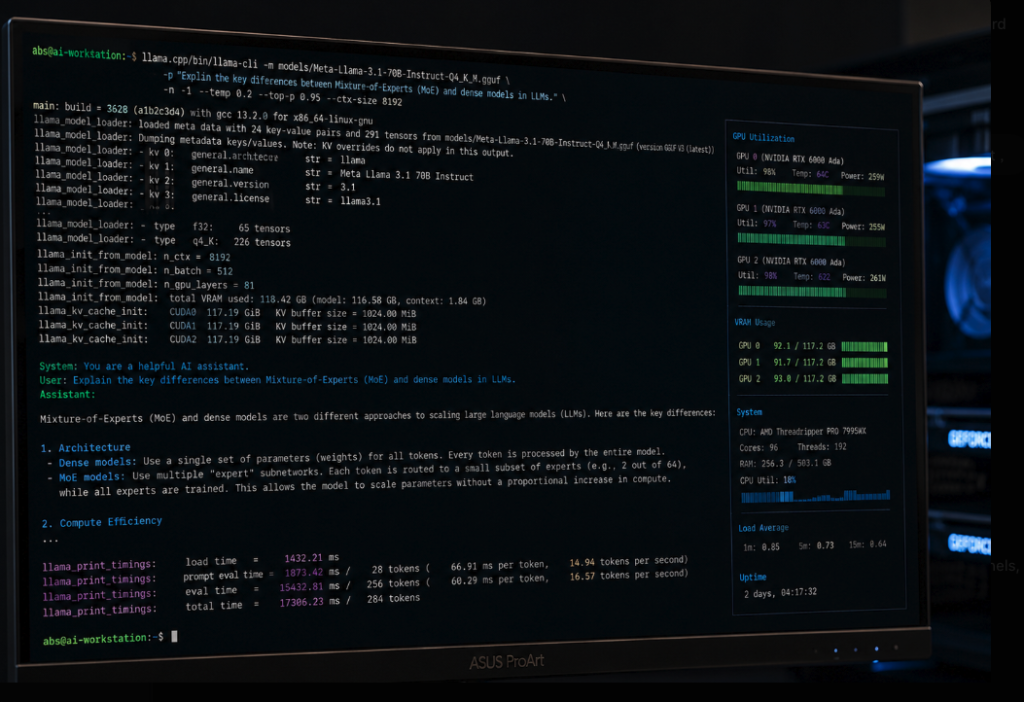
When a 70B model loads across three GPUs, the inference runtime splits the model’s transformer layers among the cards. Each token generated passes activations from GPU to GPU across the PCIe bus. This is called pipeline (or layer) parallelism, and it is the standard approach in llama.cpp and Ollama.
Three things make it work well on this platform. First, PCIe 5.0 x16 on every slot doubles transfer bandwidth versus PCIe 4.0, shrinking the inter-GPU handoff cost. Second, because each B70 has a full 32 GB, the runtime splits layers into just three large chunks rather than many small ones, minimizing crossings. Third, the blower coolers keep all three cards at sustained clocks under continuous load — thermals, not peak specs, decide long-session performance in dense builds.
For batched serving with vLLM, tensor parallelism divides each layer’s matrices across all three GPUs simultaneously, trading more inter-GPU traffic for better throughput at higher batch sizes. Either way, the 2000W power supply has ample margin: three 230W cards plus the Threadripper CPU draw well under its rating even at full load.
Who Should Buy This Workstation?
For teams that need private, local 70B-class inference at the lowest credible price, the Intel Arc Pro B70 AI workstation is the direct answer. More specifically:
| You are… | Fit | Why |
|---|---|---|
| An organization deploying private LLMs (compliance, data privacy) | Excellent | 70B models on-premises; no data leaves the building |
| An AI enthusiast or developer running local agents / RAG | Excellent | 96 GB VRAM at enthusiast-accessible pricing |
| A research lab prototyping with open-weight models | Strong | Capacity for 70B Q8 plus long-context experiments |
| A team fine-tuning large models daily | Consider alternatives | Training favors CUDA ecosystems and higher bandwidth |
| A single-user chasing maximum tokens/sec | Consider alternatives | One large GPU beats three mid-size cards on latency |
If your workload is inference-first — chat, agents, RAG, document processing, code assistance — the capacity-per-dollar here is difficult to beat. If you spend most of your time training or fine-tuning, weigh the CUDA-centric options on the broader desktop graphics card market before deciding.
Conclusion
The ABS 3× Intel Arc Pro B70 AI workstation makes 70B-class local inference an attainable line item instead of a capital request. The decision point is simple: if VRAM capacity for large-model inference is your bottleneck and budget matters, three B70s at 96 GB deliver the same model class as an RTX PRO 6000 build at roughly one-third the cost; if you need CUDA-first training throughput, pay the premium. You can find the ABS ZRT9960X-3XB70 on Newegg at $10,999 as of this writing, explore related configurations among Newegg’s AI workstations for LLM and deep learning, or browse the full range of prebuilt desktop systems to compare options. As open-weight models keep improving at the 70B scale, owning the VRAM to run them locally is an investment that keeps paying off.
Related Posts
- ABS AI Workstations: Custom-Built, Bench-Tested, and Ready to Run AI in 1–2 Weeks
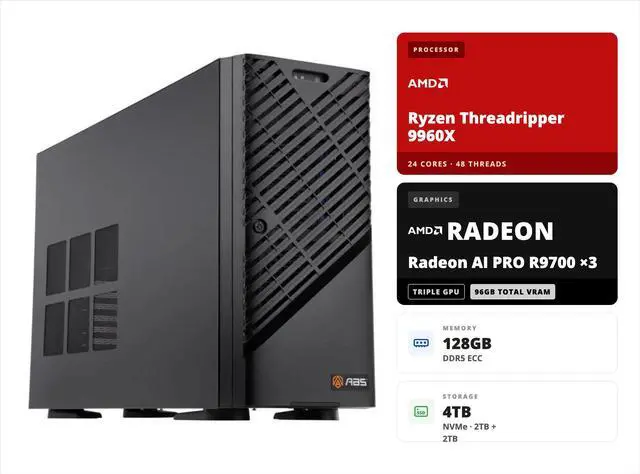
- From Cloud Bills to a Box Under Your Desk: The ABS 3× AMD Radeon AI Pro R9700 Workstation
Frequently Asked Questions
Answers to common questions about running 70B LLMs locally on the ABS 3× Intel Arc Pro B70 AI workstation.