
The convertible question comes up every August. A 2-in-1 folds flat, takes a pen and turns into a tablet for reading; a traditional clamshell is lighter, cheaper to repair and usually faster under sustained load. Neither is the right answer for everyone, and the honest deciding factor is not the form factor — it is whether you will actually write on the screen. Here is what each one gives up, and eight machines on Newegg worth looking at.
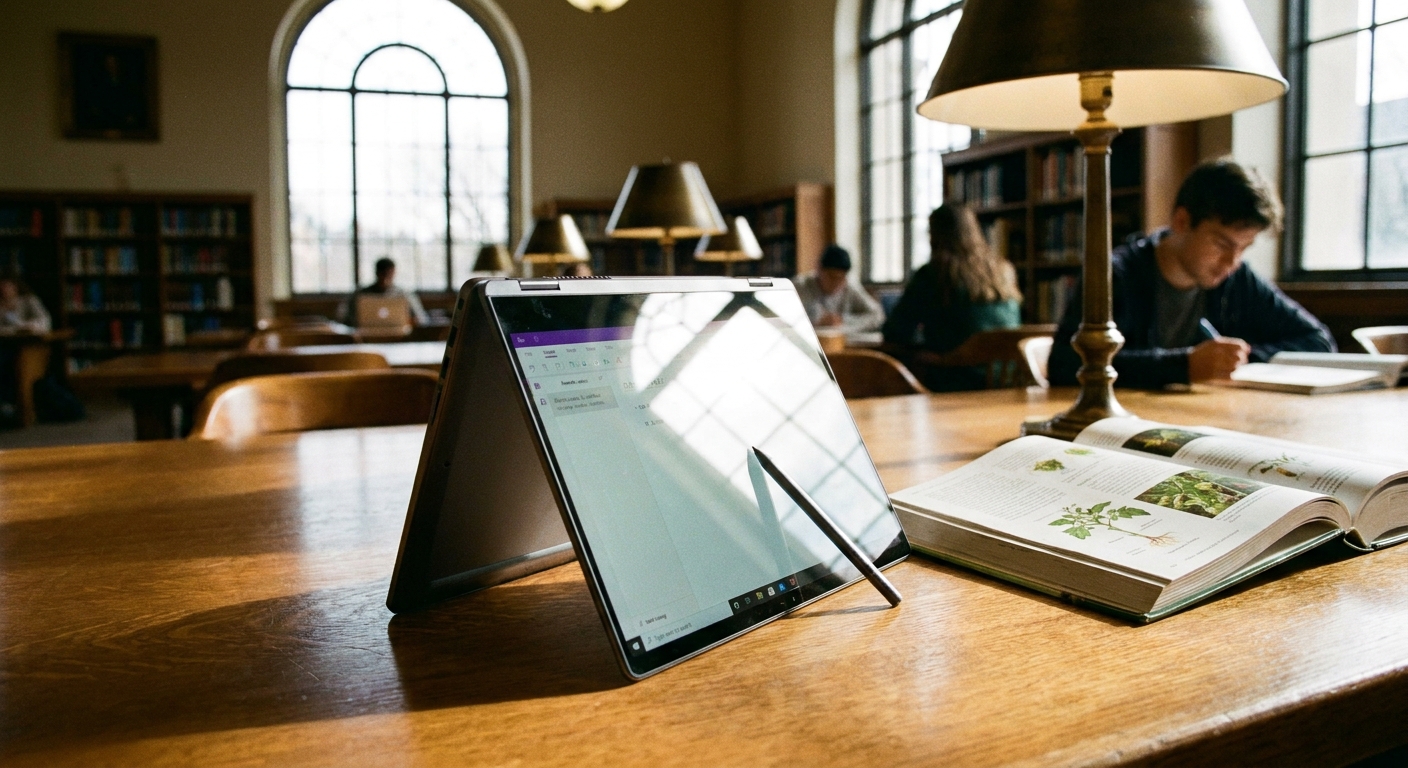
What a 2-in-1 Actually Buys You
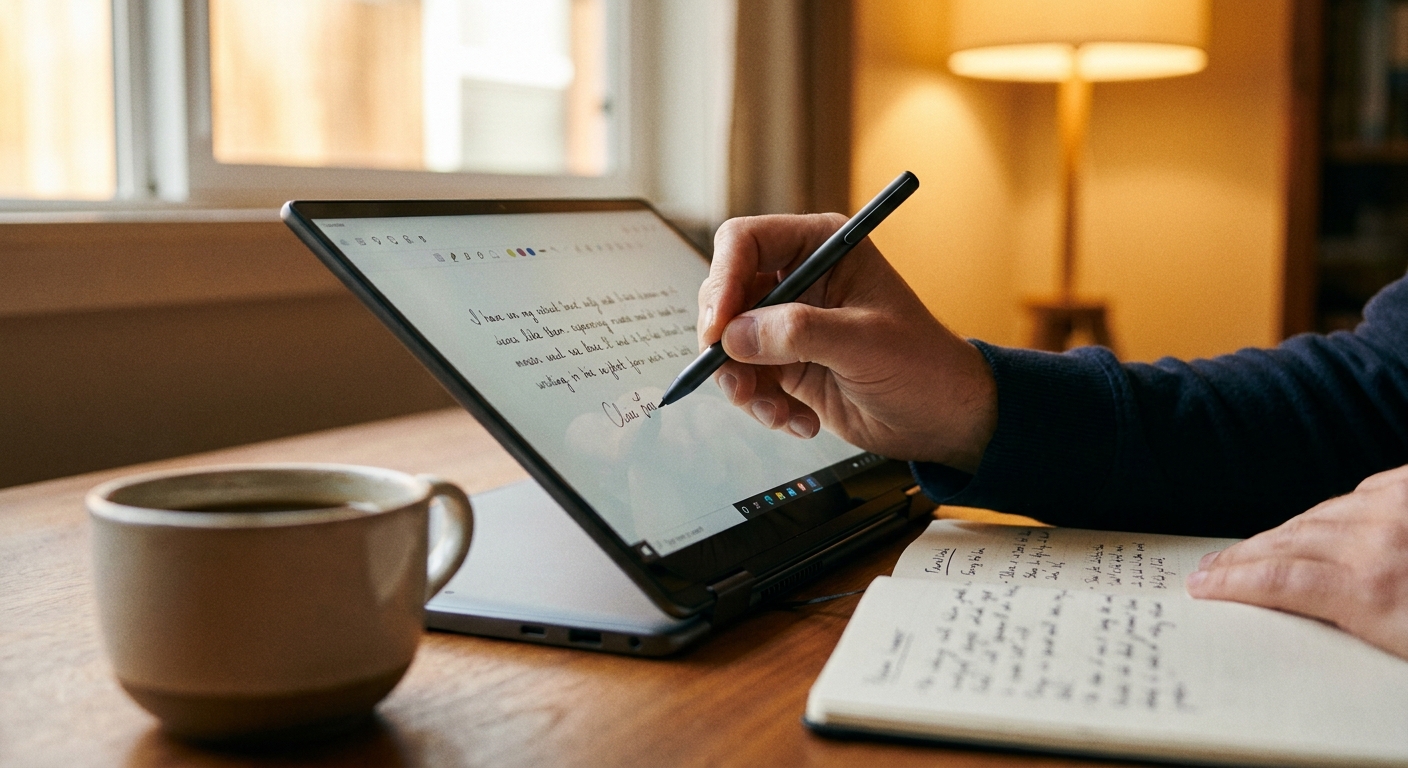
Inking, mostly. And the evidence there is more interesting than the headlines suggest. The famous 2014 Mueller and Oppenheimer study found longhand note-takers did better on conceptual questions — but the authors published a corrigendum in 2018 fixing five categories of statistical errors, and a 2019 replication by Morehead, Dunlosky and Rawson did not reproduce the effect at all, finding performance did not consistently differ between groups. Their meta-analysis of direct replications found only small, non-significant effects favouring longhand.
What is better established is neural rather than academic. A 2024 Frontiers in Psychology study used 256-channel EEG on 36 university students writing with a digital pen on a touchscreen versus typing, and found handwriting produced widespread theta and alpha connectivity across parietal and central brain regions associated with memory formation. That measures brain activity, not exam scores.
So the defensible claim is this: inking on a 2-in-1 gives you handwriting’s engagement plus search, sync and PDF annotation. It is not a proven grade boost. If you take equation-heavy notes, mark up readings, or sketch diagrams you cannot type, that combination is genuinely valuable. If you type your notes, the hinge is dead weight.
What the Hinge Costs You
Weight and thickness, first. Compare two ASUS machines of the same screen size: the clamshell Zenbook 14 OLED is 2.66 lbs and 0.59 inches thick with a 75Wh battery, while the convertible Vivobook Flip 14 OLED is 3.46 lbs with 70Wh. Same brand, same class, roughly eight tenths of a pound of penalty — and a 360-degree convertible in tablet mode still weighs the whole machine, unlike a detachable.
Battery is second. Touch layers and convertible mechanisms cost runtime, and an OLED panel compounds it. Thermals are third: cramped convertible chassis limit sustained performance. Even Notebookcheck’s 91%-scoring review of the HP EliteBook X Flip G2i in August 2026 — currently the premium benchmark for the category — flags that Turbo Boost sustainability could be better and that the left palm rest gets quite warm under load.
And 2-in-1s essentially never carry a discrete GPU. That matters more than students expect: Ohio State’s engineering college, for example, requires Windows 11 Pro and a dedicated video card with at least 4GB of VRAM, explicitly not supporting Chromebooks, macOS or Windows on ARM. Check your own program’s requirements page before you shop — a thin convertible is disqualified outright by rules like that.
The 2-in-1 Picks
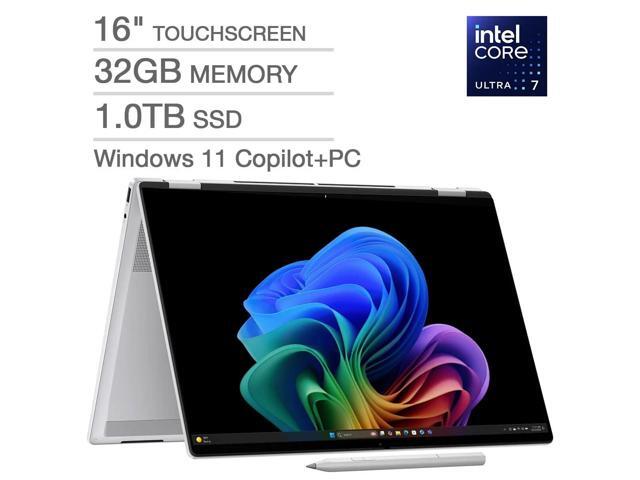
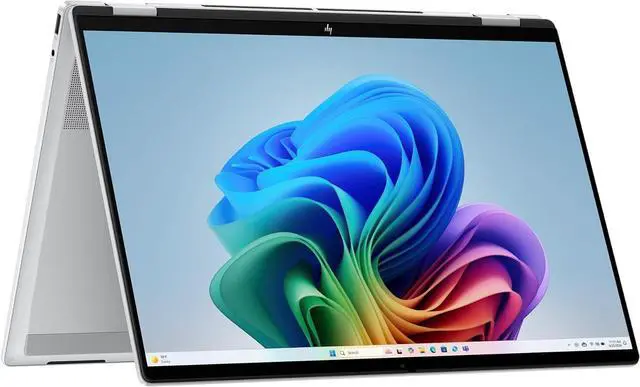
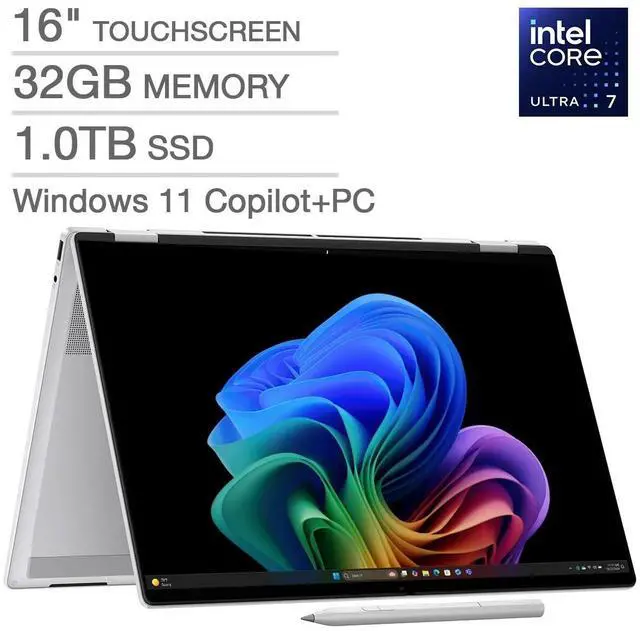
The HP OmniBook 7 Flip 16 is the one to beat: a 16-inch 3K OLED touchscreen at 120Hz, Core Ultra 7 258V with Arc 140V graphics, 32GB of LPDDR5x, a 1TB Gen4 SSD, five ports including Thunderbolt 4 and HDMI 2.1, a 5MP IR webcam with a privacy shutter — and an MPP 2.0 tilt pen included in the box, which most convertibles do not do.
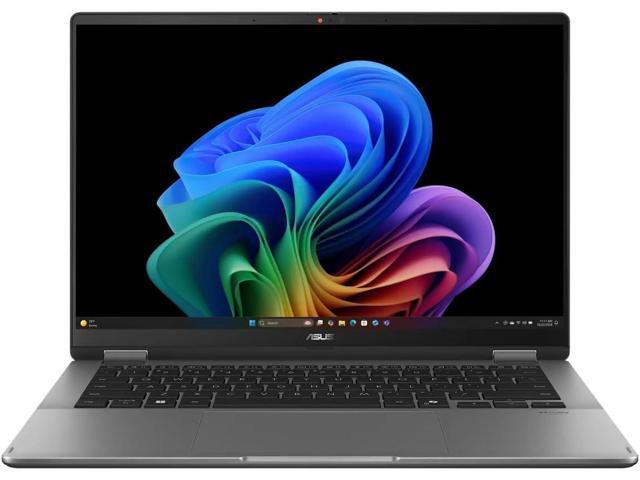
The Vivobook Flip 14 OLED above is the mainstream choice — Core Ultra 7 256V, 16GB, a 1TB SSD, a 14-inch 500-nit OLED touch panel at 100% DCI-P3, Thunderbolt 4, Wi-Fi 7 and a 70Wh battery in 3.46 lbs. Note that no pen ships with this configuration.
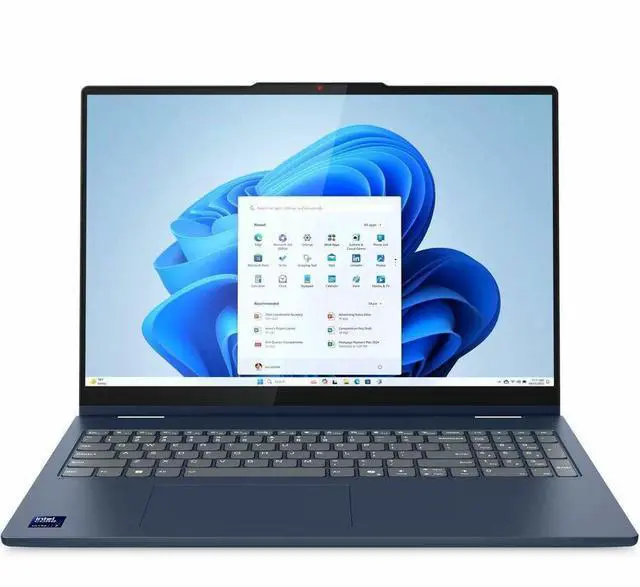
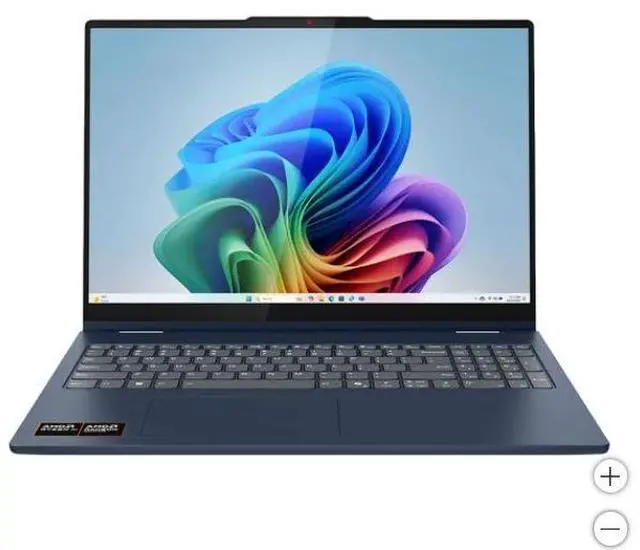
The Lenovo IdeaPad 5 2-in-1 14 covers the Copilot+ middle ground on a Ryzen AI 5 430 with 16GB, a 512GB SSD and a 14-inch WUXGA touch panel. And for a student who lives in a browser, the Lenovo Chromebook Plus 2-in-1 14 pairs an Intel Core 5 220U with 16GB of DDR5, a 256GB SSD, a 14-inch 1920×1200 touchscreen and a 5MP webcam at 3.28 lbs.
The Clamshell Picks
The Zenbook 14 OLED above is the premium answer — 2.66 lbs, 0.59 inches, a Core Ultra 7 255H with 16 cores, a 14-inch OLED touch panel at DisplayHDR True Black 500, two Thunderbolt 4 ports, Wi-Fi 7 and a 75Wh battery. Yes, it has touch; what it does not have is a hinge that folds, which is precisely the point.
For durability and serviceability, the Lenovo ThinkPad E14 Gen 7 runs a Core 5 210H with 16GB and a 512GB SSD, adds Thunderbolt 4, Harman Kardon audio with Dolby Atmos, a privacy-shutter webcam and MIL-STD-810H testing — and Lenovo states memory, battery and storage are customer-replaceable.
The HP ProBook 450 G10 is the 15.6-inch workhorse: a 10-core i5-1334U vPro, 16GB, a 512GB NVMe drive, an anti-glare FHD panel, two USB-C ports with DisplayPort 2.1, HDMI 2.1, real Ethernet, a backlit spill-resistant keyboard with a numpad, 19 MIL-STD tests and upgradeable memory and storage.
And for a light, cheap machine that will outlive the degree, the Lenovo V15 Gen 6 is the sleeper: an Intel N150 with 16GB of DDR5 in a SODIMM slot — upgradeable to 32GB — a 512GB M.2 drive supporting up to 2TB, Ethernet, a numpad and Windows 11 Pro at 3.33 lbs.
The Repairability Split Is Real
This is the argument students underrate. The convertibles above use on-package LPDDR5X — physically unupgradable — while the V15 uses a DDR5 SODIMM, the ThinkPad E14 advertises customer-replaceable memory, battery and storage, and HP says the ProBook’s memory and storage upgrade easily. Over a four-year degree that difference decides whether year three means a RAM stick or a new laptop. A glass touch layer on a folding lid is also the most expensive single part to replace, and a cracked digitizer usually means a whole display assembly.
One Note on Pens
Three protocols dominate: Microsoft Pen Protocol, the Universal Stylus Initiative standard used on Chromebooks, and Wacom AES. Premium MPP pens such as Microsoft’s Slim Pen 2 offer 4,096 pressure levels and haptics; USI 2.0 adds NFC charging at up to 1W and works across USI devices from different manufacturers, but does not include haptics. Crucially, features are per-model, not per-protocol — Microsoft’s own fact sheet notes the Slim Pen 2’s haptics work only on specific Surface models, though the pen itself works on many. Check your laptop’s spec sheet, not the protocol name, and assume the pen is sold separately unless the listing says otherwise. Compare current models in Newegg’s 2-in-1 laptop listings.
Frequently Asked Questions
Is a 2-in-1 better for taking notes than a regular laptop? It depends on whether you write or type. The often-cited 2014 handwriting study was statistically corrected in 2018 and failed to replicate in 2019, so there is no proven exam-score advantage. A 2024 EEG study did find handwriting produces far more widespread brain connectivity than typing, but that measures neural activity, not grades. The real advantage of inking on a 2-in-1 is practical: handwritten notes that are also searchable, syncable and easy to annotate on PDFs.
How much heavier is a 2-in-1 than a comparable clamshell? Roughly half a pound to a pound in the same size class. Comparing two 14-inch ASUS machines, the clamshell is 2.66 lbs and 0.59 inches thick with a 75Wh battery while the convertible is 3.46 lbs with 70Wh. A 360-degree convertible also carries its full weight in tablet mode, unlike a detachable whose keyboard separates.
Does a 2-in-1 come with a pen? Usually not. Of the four convertibles here, only the HP OmniBook 7 Flip includes one in the box. Pen support also varies per model rather than per protocol — a laptop that “supports MPP” may not support every feature of a given MPP pen. Check the listing’s package contents and the manufacturer’s spec sheet before assuming.
Can I use a 2-in-1 for engineering or design coursework? Check your program’s requirements first. Thin convertibles ship integrated graphics only, and some engineering programs mandate a dedicated GPU — Ohio State’s engineering college, for instance, requires at least 4GB of dedicated video memory and does not support Chromebooks, macOS or Windows on ARM. For CAD, simulation, machine learning or video work, a clamshell with a discrete GPU is the safer buy.
Read More
- Tom’s Guide: Best 2-in-1 Laptops — A continuously updated guide with tested picks for value, premium, creators and gaming, plus a plain rundown of what convertibles trade away.
- Frontiers in Psychology: Handwriting and Brain Connectivity — The open-access EEG study behind the inking argument, using 256-channel recordings on 36 students writing with a digital pen versus typing.
- Educational Psychology Review: A Replication of Mueller and Oppenheimer — The 2019 study that did not reproduce the original longhand advantage, and why the question remains unsettled.
- Microsoft: Using the Surface Slim Pen 2 — How active-pen tactile signals work and how to tune them, a useful reference for what a premium MPP pen actually does.
- Newegg: 2-in-1 Laptops — Filter current convertibles by screen size, processor, memory and display type.