
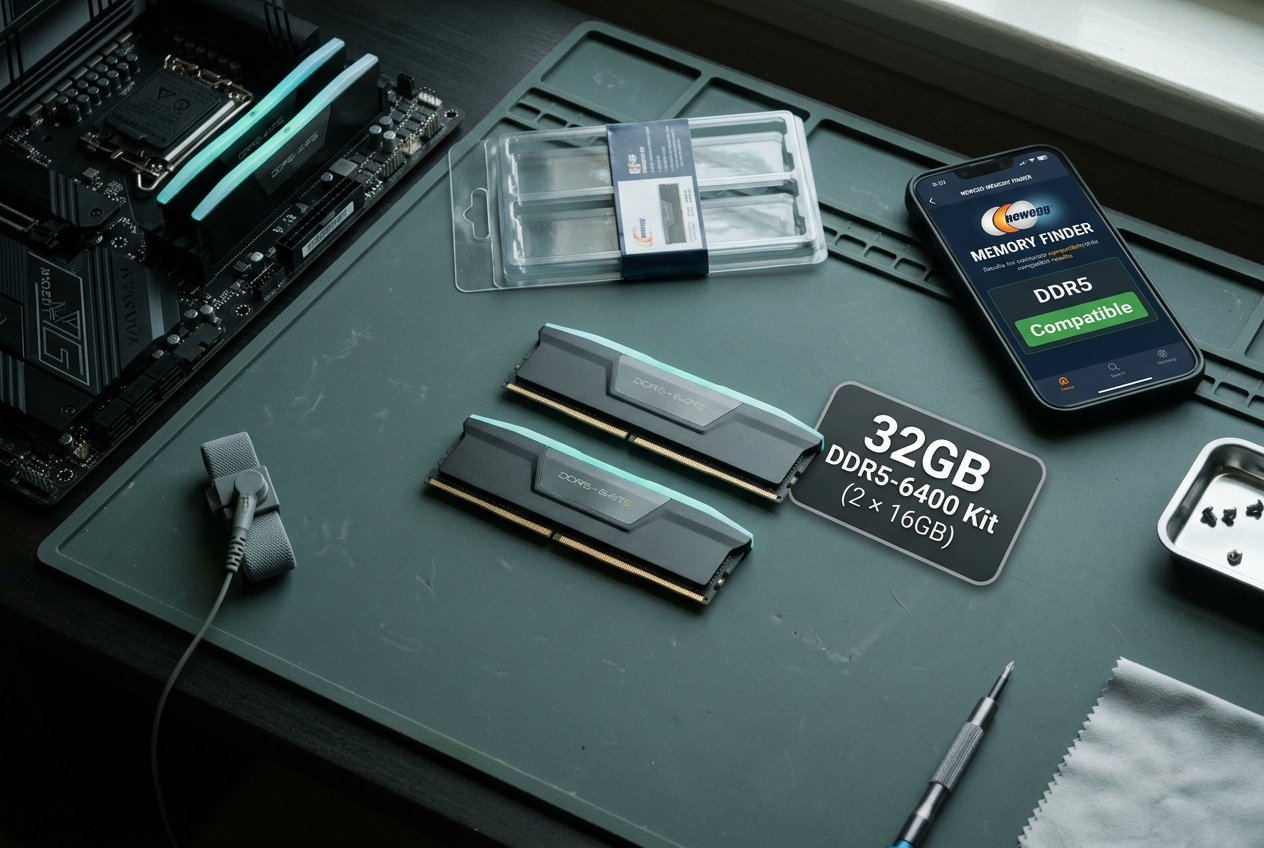
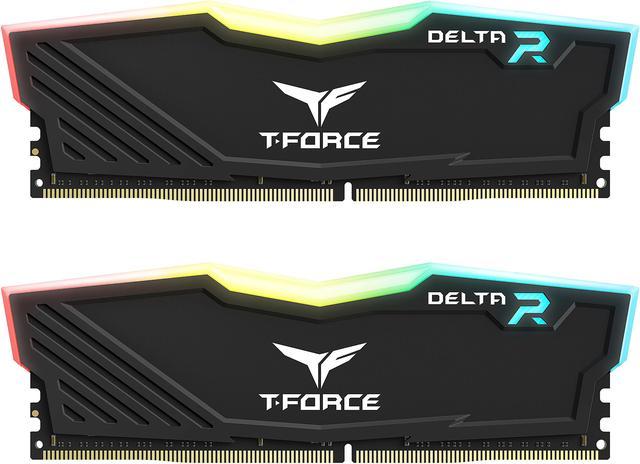
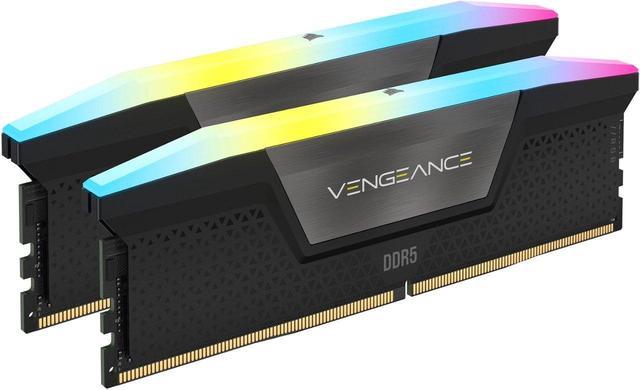
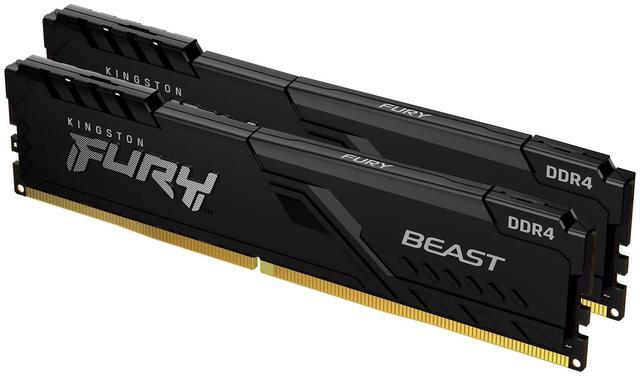
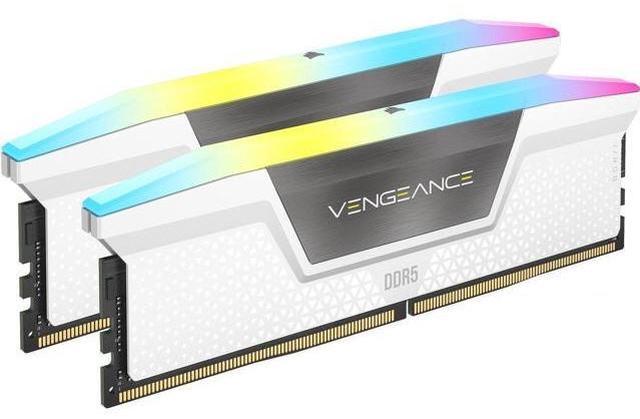
Building or upgrading a PC in 2026 means navigating a memory market that has fully shifted to DDR5 on current platforms — but still carries DDR4 on a significant installed base of systems. Whether you are starting fresh with a new Intel or AMD build, upgrading an existing rig, or looking for the best value in a RAM and motherboard bundle, the decisions you make in this part of the build affect performance, compatibility, and long-term upgrade flexibility more than most buyers realize. This guide walks through the practical choices, from capacity selection to motherboard combo bundles, and answers the questions that come up most often.
Start With Your Platform — Everything Flows From Here
The most important rule of RAM buying in 2026 is deceptively simple: your CPU and motherboard socket determine your memory type before any other variable. Intel’s LGA1851 platform (Core Ultra 200S series) and AMD’s AM5 socket both require DDR5 exclusively. If you are building on either of these current platforms, the DDR4 vs DDR5 question is already answered for you — DDR5 only.
DDR4 remains relevant specifically on Intel LGA1200/LGA1700 platforms (10th through 13th Gen Core, including Raptor Lake) and AMD AM4 (Ryzen up to Ryzen 5000 series). If you are upgrading memory in an existing build on one of these platforms, selecting the right DDR4 kit is still a meaningful upgrade path. Use Newegg’s Memory Finder tool — it takes your motherboard model or CPU socket as input and returns only compatible memory options, eliminating compatibility errors before they happen.
 How Much RAM Do You Actually Need in 2026?
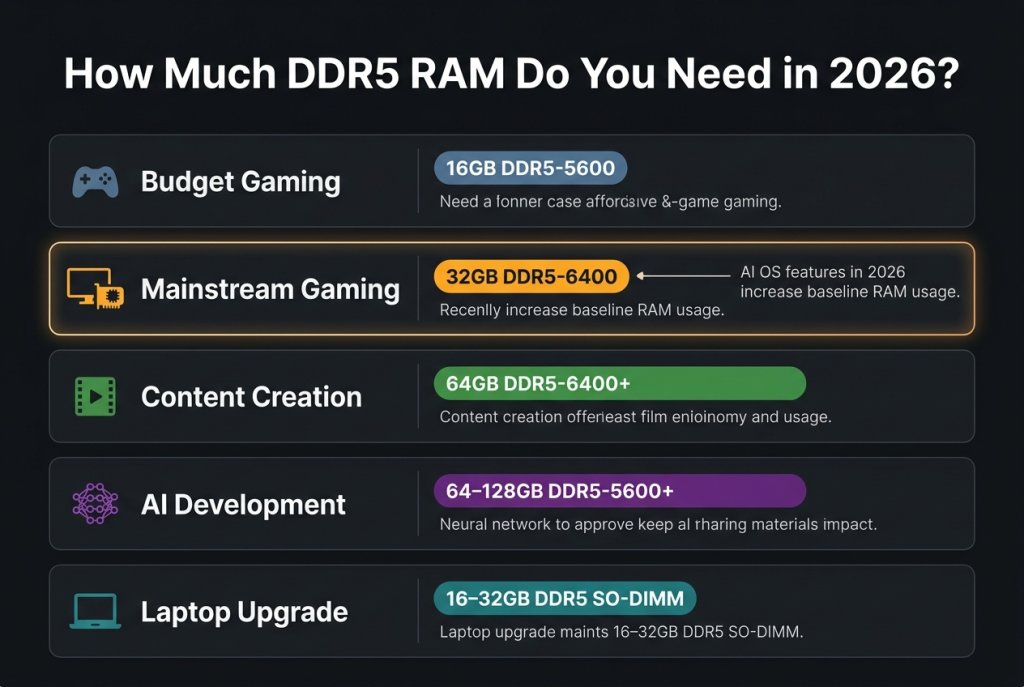
The answer has shifted since 2022. Here is the practical breakdown:
| Use Case | Recommended Capacity | Memory Type | Configuration |
|---|---|---|---|
| Budget gaming / everyday PC | 16GB | DDR5-5600 or DDR4-3200 | 2 × 8GB dual-channel |
| Mainstream gaming | 32GB DDR5 | DDR5-6000–6400 | 2 × 16GB dual-channel |
| Content creation (video/3D) | 64GB | DDR5-6400+ | 2 × 32GB or 4 × 16GB |
| AI development workstation | 64–128GB | DDR5-5600+ | Platform dependent |
| Laptop upgrade | 16–32GB | DDR5 SO-DIMM | System dependent |
32GB DDR5 has become the most practical recommendation for mainstream gaming builds in 2026. Games themselves rarely exceed 12GB of RAM usage, but the ambient OS overhead from AI-integrated features — Windows Copilot, Recall, AI-accelerated search indexing — and background applications has increased the realistic floor for comfortable multi-tasking. A 32GB DDR5 RAM kit provides headroom for gaming alongside a browser, a Discord session, and a streaming overlay without memory pressure affecting frame times.
Explore the current selection of Desktop Memory on Newegg to browse 32GB DDR5 kits across speed tiers, from JEDEC baseline to high-frequency XMP profiles.
 DDR5 Speed Tiers: What Matters for Gaming vs. Productivity
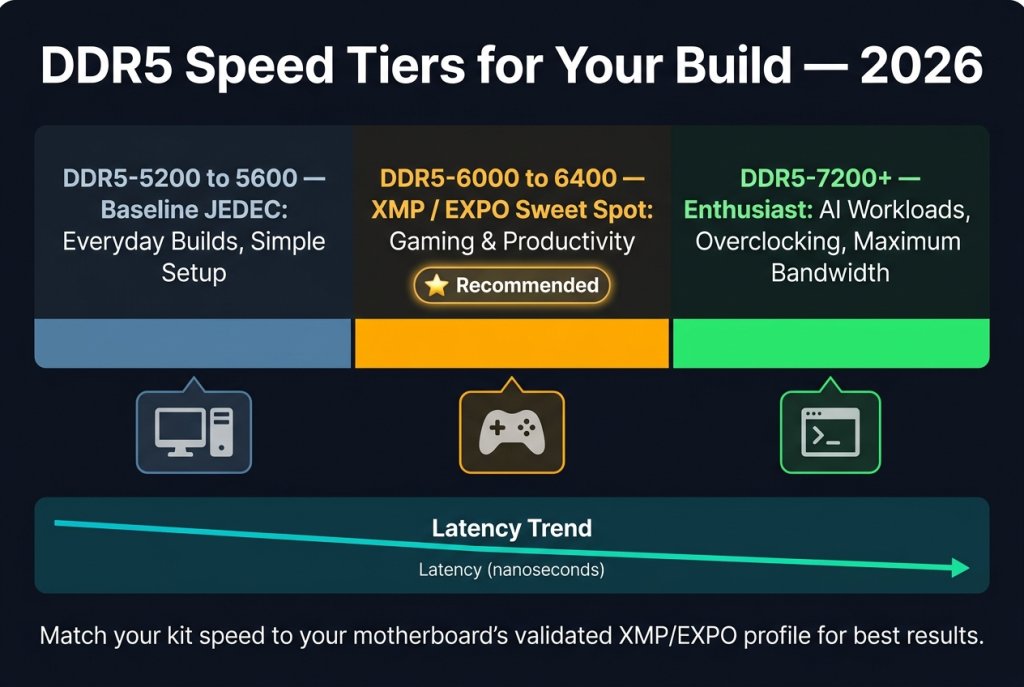
Not all DDR5 is equivalent. The speed you choose should match your workload and CPU platform’s capability:
DDR5-5600 (JEDEC baseline): The default speed for most DDR5 modules without XMP/EXPO activation. Provides a meaningful upgrade over DDR4 in bandwidth without requiring any BIOS configuration. A solid choice for builds where simplicity and compatibility are priorities.
DDR5-6000 to DDR5-6400: The sweet spot for gaming builds in 2026. Intel’s current platforms (Core Ultra 200S) run best at DDR5-6400 with XMP 3.0. AMD AM5 reaches its memory controller optimum at DDR5-6000. Running your memory at the appropriate XMP/EXPO profile for your platform is one of the highest-value per-dollar performance tweaks available.
DDR5-7200 and above: Enthusiast territory. These kits require manually tuned subtimings for stability, benefit from premium cooling, and show the most gains in benchmarks that are specifically memory-bandwidth bound. For AI preprocessing workloads and memory-intensive simulation, the additional bandwidth is genuinely useful. Browse the latest memory releases on Newegg to see what is arriving at the top of the DDR5 performance tier.
For gamers focused on titles from competitive shooters to open-world RPGs, the performance gap between DDR5-6400 and DDR5-8000 in most games is within a few percentage points. The gaming RAM selection on Newegg filters specifically for gaming-optimized kits with RGB, low-profile designs, and platform-validated XMP profiles.
 Motherboard Combo Bundles: Why They Make Sense
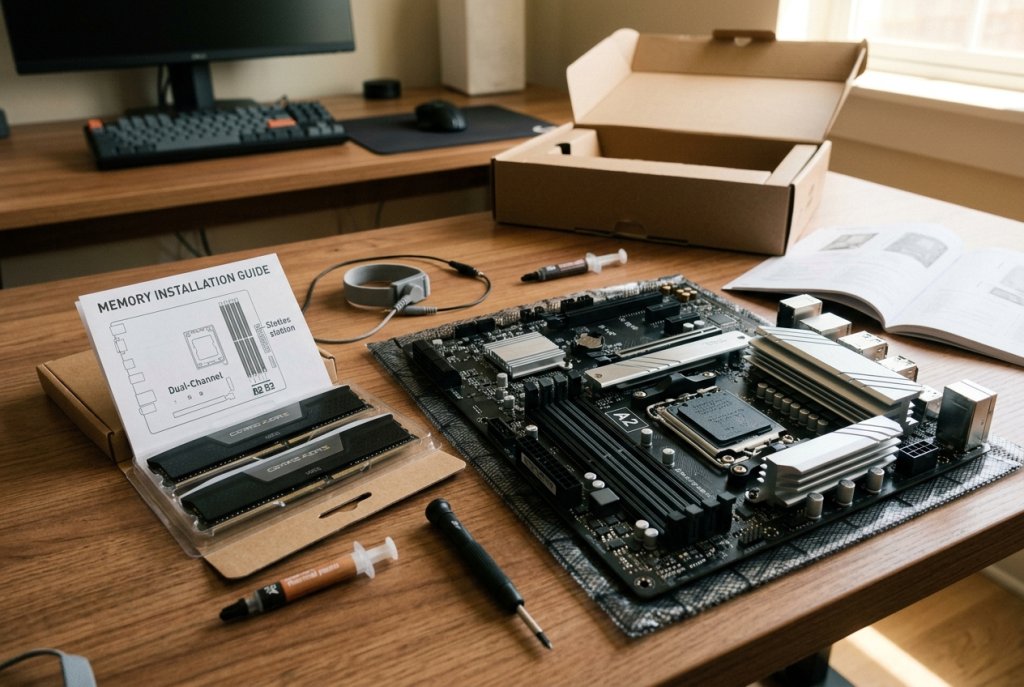
A motherboard and RAM combo bundle pairs a compatible motherboard and memory kit — often with a CPU — into a single purchase that has been pre-validated for compatibility. For first-time builders and anyone who finds component compatibility research time-consuming, combos offer a real practical advantage: you know the memory runs at its rated XMP/EXPO speed on the board it ships with.
The value of a combo extends beyond convenience. Memory manufacturers and motherboard vendors validate specific pairings on their QVL (Qualified Vendor List) — the internal compatibility database that determines which memory kits are officially supported on each motherboard model. When you buy a combo bundle, you are effectively buying a pre-QVL-validated configuration.
For builds centered on Intel platforms, a motherboard combo pairing a Z890 board with a 32GB DDR5-6400 kit is the current reference configuration for Core Ultra 200S gaming builds. On AMD AM5, an X870 or B850 board paired with a 32GB DDR5-6000 EXPO kit achieves the AM5 memory controller sweet spot in a well-validated configuration.
Laptop and Server Memory: Different Standards, Same Compatibility Principle
For laptop upgrades, the same platform-first logic applies. DDR5 SO-DIMMs are standard on recent laptop platforms, but many systems in the market still use DDR4 SO-DIMMs or soldered LPDDR5 that cannot be upgraded independently. Browse Newegg’s Laptop Memory section for SO-DIMM options across both DDR4 and DDR5 standards, and confirm your specific laptop’s upgrade path before ordering.
For server and workstation environments, the transition from DDR4 registered ECC to DDR5 RDIMM is underway on new-generation platforms. Newegg’s Server Memory category covers both legacy DDR4 RDIMM stock for existing infrastructure and DDR5 RDIMM options for platforms built on AMD EPYC Genoa and Intel Xeon Sapphire Rapids and beyond.
 The 2026 RAM Buying Decision in One Sentence
If you are building on a current platform, buy 32GB DDR5 at DDR5-6000 to 6400 — matched to your specific motherboard’s XMP/EXPO support — and consider a validated combo bundle to eliminate compatibility guesswork. Everything else is optimization from there.