
The 27-inch, 1440p, 180Hz monitor has quietly become the default recommendation for PC gamers, and for good reason: prices that started near $300 a few years ago now start under $130. But the spec sheet raises questions. Is 180Hz meaningfully better than 144Hz? Does panel type matter more than refresh rate? Here are honest answers to the questions we hear most, plus three verified-price picks.
Is 1440p at 27 inches actually the sweet spot?
For most gamers, yes. At 27 inches, 2560×1440 works out to about 109 pixels per inch, sharp enough that you cannot pick out individual pixels at normal viewing distance, yet far easier to drive than 4K. A midrange GPU that struggles to hold 60 fps at 4K can often push 120-plus fps at 1440p, which is exactly what a 180Hz panel is for.
Do I really need 180Hz instead of 144Hz?
The honest answer: the jump from 60Hz to 144Hz is transformative; the step from 144Hz to 180Hz is a pleasant bonus. Since 180Hz panels now cost roughly what 144Hz panels did last year, there is little reason not to take the extra headroom. Competitive shooter players will appreciate the marginally lower input latency; everyone else simply gets a smoother desktop and future headroom.
IPS or VA: which panel type should I pick?
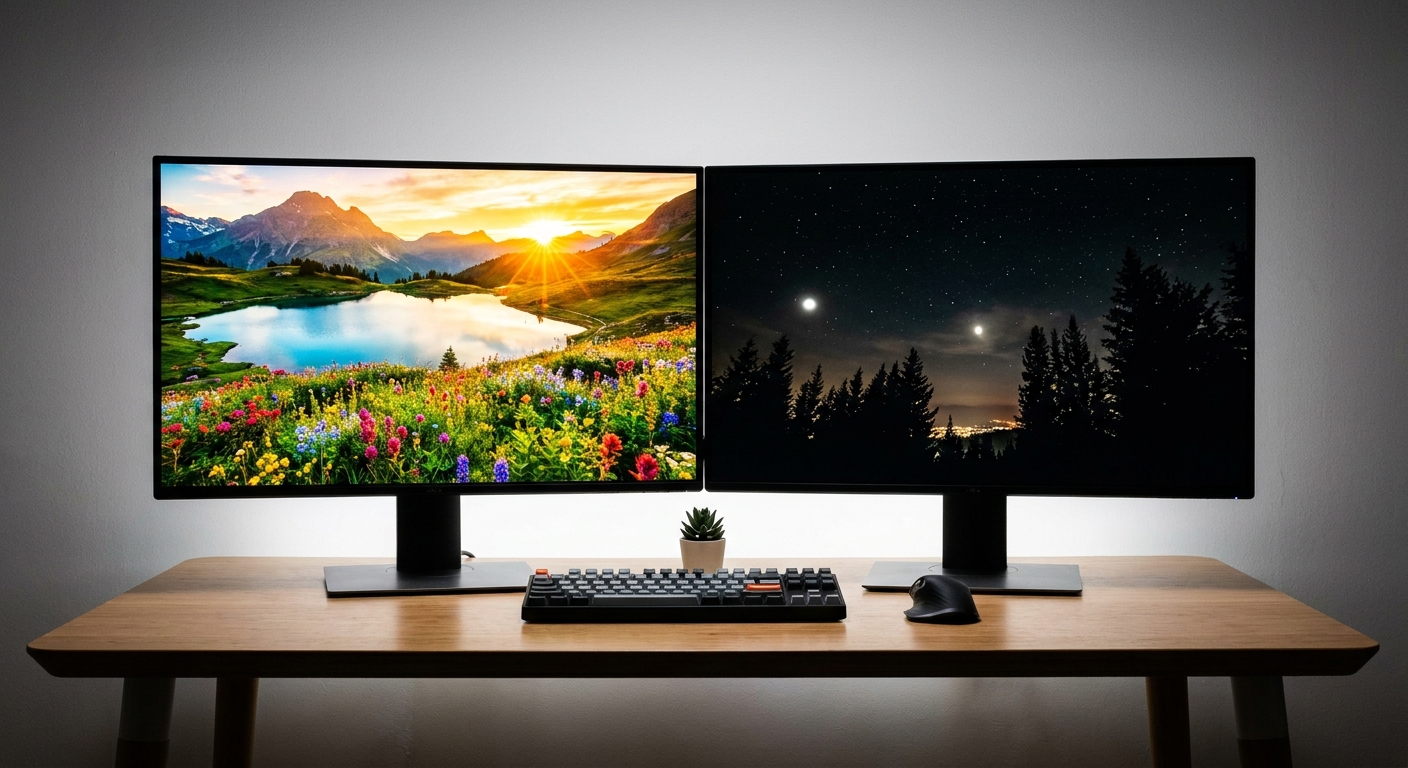
IPS panels deliver the most accurate colors and the widest viewing angles, making them the safer all-round choice. VA panels trade some viewing-angle stability for roughly triple the native contrast, so dark scenes in story-driven games look noticeably richer. Modern “rapid VA” panels have also largely fixed the smearing that gave VA a bad name. Rule of thumb: bright room and mixed use, take IPS; dim room and cinematic games, consider VA.
What about FreeSync and G-Sync?
Every monitor in this class ships with adaptive sync. AMD FreeSync and Nvidia’s G-Sync Compatible certification both do the same core job: they match the monitor’s refresh rate to your GPU’s output so tearing and stutter disappear. Any FreeSync monitor here will run G-Sync Compatible mode on a GeForce card, so you do not need to buy by GPU brand.
Our Verified Picks
Budget Pick: ASRock Phantom Gaming PG27QFT1B ($129.77)
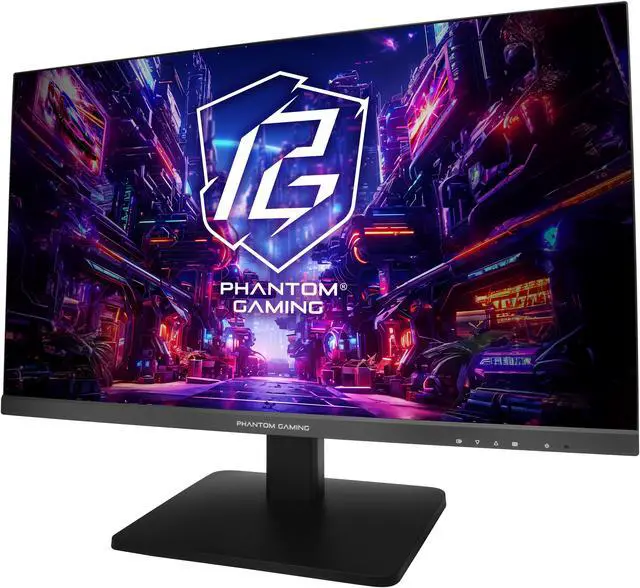
The ASRock Phantom Gaming PG27QFT1B is proof of how far prices have fallen: a 27-inch 1440p IPS panel at 180Hz with FreeSync for $129.77. It is a spec that would have been a flagship not long ago, now at an entry price.
Step-Up Pick: ASRock Phantom Gaming PG27QFT2A ($144.77)
Fifteen dollars more buys the PG27QFT2A, which adds HDR400 support and a 95% DCI-P3 color gamut for punchier highlights and richer color in supported games.
Contrast Pick: MSI MAG 27CQ6F ($145.99)
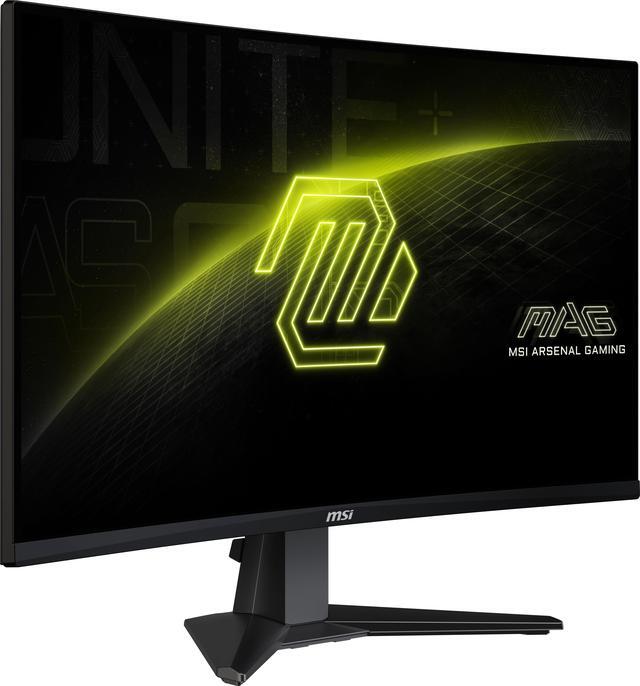
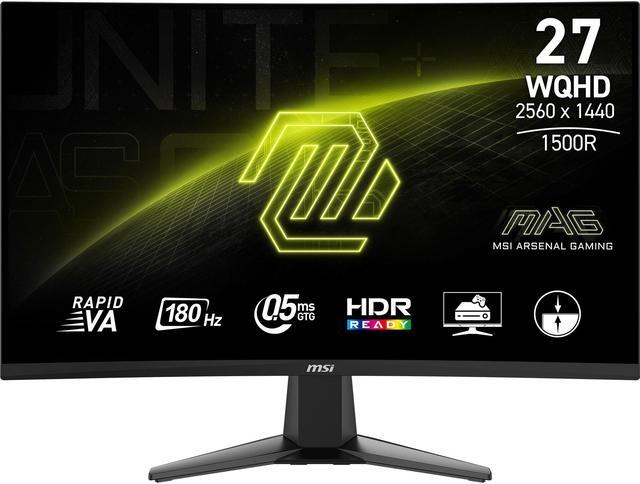
The MSI MAG 27CQ6F uses a rapid VA panel with a 0.5ms response time and an immersive 1500R curve. If you play a lot of atmospheric, dark-scene games, its contrast advantage is immediately visible, and at $145.99 it costs barely more than our step-up IPS pick.
Recommendations at a Glance
| Monitor | Panel | Extras | Price (7/17) |
|---|---|---|---|
| ASRock PG27QFT1B | IPS 180Hz | FreeSync | $129.77 |
| ASRock PG27QFT2A | IPS 180Hz | HDR400, 95% DCI-P3 | $144.77 |
| MSI MAG 27CQ6F | Rapid VA 180Hz | 0.5ms, 1500R curved | $145.99 |
Whichever direction you go, this class of monitor pairs beautifully with midrange GPUs and the new wave of affordable gaming CPUs. Buy the panel type that matches your room and your games, and you will not regret it.
Read More
- RTINGS: The Best Gaming Monitors — Lab-tested rankings with measured input lag and response times.
- Tom’s Hardware: Best Gaming Monitors — Regularly updated picks across budgets and resolutions.
- AMD Official: FreeSync Technology — How adaptive sync works and which tiers exist.
- MSI Official: Gaming Monitors — Full specs for the MAG series and its rapid VA panels.
- Newegg: 27″ 1440p 180Hz Gaming Monitors — Live pricing on the full category.
Related Posts
- How to Upgrade a Prebuilt Desktop PC: What You Can and Cannot Change
- Best PCIe 5.0 NVMe SSDs in 2026
- B850 vs B860: How to Pick a Motherboard in 2026
- Best CPU Coolers in 2026: Air vs AIO for Every Build
- Ryzen 7 9800X3D vs Core Ultra: Which CPU for Gaming in 2026?
Frequently Asked Questions
Answers to the most common questions about 1440p 180Hz gaming monitors.