
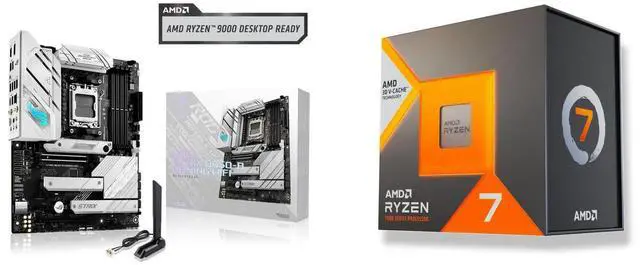
The arrival of the Ryzen 7 7700X3D at $329 instantly rewrote the value math for a new gaming PC. For years, AMD’s 3D V-Cache chips have sat at the top of gaming charts while carrying a premium that put them out of reach for many builders. Now that celebrated technology arrives at a genuinely mainstream price. But a lower price only matters if the chip is right for you, and the 7700X3D has serious competition from every direction: a cheaper Ryzen 7 sibling, an even more affordable Zen 5 six-core, and two twenty-core heavyweights from Intel. We put all five head to head so you can decide exactly what to buy, or upgrade to, with confidence.
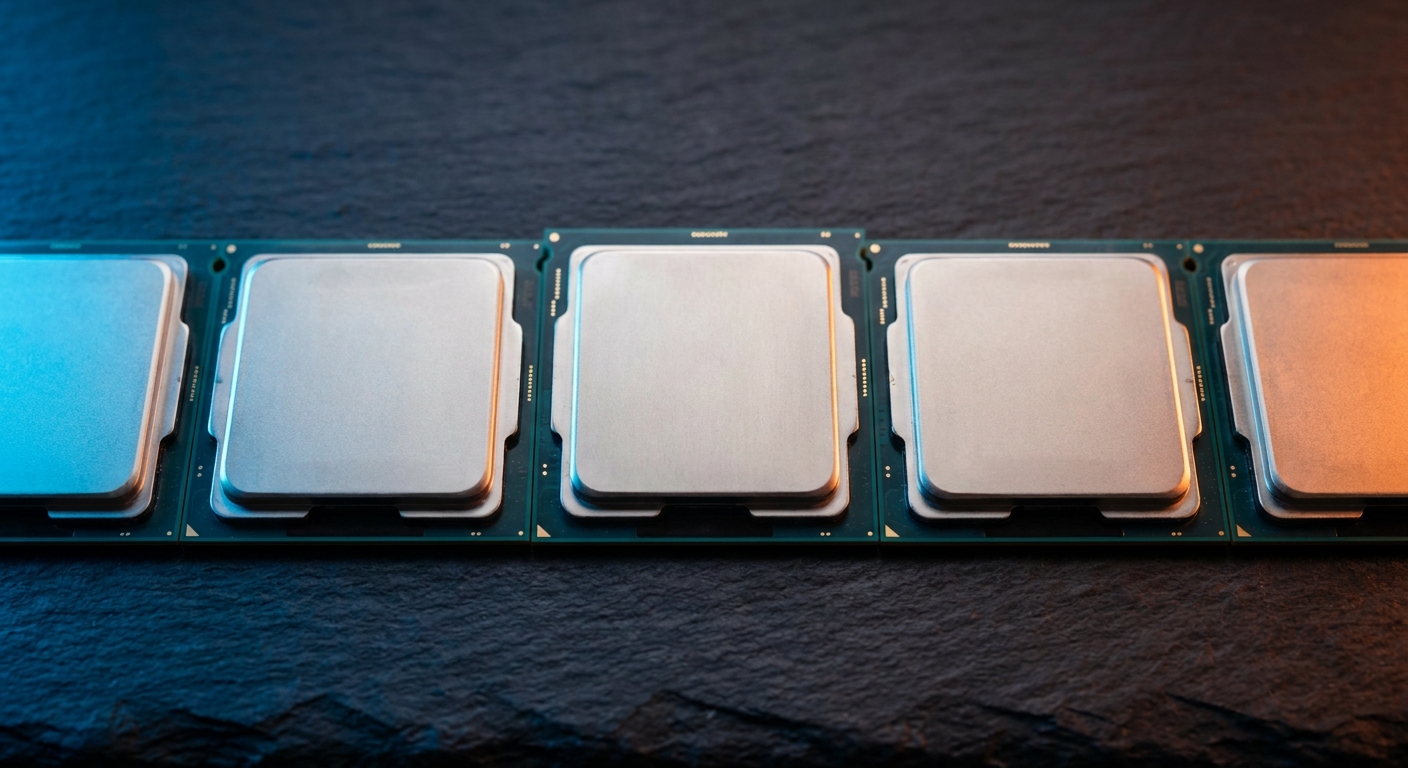
The Contenders at a Glance
Every chip here can run a modern game well, so this is not a contest of good versus bad. The differences show up in the details that shape your daily experience: how many frames per second you get at high refresh rates, how gracefully the chip handles heavy multitasking like streaming while you play, how much power it draws, and which platform you have to buy into. A processor is never just a processor; it drags along a motherboard socket, a memory standard, and a cooling requirement. Here is where each contender sits on Newegg today.
| CPU | Cores/Threads | Max Boost | L3 Cache | Platform | Newegg Price |
|---|---|---|---|---|---|
| Ryzen 7 7700X3D | 8/16 | 4.5GHz | 96MB (3D V-Cache) | AM5 | $328.99 |
| Ryzen 7 7700X | 8/16 | 5.4GHz | 32MB | AM5 | $269.00 |
| Ryzen 5 9600X | 6/12 | 5.4GHz | 32MB | AM5 | $199.99 |
| Core Ultra 7 265K | 20 (8P+12E) | 5.5GHz | 30MB | LGA1851 | $334.10 |
| Core i7-14700K | 20 (8P+12E) | 5.6GHz | 33MB | LGA1700 | $370.00 |
Gaming: Why Cache Beats Clock Speed
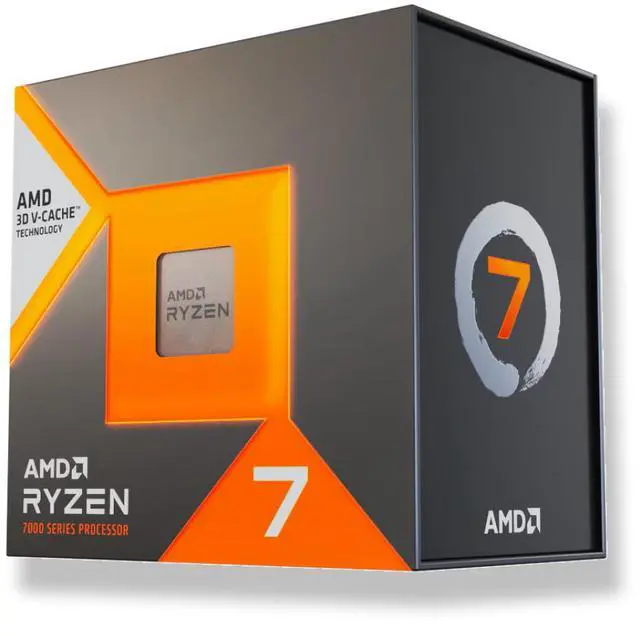
Here is the part that surprises first-time builders. On paper the Ryzen 7 7700X ($269) has noticeably higher clock speeds than the 7700X3D, boosting to 5.4GHz versus 4.5GHz. Yet in game after game, the X3D chip typically comes out ahead. The reason is the 96MB of stacked 3D V-Cache. Games constantly request small pieces of data, and a large, fast cache keeps that data close to the cores instead of forcing slower trips out to system memory. When the CPU does not have to wait, frame rates climb and, just as importantly, they stay consistent, which is what makes gameplay feel smooth rather than stuttery.
That is why X3D processors have topped gaming charts for years, and why the 7700X3D punches well above its clock speed. The advantage is largest at 1080p and 1440p high-refresh gaming, where the CPU is often the limiting factor. If your priority is feeding a fast monitor with as many frames as possible, cache is the single spec that matters most, and this is the chip built around it.
The Budget Option: Ryzen 5 9600X
The Ryzen 5 9600X ($199.99) is the newest and cheapest chip in this comparison, built on the more recent Zen 5 architecture with a modest 65W TDP that runs cool and quiet even on a compact air cooler. For 1440p gaming paired with a mid-range graphics card, six fast cores are genuinely plenty, and you would be hard pressed to feel a difference in many titles. Where it falls behind is in the most CPU-demanding games, in heavy multitasking, and in productivity work, because it has a third of the 7700X3D’s cache and two fewer cores. It is the right pick if your budget is tight, you play at higher resolutions where the GPU does more of the work, and you want a modern AM5 platform you can drop a better chip into down the road.
Intel’s Answer: 265K and 14700K
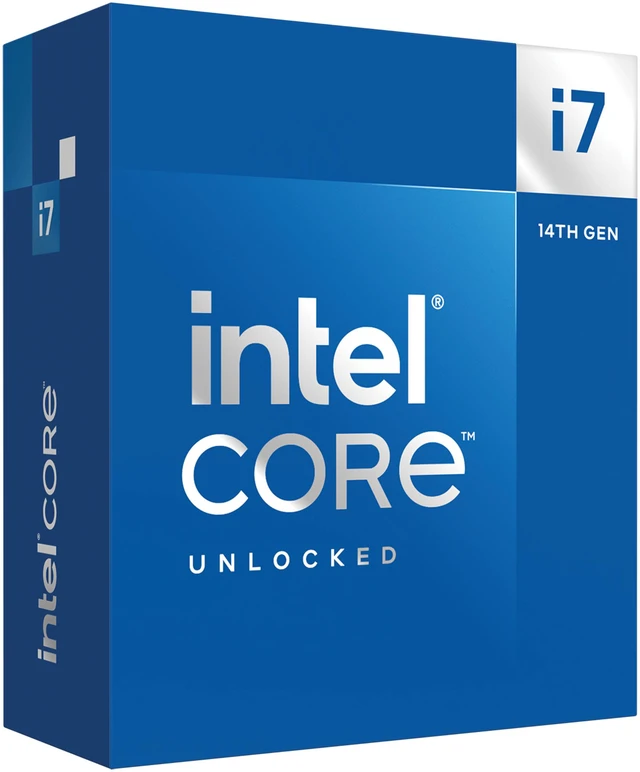
Intel takes a fundamentally different approach with core count. Both the Core Ultra 7 265K ($334.10) and the Core i7-14700K ($370) pack twenty cores split between performance cores for demanding tasks and efficiency cores for background work. That layout makes them excellent all-rounders: video editing, code compiling, 3D rendering, and streaming while you game all benefit from having many threads available at once. If your PC pulls double duty as a creative workstation, this is compelling.
In pure gaming, though, the story is more even. Both Intel chips trade blows with the 7700X3D rather than clearly beating it, and they generally draw more power under load, which means more heat to manage and a beefier cooler to buy. There is also a platform distinction worth noting: the 265K uses Intel’s newest LGA1851 socket, while the 14700K sits on the mature, widely supported LGA1700 platform that has a huge range of affordable motherboards. Choose the 265K for the latest platform and efficiency improvements, or the 14700K for proven value and abundant board options.
Power, Heat, and the Total Platform Cost
Frame rates are only part of the decision. The 7700X3D is famous for its low real-world power draw, which keeps your system cooler and quieter and lets you get away with a modest cooler. The Intel twenty-core chips can run hotter and hungrier under sustained load, so factor in a stronger cooler and a slightly larger power budget. Then there is the platform itself. All three AMD chips share Socket AM5, which needs DDR5 memory but rewards you with a long upgrade runway. The 14700K’s LGA1700 platform can be cheaper to build on today, while the 265K’s LGA1851 is the newest and typically pricier. Always price the whole bill, CPU plus board plus memory plus cooler, rather than the sticker on the processor alone.
Who Should Upgrade to the 7700X3D

Upgrade to the 7700X3D if you are a gamer first and want the best frames-per-dollar in a new build, especially at high refresh rates where its cache advantage shines brightest. It is also the easy choice for small-form-factor builders who value its low heat and quiet operation. Lean toward the 7700X or 9600X if you want to save money and mostly play at 1440p or higher, where the graphics card shoulders more of the load and the cache advantage narrows. Pick an Intel twenty-core chip if your day is genuinely split between gaming and serious content creation, where those extra threads earn their keep. For the majority of players building a fresh AM5 system in 2026, though, the 7700X3D lands in the sweet spot: near-flagship gaming performance at a mid-range price, on a platform with room to grow.
The Verdict by Category
Best for gaming value: Ryzen 7 7700X3D. Best on a strict budget: Ryzen 5 9600X. Best for mixed work and play: Core i7-14700K. Best newest platform: Core Ultra 7 265K. There is no wrong answer here, only the right answer for your workload and budget. But if you are choosing your CPU primarily around frame rates, the 7700X3D is the one to beat this year, and at $329 it makes the upgrade an easy call.
Read More
- Tom’s Hardware: Best CPUs for Gaming — Regularly updated rankings comparing gaming CPUs across price tiers.
- AMD Official: Ryzen 7 7700X3D Specifications — The complete official spec sheet for the chip.
- GamersNexus — Independent CPU benchmark testing and thermal analysis.
- Newegg: Ryzen 7 7700X3D Listings — Live pricing and stock for the North America exclusive.
- Newegg: AMD AM5 Processors — Browse the full AM5 CPU lineup to compare options.
Related Posts
- Buying the Ryzen 7 7700X3D on Newegg: Everything in One Cart
- 7800X3D vs 7700X3D: Which X3D Gaming Chip Should You Buy Now?
- Ryzen 7 7700X3D Bundle Deals on Newegg: Save More on Your Build
- Build a New 2026 Gaming PC Around the Ryzen 7 7700X3D
- AMD Ryzen 7 7700X3D Is Here: The $329 Gateway to High-End AM5 Gaming
Frequently Asked Questions
Answers to the most common questions about choosing a gaming CPU in 2026.