
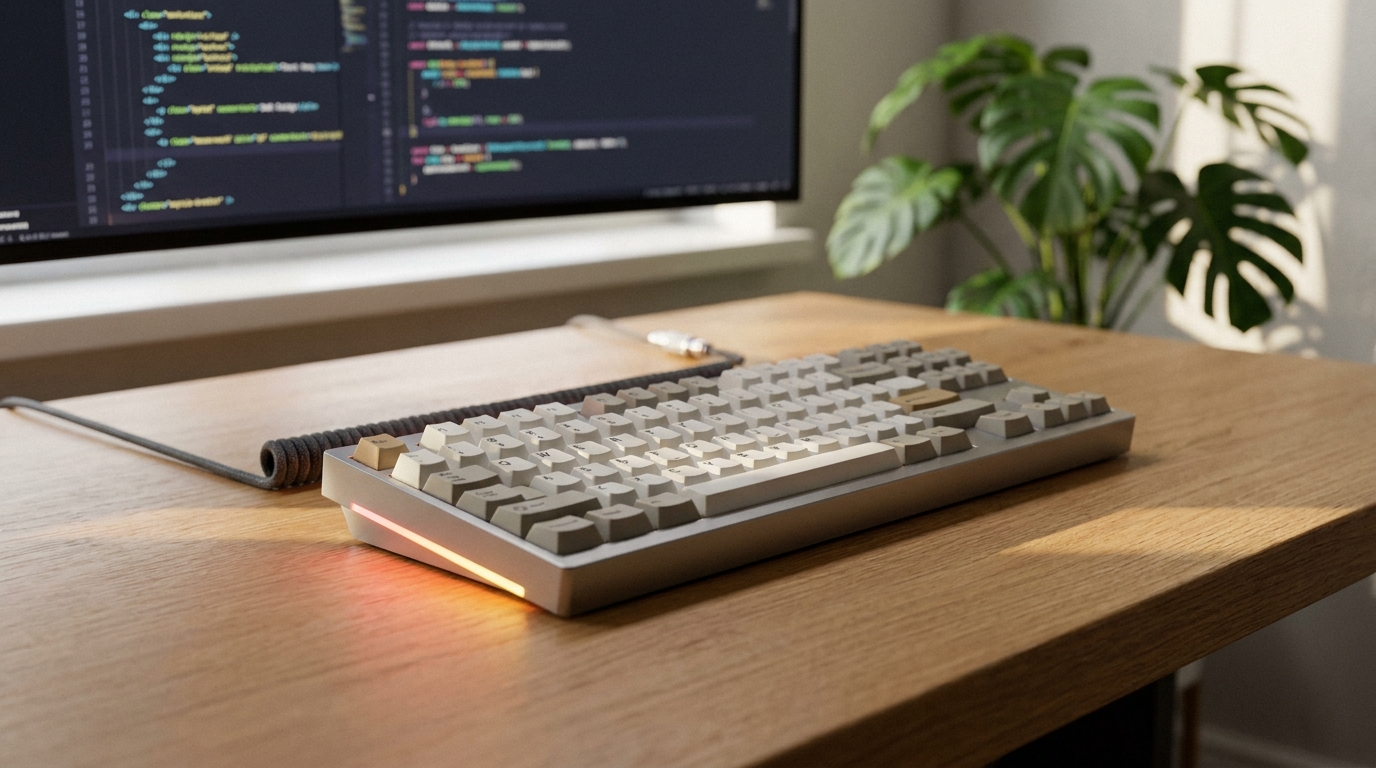
A mechanical keyboard is one of the few upgrades you can feel with every single keystroke. Whether you type all day, grind competitive matches at night, or just want something that lasts for years instead of months, the right board makes a real difference. But the market in 2026 is bigger and more confusing than ever, with linear, tactile, clicky, and magnetic switches, and layouts ranging from full-size to a tiny 60 percent. This guide walks you through every decision, step by step, so you can buy with confidence.
Background: Why Mechanical Keyboards Are Worth It
Unlike membrane keyboards that press down on a single rubber dome, mechanical keyboards use an individual spring-loaded switch under every key. That gives you a more consistent feel, faster and more reliable key registration, and far greater durability. Cherry MX switches, the long-standing industry standard from a German company founded in 1953, are rated for around 100 million keystrokes. In 2026, the bigger story is choice: you can tune sound, feel, actuation point, and even swap switches without soldering. The trade-off is that there are more decisions to make, which is exactly what the steps below are for.
Step 1: Pick Your Switch Type
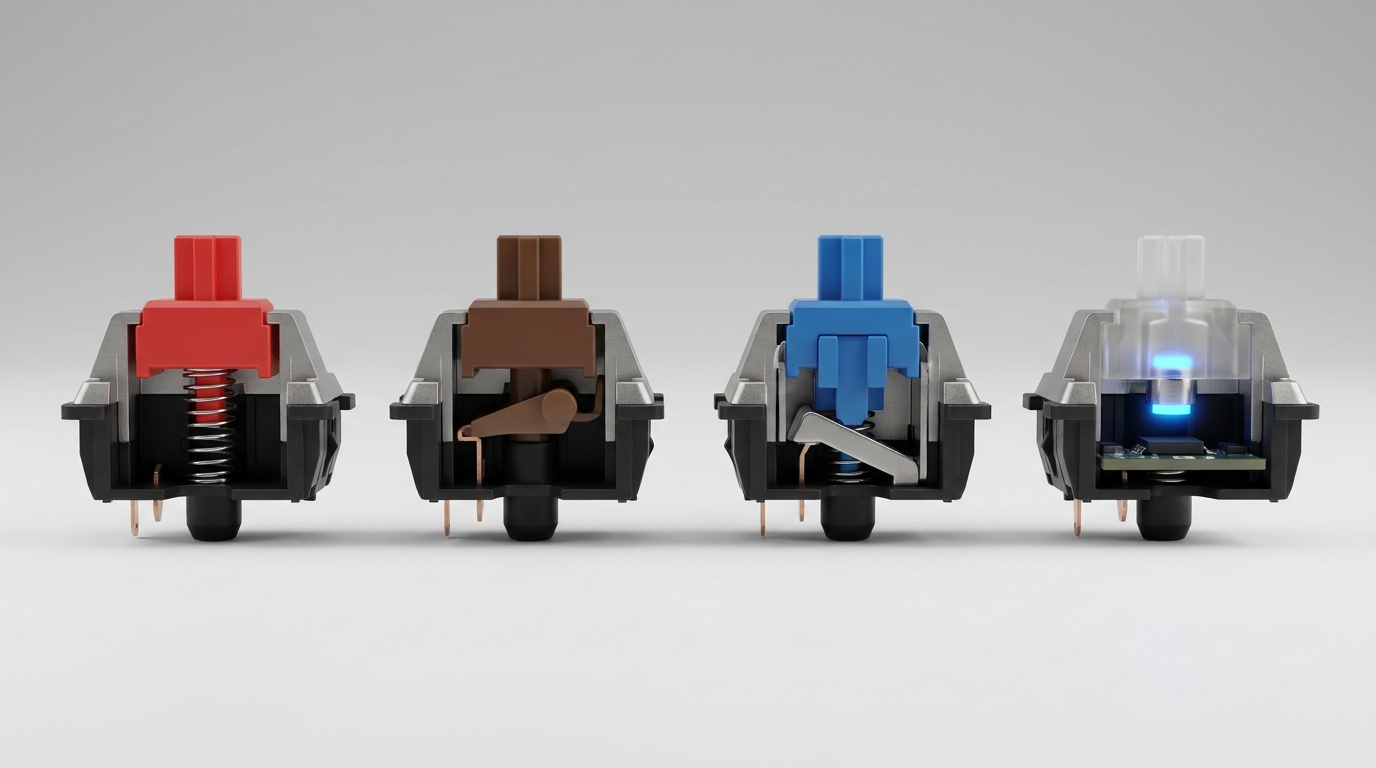
Switches are the heart of any mechanical keyboard, and they fall into four broad families:
- Linear — Smooth and uninterrupted from top to bottom, with no bump or click. Best for fast-paced gaming and quiet offices. Common examples are Cherry MX Red and Gateron Yellow.
- Tactile — A noticeable bump partway through the press tells you the key has registered. Great for typists who want feedback without noise. Think Cherry MX Brown or Boba U4T.
- Clicky — Both a tactile bump and an audible click. Satisfying but loud, so skip these in shared spaces. Cherry MX Blue and Gateron Blue are classics.
- Hall-effect / magnetic — The hottest 2026 trend. These use magnets instead of physical contact, so they never wear out and let you adjust the actuation point, anywhere from a hair-trigger 0.5mm to a full 4mm, often with Rapid Trigger for competitive gaming.
If you are unsure, linear switches are the safest all-rounder, and many of today’s boards are hot-swappable so you can change your mind later.
Step 2: Choose Your Layout and Size
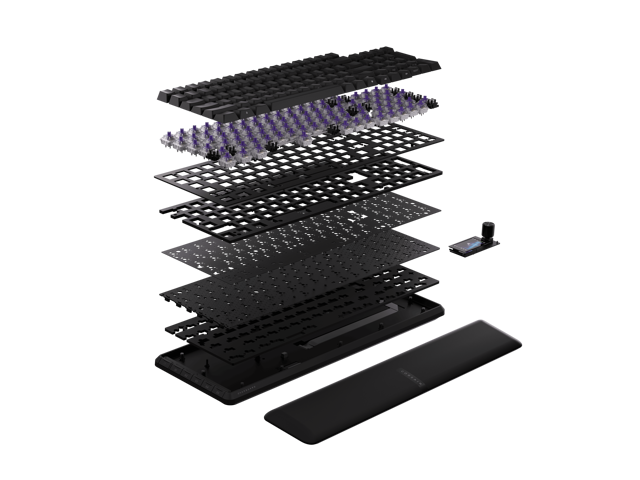
Size is about balancing functionality with desk space. Here is how the popular layouts compare:
| Layout | Approx. Keys | Best For |
|---|---|---|
| Full-size (100%) | 104 | Data entry, anyone who needs a numpad |
| TKL (tenkeyless) | 87 | Gaming and programming; drops the numpad |
| 75% | ~84 | Compact but keeps the function row; the sweet spot for most people |
| 65% | ~68 | Small desks; keeps arrow keys, function row goes to a layer |
| 60% | ~61 | FPS players and minimalists; maximum mouse space |
Ask yourself three questions: Do you need a numpad? Do you use function keys often? How much desk space do you have? If you are torn, 75% is the recommendation that suits most people, keeping the keys you use daily without dominating the desk. Browse the full mechanical keyboard selection on Newegg to compare sizes side by side.
Step 3: Evaluate Build Quality and Features
Two boards with the same switches can feel completely different because of build. Look for these markers of quality:
- Case material — Aluminum cases feel premium and dampen sound; plastic is lighter and cheaper.
- Mounting style — Gasket-mount boards offer a softer, more cushioned typing feel that enthusiasts love.
- Keycaps — PBT keycaps resist shine and last longer than the cheaper ABS plastic.
- Hot-swap sockets — Let you change switches without soldering.
- Connectivity — Wired for lowest latency, or tri-mode (USB, 2.4GHz, Bluetooth) for flexibility.
- Polling rate — Competitive gamers should look for 8000Hz hyper-polling.
- Software — QMK/VIA support gives deep, open-source customization.
Step 4: Match the Keyboard to How You Use It
Gamers should prioritize linear or Hall-effect switches, a TKL or smaller layout, and a high polling rate. Typists and office workers benefit from tactile switches, a quiet profile, and a comfortable full-size or 75% board. If you work across Mac and Windows or multiple devices, look for multi-device wireless. Enthusiasts who care about feel and sound should chase aluminum cases, gasket mounts, and PBT keycaps.
Product Recommendations for 2026
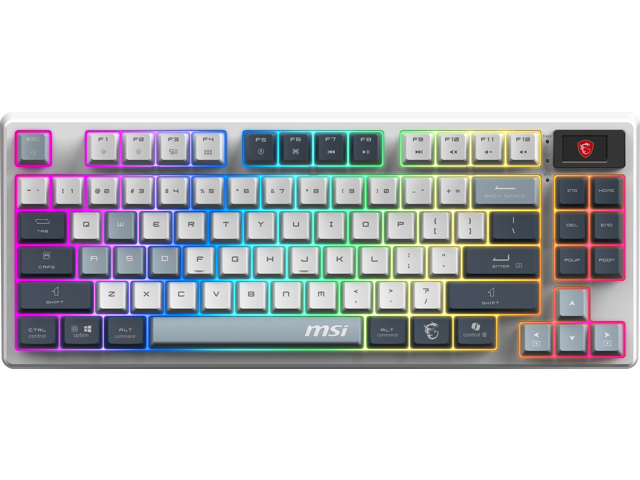
These models consistently top expert reviews in 2026. Prices fluctuate, so confirm current pricing on the listing.
- Keychron Q5 Max — Rated the best overall mechanical keyboard by RTINGS, with a heavyweight aluminum case, gasket mount, hot-swap, and QMK/VIA. Around $200; available on Newegg.
- Corsair K70 PRO TKL — Built for competitive play with magnetic Hall-effect switches, Rapid Trigger, and an 8000Hz polling rate. Available on Newegg.
- Razer Huntsman V3 Pro TKL — The go-to esports TKL with analog optical switches and adjustable actuation. Available on Newegg.
- ASUS ROG (96% tri-mode) — Pre-lubed ROG NX linear switches, hot-swap PCB, and a magnetic wrist rest. Available on Newegg.
- Logitech MX Mechanical — Best for office and Mac users, with quiet switches and multi-device Bluetooth in a metal body. Available on Newegg.
For more options built specifically for play, check the gaming keyboard lineup on Newegg.
Summary
Choosing a mechanical keyboard in 2026 comes down to four steps: pick a switch type that matches your feel and noise tolerance, choose a layout sized to your desk and workflow, evaluate build quality, and match the whole package to how you actually use it. Start with the switch, settle on a layout, and let the features and budget narrow it down. Get those right and you will have a board that feels great and lasts for years.
Related Posts
- How to Build a Productive Dorm Room Desk Setup
- HyperX Alloy Origins Core keyboard and Aqua switches sound test
- Quick Look: Rosewill Neon K90 RGB Keyboard
- Azio’s Retro Classic mechanical keyboards combine old-school charm with new tech
- Wi-Fi 8 Is Almost Here: What ASUS’s Wi-Fi 8 Routers Actually Mean
Frequently Asked Questions
Common questions about choosing a mechanical keyboard in 2026.