
The $1,500 gaming PC budget has never delivered more performance than it does in 2026. The arrival of the RTX 5060 Ti — NVIDIA’s mainstream Blackwell card — brings DLSS 4 Multi-Frame Generation to the sub-$500 GPU tier for the first time, while AMD’s Ryzen 7 9000 Series CPUs deliver exceptional performance-per-dollar on the AM5 platform. If you are ready to build your first gaming PC or are upgrading from an aging system, this guide shows you exactly how to spend $1,500 wisely.
Who This Build Is For
Scenario 1 — The First-Time Builder: You want a capable system for 1080p and 1440p gaming that will last 3–5 years. You are comfortable doing basic assembly and want clear guidance on exactly which parts to buy.
Scenario 2 — The Mid-Range Upgrader: You are upgrading from an older Intel 10th/11th Gen or Ryzen 3000 Series system. You want a complete platform refresh (CPU + motherboard + RAM + GPU) within a $1,500 budget.
Scenario 3 — The Practical All-Rounder: You want a machine that handles gaming well but also handles work, light content creation, and daily productivity. You are not interested in water cooling or RGB for its own sake — just performance per dollar.
The $1,500 Build: Recommended Parts List
The following build targets 1440p gaming at high/ultra settings with 60+ FPS in demanding titles and 100+ FPS with DLSS 4 enabled. All prices verified on Newegg as of June 2026.
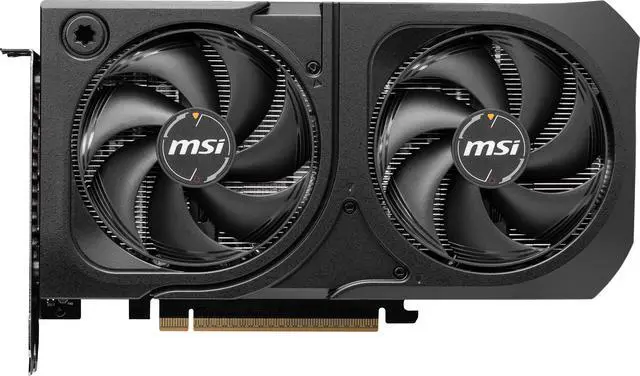
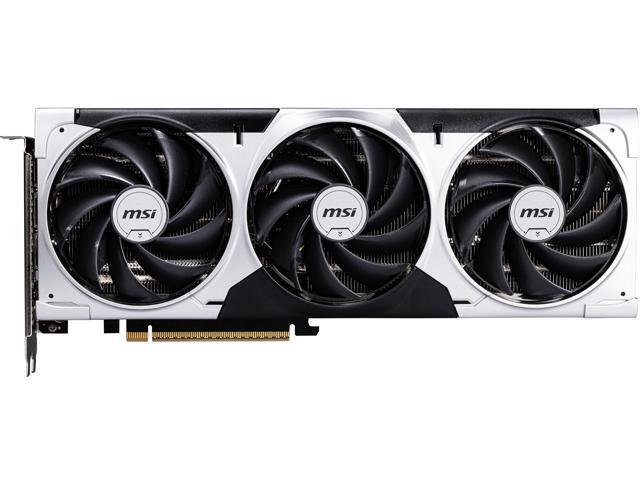
GPU: MSI Ventus GeForce RTX 5060 Ti 16GB ($429.99–$599.99)
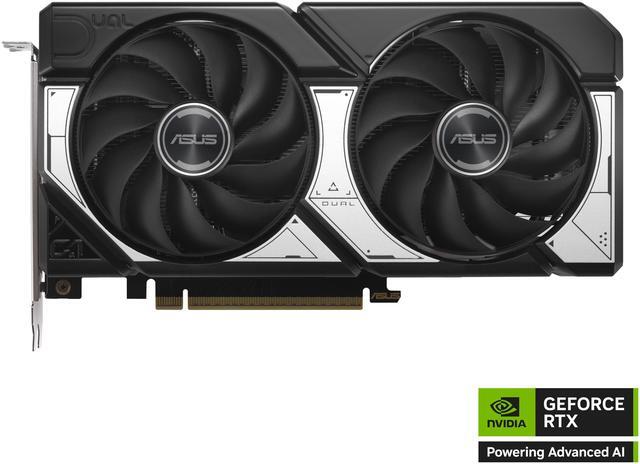
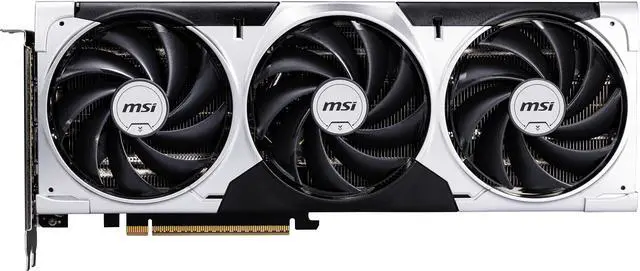
The RTX 5060 Ti 16GB is the GPU for this build. The 16GB GDDR7 variant is strongly recommended over the 8GB version — VRAM is increasingly important in modern titles at 1440p Ultra, and 16GB provides headroom that the 8GB version lacks. Budget options start from $429.99 (GIGABYTE WindForce); the MSI Ventus 3X OC 16GB at $614.99 offers a slight overclock with better cooling. For the tightest budget, the ASUS Dual 8GB at $414–$428 is acceptable for 1080p-focused gaming.
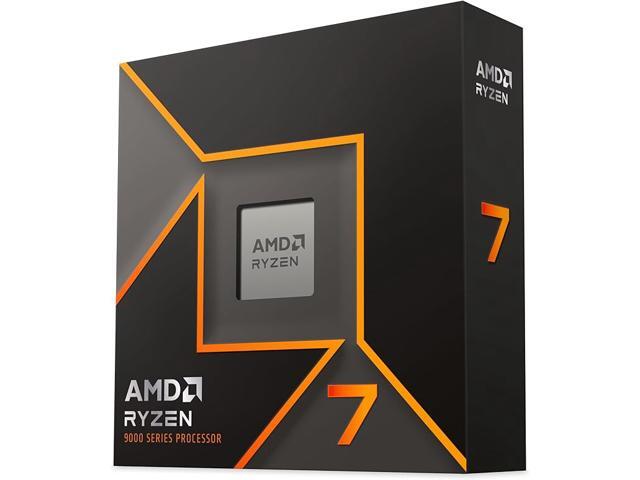
CPU: AMD Ryzen 7 9700X ($289.99–$299.99) or Intel Core i5-14400F (~$179.99)
For the best long-term performance on AM5, the Ryzen 7 9700X at $289.99–$299.99 pairs the Zen 5 architecture with 8 cores and 16 threads on the AM5 platform — compatible with DDR5 and PCIe 5.0, with a long upgrade path to future Ryzen CPUs. For pure budget gaming where maximum CPU performance matters less, the Intel Core i5-14400F at ~$179.99 is the value pick — it delivers excellent 1440p gaming with headroom to spare at a lower cost, freeing up $100+ for a better GPU.
Motherboard: ASUS Prime B650M-A WIFI (~$129.99) or MSI PRO B760M-A WIFI ($99.99)
Match the motherboard to your CPU platform. For AMD: a B650 ATX board gives you DDR5, PCIe 5.0 M.2 slot, and AM5 socket compatibility. For Intel: a B760 board supports the Core i5-14400F on LGA1700 with DDR5. Both options include onboard Wi-Fi for wireless connectivity.
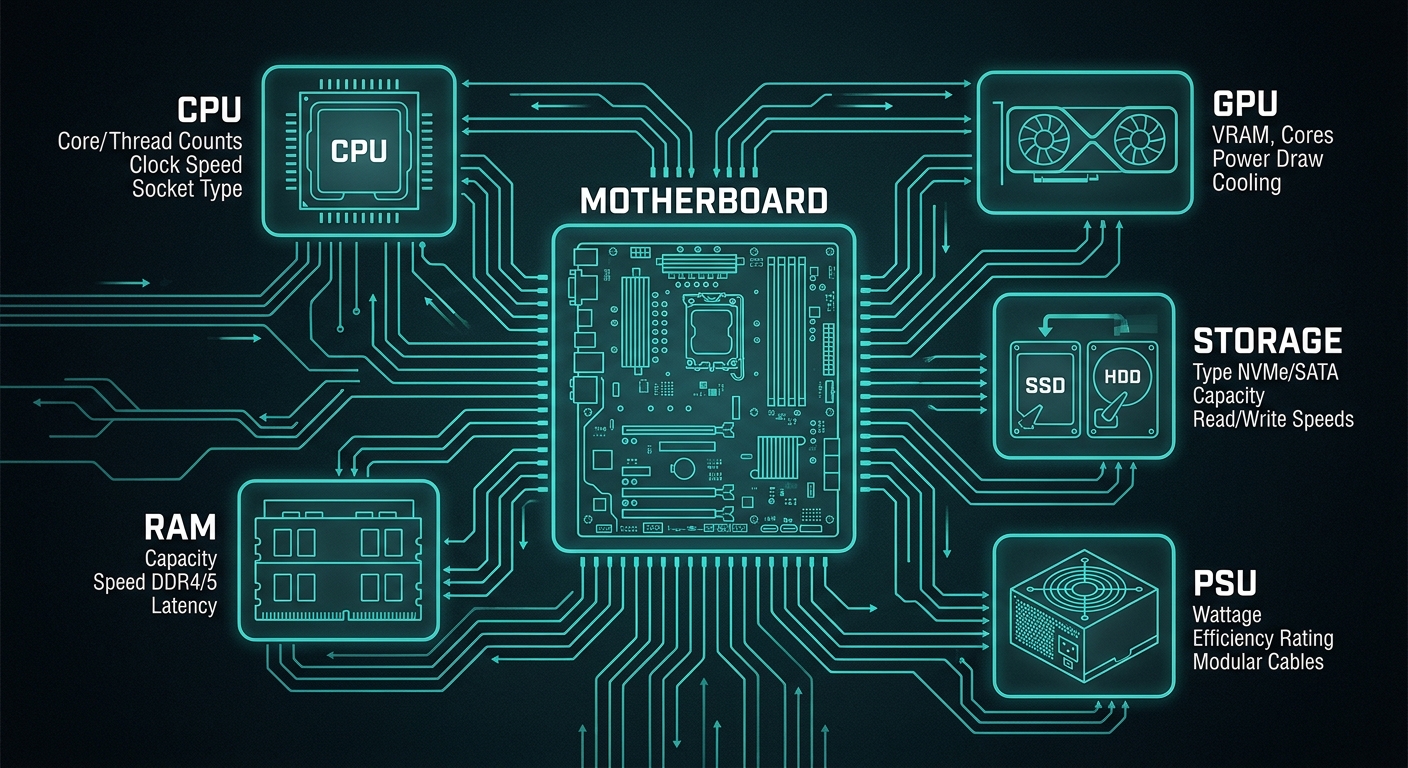
RAM: 32GB DDR5-6000 CL36 (~$109.99–$149.99)
32GB DDR5 is the new baseline for gaming in 2026. Look for DDR5-6000 kits — Corsair Vengeance, G.SKILL Flare X5, or Kingston Fury Beast. For AMD builds, find a kit with EXPO support for easy one-click speed activation in the BIOS.
Storage: 1TB PCIe 4.0 NVMe SSD (~$79.99–$99.99)
A 1TB PCIe 4.0 SSD handles Windows, applications, and a healthy game library. At this budget level, the WD Blue SN580 or Kingston NV3 1TB offers excellent real-world speeds without the premium of PCIe 5.0. Add a 2TB budget SATA SSD ($49.99–$69.99) for additional game storage if needed.
PSU: 650W 80+ Gold (~$59.99–$89.99)
The RTX 5060 Ti has a 180W TDP — a quality 650W PSU is sufficient for the full build. Look for 80+ Gold efficiency and at least one 16-pin (12VHPWR) connector. Corsair RM650x, EVGA SuperNOVA 650 G6, and Seasonic Focus GX-650 are proven options in this price range.
Case: Any mid-tower ATX with front airflow ($59.99–$89.99)
For an airflow-optimized build, look for cases with mesh front panels: Lian Li Lancool 205, Fractal Design Pop Air, or Phanteks P360A. These keep GPU temperatures lower under sustained gaming loads without expensive watercooling.
CPU Cooler: Included box cooler or $29.99 aftermarket tower cooler
The Ryzen 7 9700X includes a serviceable Wraith Prism box cooler. For quieter thermals, a DeepCool AK400 or Thermalright Assassin X 120 R SE (~$29.99) is a worthwhile upgrade that keeps temperatures 5–10°C lower under load.
Estimated Total Cost
At current Newegg pricing, this build lands between $1,200 and $1,500 depending on whether you choose the Ryzen 7 9700X or Core i5-14400F, and which RTX 5060 Ti variant you select. The GPU is the most price-variable component — check Newegg’s current listings before purchasing, as pricing fluctuates weekly.
Browse all RTX 5060 Ti cards on Newegg and use Newegg’s PC Builder tool to compare component compatibility and pricing in real time.
Tips for First-Time Builders
Always check RAM compatibility with your specific motherboard using the board manufacturer’s QVL (Qualified Vendor List) before purchasing. High-speed DDR5 kits may require a BIOS update to run at rated speed — update your motherboard BIOS before inserting the CPU if supported by your board. Use compressed air to seat the CPU cooler properly and do not overtighten screws — finger-tight plus a quarter turn is sufficient for M.2 SSDs and most bracket mounts.
Final Verdict
A $1,500 gaming PC built around the RTX 5060 Ti 16GB and a Ryzen 7 9700X or Core i5-14400F is one of the best value builds available in mid-2026. The RTX 5060 Ti’s DLSS 4 Multi-Frame Generation support means your frame rates at 1440p can exceed what much more expensive cards delivered without the technology. Build smart, verify component compatibility, and enjoy a system that will serve you well into 2029.
Related Posts
- Wi-Fi 8 Is Almost Here: What ASUS’s Wi-Fi 8 Routers Actually Mean
- Best OLED Gaming Monitors in 2026
- How to Upgrade a Prebuilt Desktop PC: What You Can and Cannot Change
- Best PCIe 5.0 NVMe SSDs in 2026
- B850 vs B860: How to Pick a Motherboard in 2026
Frequently Asked Questions
Common questions about building a gaming PC under $1,500 in 2026.