

Buying your first gaming laptop is intimidating: the spec sheets are dense, the prices swing wildly, and it is easy to overpay for power you will not use or underpay for a machine that struggles in a year. The good news is that the entry tier in 2026 is genuinely good. A first gaming laptop today runs the games new players actually start with, holds up for schoolwork, and does not feel like a toy.
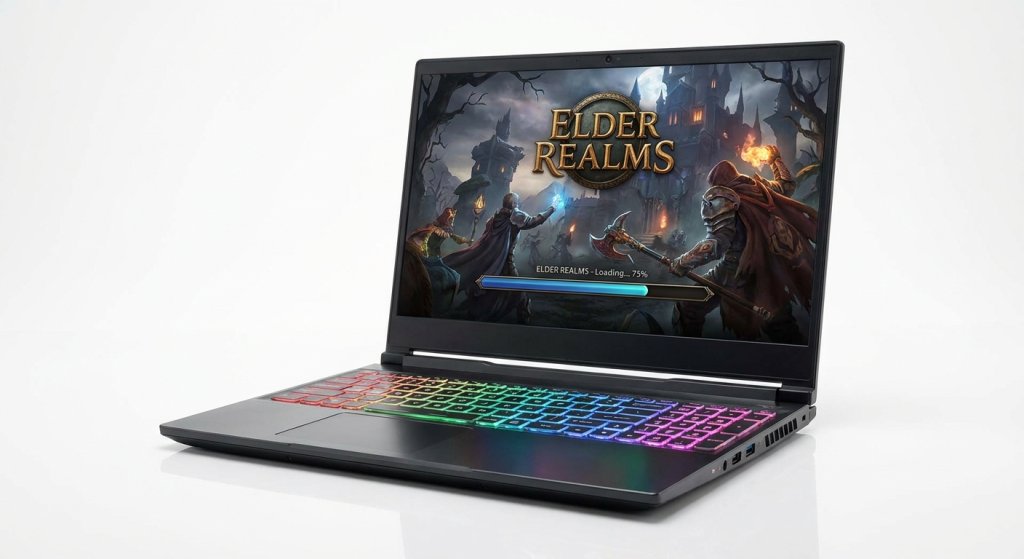
This guide is built for someone buying their first one. We skip the jargon where we can, explain it where it matters, and pull six in-stock picks at Newegg that cover the real range a beginner shops, from the most affordable RTX 5050 machines to a step-up RTX 5070.
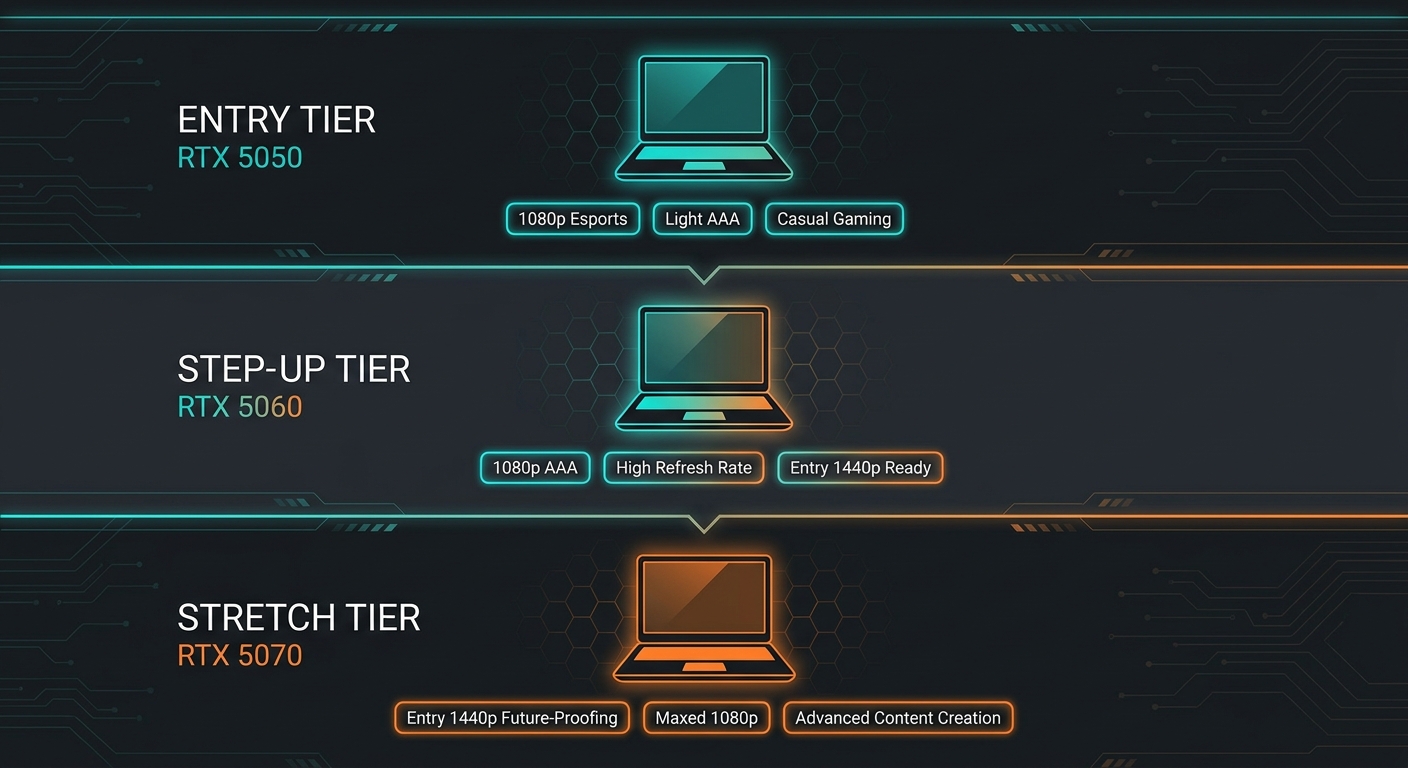
How much should you actually spend on a first gaming laptop?
Here is the honest version:
- Entry (RTX 5050). Runs Fortnite, Valorant, Warzone, Minecraft, Roblox, and most esports titles at 1080p high settings with smooth frame rates. This is where most first-time buyers should start, and Newegg stocks several at this tier.
- Step-up (RTX 5060). Adds real headroom for modern AAA games at 1080p and entry 1440p, plus longer useful life before you feel the need to upgrade.
- Stretch (RTX 5070). Worth it only if you already know you want 1440p or plan to keep the laptop for three or more years.
You do not need to spend flagship money to play well. A “cheap” gaming laptop in 2026 is not the compromise it was five years ago, and the picks below all come from in-stock listings at Newegg with verified seller information.
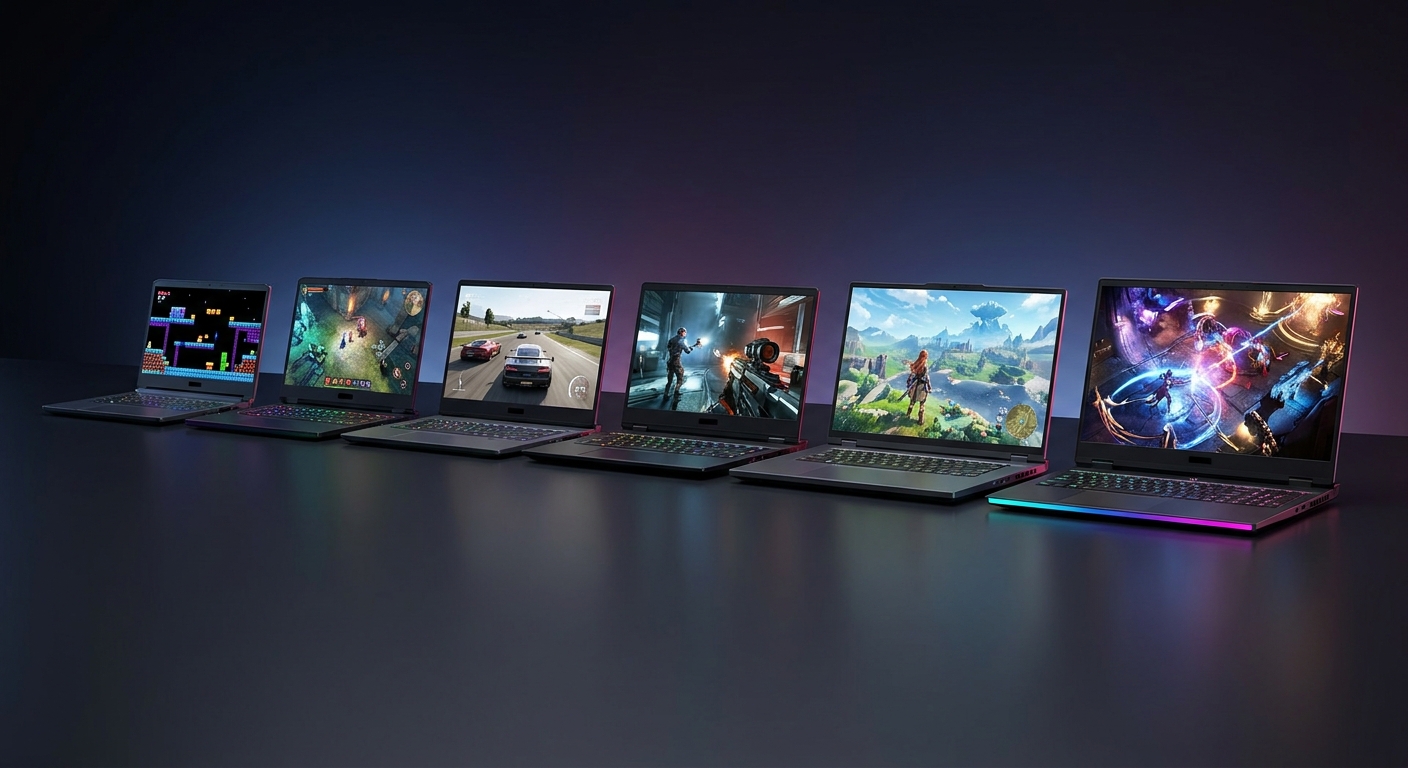
Quick picks: where each one fits
| Pick | Best for | GPU | Display |
|---|---|---|---|
| Acer Nitro V15 | Most accessible entry point | RTX 5050 | 15.6″ 165Hz IPS |
| MSI Cyborg A15 | Budget AMD efficiency | RTX 5050 | 15.6″ FHD 144Hz |
| ASUS TUF F16 | Durable first laptop | RTX 5050 | 16″ FHD+ 165Hz |
| ASUS TUF A16 | Best step-up to RTX 5060 | RTX 5060 | 16″ FHD+ 165Hz |
| Lenovo Legion 5i (OLED) | Nicest screen for the money | RTX 5060 | 15.1″ OLED 165Hz |
| MSI Cyborg 15 | Most future-proof beginner pick | RTX 5070 | 15.6″ FHD 144Hz |
Browse the full entry lineup at the Newegg Gaming Laptops collection.
1. Acer Nitro V15: the easiest place to start
The Acer Nitro V15 ANV15-52-778V pairs an Intel Core i7-13620H with an RTX 5050, 16GB RAM, a 512GB SSD, and a 15.6″ 165Hz IPS display, available at Newegg.
For a first laptop, this is the sweet spot: the RTX 5050 handles every popular beginner title at 1080p without drama, and the 165Hz panel makes fast games feel smooth. It is light enough to carry to a friend’s place or a dorm.
Watch for: 512GB fills up after a few big installs. Budget a 1TB or 2TB NVMe upgrade once your library grows.
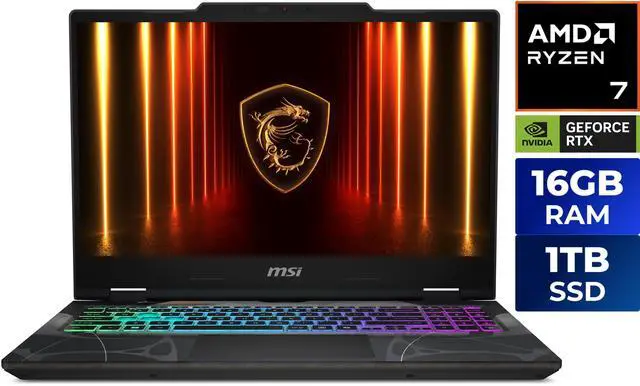
2. MSI Cyborg A15: budget AMD efficiency
Newegg lists the MSI Cyborg A15 with an AMD Ryzen 7 260, RTX 5050, 16GB DDR5, 512GB NVMe SSD, and a 15.6″ FHD 144Hz display.
The Ryzen 7 260 is efficient, which means slightly better battery life between charges, useful if your “gaming” laptop also has to survive a day of classes. It is one of the most affordable real gaming laptops in the Newegg lineup.
Watch for: same 512GB storage ceiling. Plan an SSD upgrade early.
3. ASUS TUF F16: built to take a beating
The ASUS TUF F16 FX608JHR-ES73 ships with an Intel Core i7-14650HX, RTX 5050, 16GB DDR5, 512GB PCIe Gen4 SSD, and a 16″ FHD+ 165Hz display, available at Newegg.
The TUF line is rated to MIL-STD-810H durability standards, which genuinely matters for a first laptop that gets carried around in a backpack daily. The slightly larger 16″ screen is easier on the eyes for long sessions.
Watch for: TUF chassis are heavier than ultraportables. If you carry it everywhere, factor the weight in.
4. ASUS TUF A16: the smart step-up to RTX 5060
The ASUS TUF A16 FA608UM-NS73 gives you AMD Ryzen 7 260, an RTX 5060, 16GB DDR5, 512GB SSD, and a 16″ FHD+ 165Hz panel, available at Newegg.
If your budget can stretch a little, the RTX 5060 is the upgrade that pays off longest. It runs current AAA games at 1080p high and dips into 1440p comfortably, so you are less likely to feel boxed in after a year. Newegg stocks both 16GB and 32GB configurations of the A16.
Watch for: 16GB is fine for pure gaming, but if you also stream or keep many browser tabs open, look at the 32GB variant.
5. Lenovo Legion 5i (OLED): the nicest screen for the money
The Lenovo Legion 5i 83LY000LUS brings an Intel Core i7-14700HX, RTX 5060, 16GB, 512GB SSD, and a 15.1″ 165Hz OLED display, available at Newegg.
OLED at this tier is rare, and it makes a real difference: deeper blacks, punchier color, and better movie and photo viewing when you are not gaming. The i7-14700HX is also a strong chip for the price. A great pick if screen quality matters to you.
Watch for: the 512GB SSD is the main compromise here. The OLED panel can also sip more battery than an IPS at full brightness.
6. MSI Cyborg 15: the most future-proof beginner pick
The MSI Cyborg 15 B2RWGKG-409US steps up to an RTX 5070 with an Intel Core 7 240H, 16GB DDR5, a 1TB SSD, and a 15.6″ 144Hz IPS display, available at Newegg.
If you want to buy once and not think about it for a few years, this is the beginner pick that ages best. The RTX 5070 handles 1440p and keeps modern games comfortable for longer, and the 1TB SSD means you are not deleting games to install new ones on day one.
Watch for: this is the priciest pick here. If you mostly play esports titles, the RTX 5050 options deliver most of the experience for less.
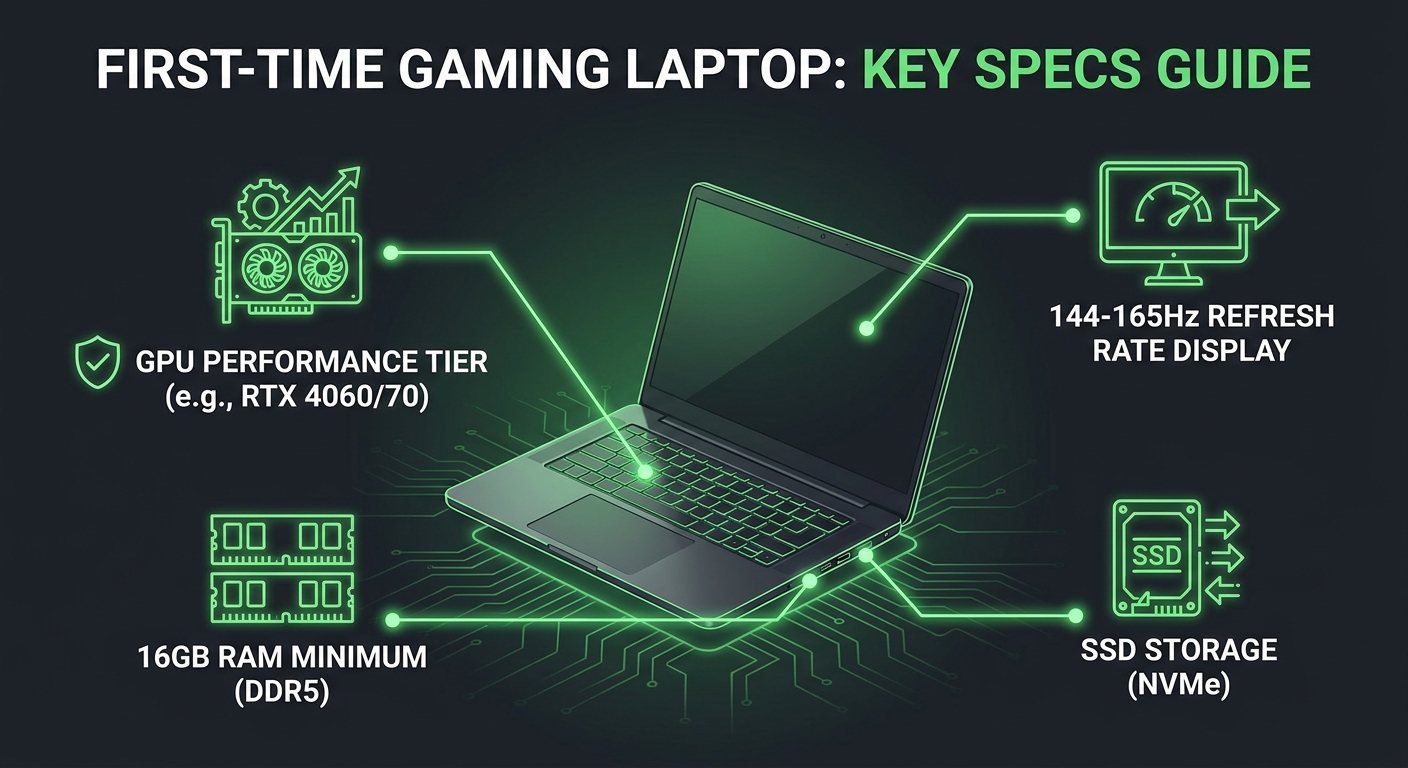
What to look for as a first-time buyer
- GPU first. It is the single biggest factor in gaming performance. RTX 5050 is a great floor; RTX 5060 is the comfortable step-up.
- 16GB RAM is the minimum, 1TB SSD is the comfort target. You can start at 512GB and add storage later on most of these.
- Refresh rate over resolution at this tier. A 144-165Hz 1080p panel feels better in fast games than a slow higher-res one.
- Check the return window. Newegg lists verified seller and return details on each product page, which matters most on a first purchase when you are unsure about fit.
- Skip the extreme budget traps. A laptop with 8GB RAM or a tiny SSD looks cheap but frustrates fast. Every pick here clears that bar.
More gaming laptop guides at Newegg
- How to Choose the Right Gaming Laptop in 2026
- How Much RAM Do You Need in a Laptop?
- What Processor Should I Look for in a Laptop?
- NVIDIA RTX 50 Series Gaming Laptops: Blackwell Performance Guide
Ready to look? Browse all gaming laptops at Newegg.
Related Posts
- Best RTX 5090 gaming laptops: who should actually buy one, and which Newegg picks are worth it
- Gaming Laptops That Replace a Workstation for Video Editing: The Best Picks at Newegg
- Gaming Laptops for Engineering and CS Students: The Best Picks at Newegg
- Gaming Laptops That Double as 3D and CAD Workstations: The Best Picks at Newegg
- New Laptop Setup 2026: Complete Guide to Updating Drivers and Software
Frequently Asked Questions
Answers to the most common questions about gaming laptops under $1000.