
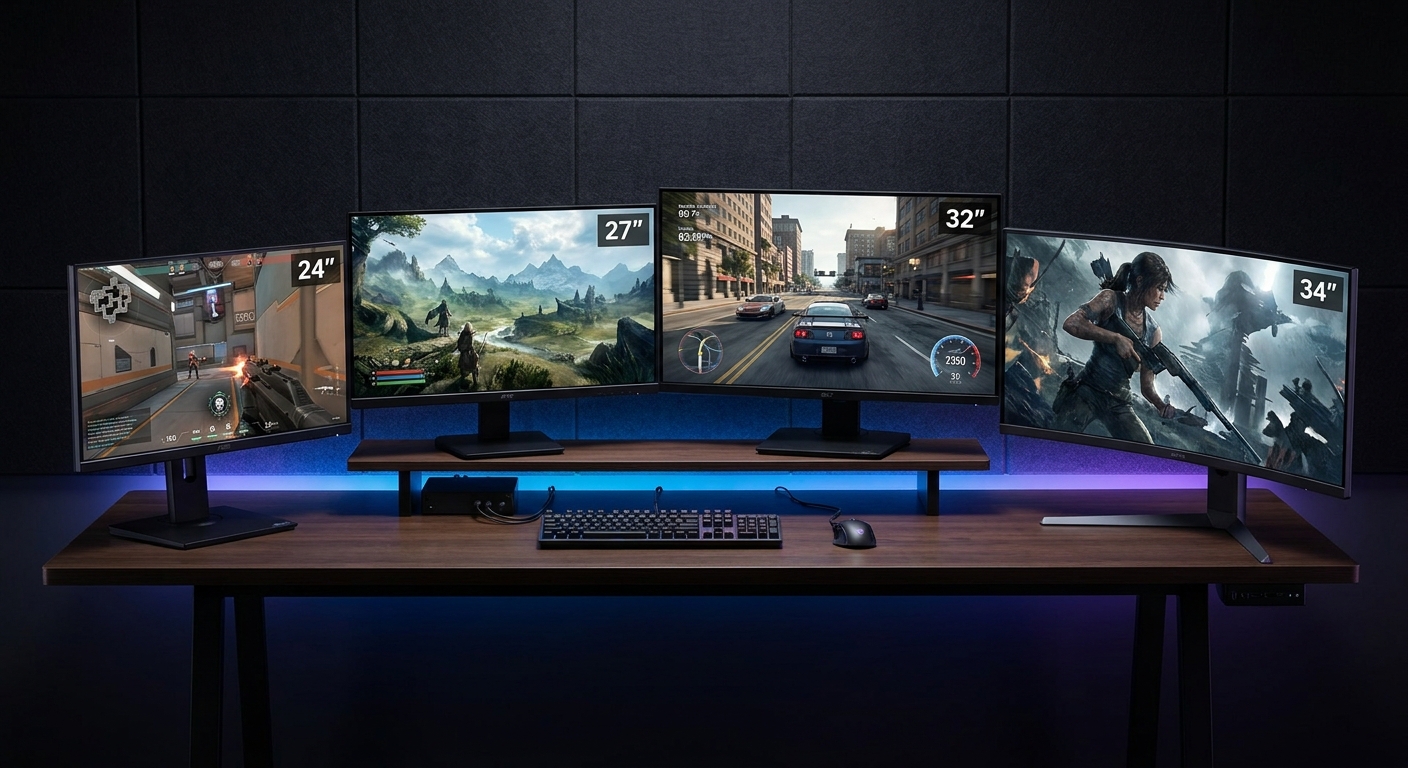
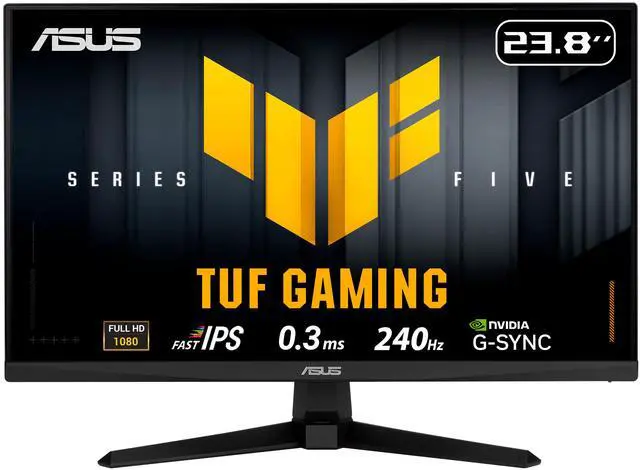
Monitor size is one of the most important — and most misunderstood — decisions in building a gaming setup. Bigger isn’t always better, and the “right” size depends on far more than personal preference. Viewing distance, resolution, game type, desk space, and budget all play a role.
This guide walks through every major size category in 2026 so you can find the screen that genuinely fits how you play.
 Why Screen Size and Resolution Must Be Considered Together
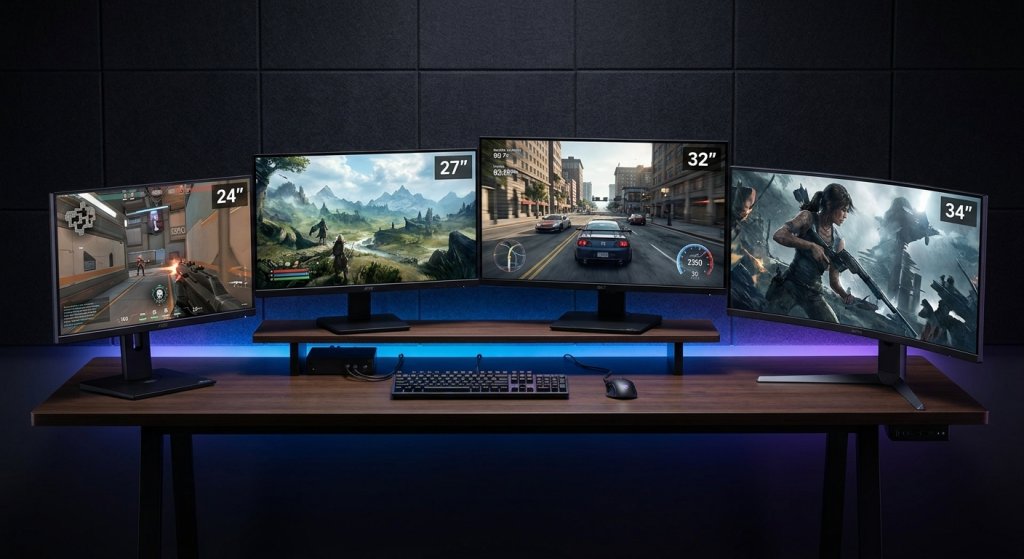
Screen size only makes sense in the context of resolution. The same 1080p image looks sharp on a 24-inch monitor and noticeably blurry on a 32-inch monitor at the same viewing distance. This is because pixel density — measured in pixels per inch (PPI) — drops as screen size increases without a corresponding resolution increase.
A useful rule: match the resolution to the screen size so that individual pixels aren’t visible at your normal viewing distance. Here’s the general pairing that works well in 2026:
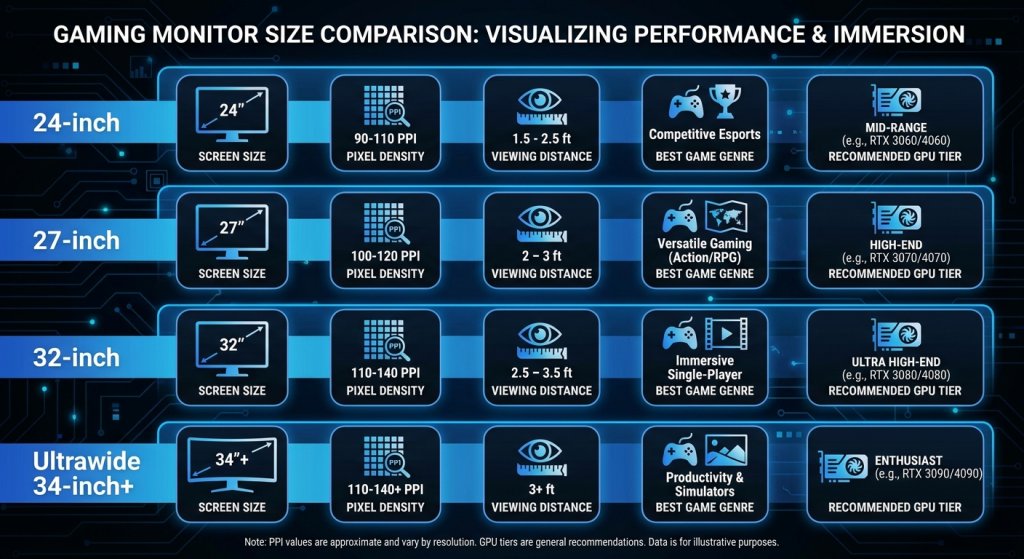
- 24–25 inch: 1080p Full HD (ideal) or 1440p (excellent PPI)
- 27 inch: 1440p (ideal sweet spot) or 4K (exceptional sharpness)
- 32 inch: 1440p (good) or 4K (ideal)
- 34–49 inch ultrawide: 1440p ultrawide (3440×1440) or 4K ultrawide (5120×2160)
Buying a 32-inch 1080p monitor to save money often produces a disappointing image at typical desk distances. The resolution-to-size pairing matters as much as the size itself.
24–25 Inch: The Competitive Standard
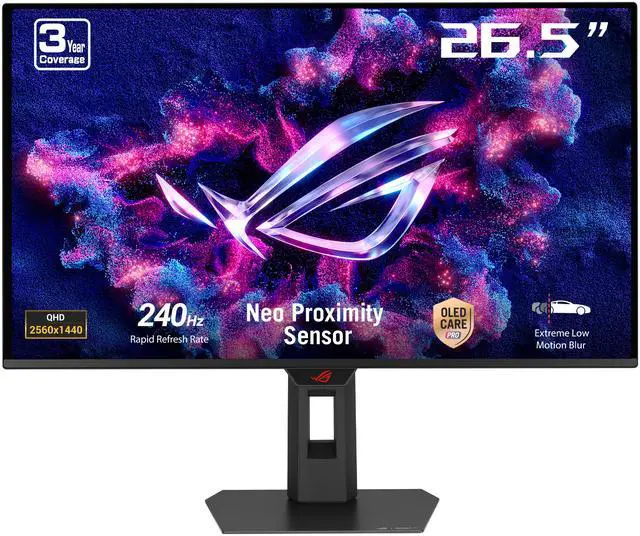
The 24–25 inch format has been the competitive gaming standard for over a decade, and that hasn’t changed in 2026. Professional esports players and enthusiasts who prioritize maximum performance overwhelmingly use this size range.
Why Smaller Can Be Better for Competitive Play
At 24–25 inches, a 1080p display delivers around 92 PPI — sharp enough for comfortable gaming at 60–80cm desk distance. More importantly, the smaller screen means your entire field of view is covered without needing to move your eyes or head as much to track action across the display. In fast-paced FPS games where enemy positions can appear at any point on screen, this “eye coverage” is a genuine competitive advantage.
The 24–25 inch format also dominates at the highest refresh rates. 24–26 inch gaming monitors are available with refresh rates up to 360Hz–500Hz, enabling the smoothest possible motion clarity for competitive titles. Running a mid-range GPU at 1080p on a 24-inch screen is far more achievable than running 4K on a 32-inch monitor.
The Trade-Off
Immersive single-player games, open-world titles, and games designed for widescreen formats don’t feel as cinematic on a 24-inch screen. If you primarily play story-driven games or RPGs, the smaller format can feel limiting compared to what a 27-inch or larger display provides.
27 Inch: The Versatile Sweet Spot
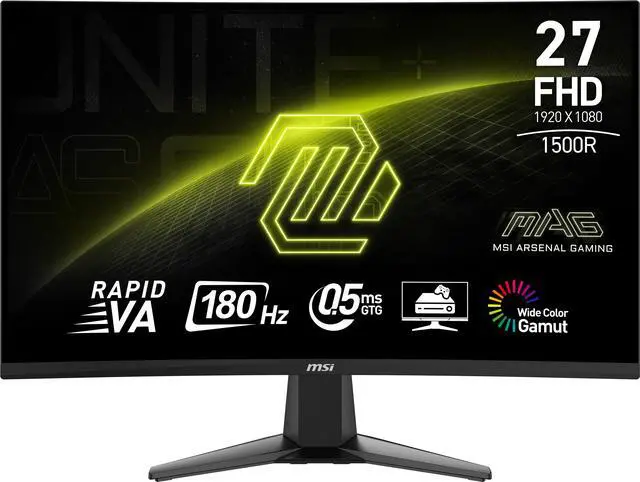
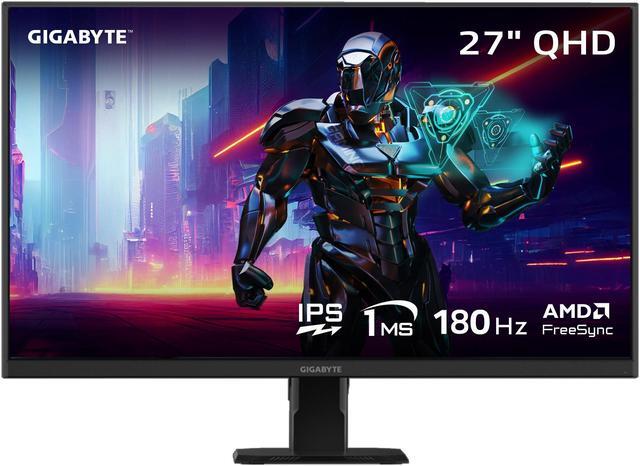
The 27-inch format is the most popular gaming monitor size in 2026 — and with good reason. At 1440p (2560×1440), a 27-inch display delivers approximately 109 PPI, which hits a clarity threshold where the image looks genuinely sharp without requiring 4K-level GPU performance.
The Best All-Rounder
A 27-inch 1440p monitor balances every meaningful factor: it’s large enough to feel immersive in single-player games, small enough that competitive play remains comfortable, and runs at resolutions that modern mid-range GPUs handle well. 27-inch 1440p gaming monitors are available at refresh rates up to 240–280Hz, covering both competitive and immersive use cases with a single display.
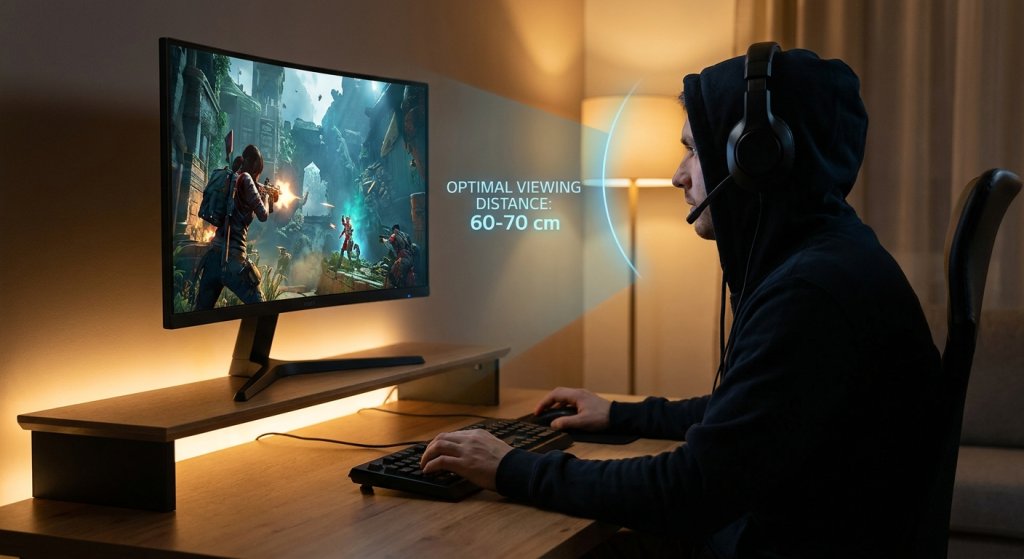
The 27-inch format also pairs naturally with the desk space most users have. At typical viewing distances of 60–80cm, a 27-inch screen fills your central field of view comfortably without requiring you to lean back or turn your head to see the edges — unlike some 32-inch monitors in tighter desk setups.
 4K at 27 Inches
A 27-inch 4K (3840×2160) display delivers exceptional pixel density — around 163 PPI — creating print-quality sharpness for games and productivity work alike. If you own a high-end GPU and prioritize visual fidelity over maximum frame rates, a 27-inch 4K gaming monitor offers the sharpest image in this size bracket. However, maintaining high frame rates at native 4K requires powerful hardware — upscaling technologies like DLSS 4 and FSR 4 can help bridge the gap.
32 Inch: When Bigger Makes Sense
The 32-inch format occupies an interesting middle ground: large enough that immersion becomes genuinely compelling, but still desk-friendly at standard viewing distances. At 1440p, a 32-inch monitor lands at roughly 92 PPI — acceptable but noticeably less sharp than 27-inch 1440p at the same distance. This is why 32-inch monitors pair most naturally with 4K resolution.
The Home Entertainment Case
For users who want their monitor to pull double duty as an entertainment screen — gaming, streaming, and video content — the 32-inch format delivers a more cinematic experience. Viewed from slightly further back (70–90cm), a 32-inch 4K display provides the clarity needed to make the larger screen size feel sharp and immersive rather than pixelated.
The 32-inch format is also increasingly popular for content creation. The extra screen real estate compared to 27 inches makes timeline editing, multi-application workflows, and large asset management more comfortable. If you split your monitor use between gaming and creative work, 32-inch 4K gaming monitors offer an appealing combination of workspace and performance.
Desk Space Considerations
A 32-inch monitor requires meaningfully more desk depth than a 27-inch model. If your desk is 60cm deep or less, a 32-inch monitor may feel too close at typical seating positions. Measure your setup before committing — the ideal viewing distance for a 32-inch screen is roughly 80–100cm, which requires either a deeper desk or a monitor arm that pushes the screen to the back edge.
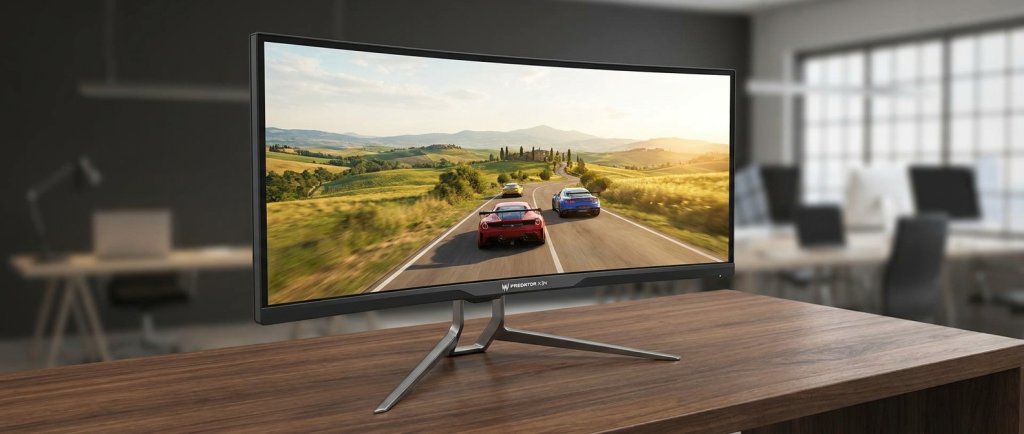
 Ultrawide: 34–49 Inches at 21:9 or 32:9
Ultrawide monitors — typically 34 to 49 inches wide at 21:9 or 32:9 aspect ratios — represent a fundamentally different approach to screen real estate. Instead of scaling up pixel size, they extend the horizontal canvas, giving you more of the game world visible at once without adding vertical height.
When Ultrawide Changes the Experience
For games that support 21:9 natively — and most modern AAA titles do — an ultrawide monitor is genuinely transformative. Racing games, flight simulators, open-world RPGs, and cinematic narrative games were designed with this format in mind. The extended field of view places you inside the game world in a way that standard 16:9 monitors can’t replicate.
A 34-inch ultrawide gaming monitor at 3440×1440 resolution delivers roughly the same pixel density as a 27-inch 1440p monitor (around 109 PPI), so image quality remains excellent while the panoramic view adds a new dimension to immersive gaming.
The 49-Inch Super Ultrawide
At the extreme end, 49-inch super ultrawide monitors at 32:9 aspect ratio are essentially two 27-inch monitors seamlessly joined. These displays are primarily productivity and simulation tools — the field of view is so wide that most games don’t render this format natively, and competitive gaming becomes awkward due to the extreme horizontal span requiring head movement rather than eye movement.
Ultrawide Limitations
Not every game supports 21:9 well. Older titles and some console ports may letterbox or stretch. Competitive multiplayer games on ultrawide can present field-of-view advantages that some matchmaking systems penalize or restrict. Before investing in ultrawide, check that your primary game library supports the format natively.
Size Comparison Table
| Size | Ideal Resolution | Pixel Density | Typical Refresh Rate | Viewing Distance | Best For |
|---|---|---|---|---|---|
| 24–25 inch | 1080p / 1440p | 92–117 PPI | 144–500Hz | 50–70cm | Competitive / Esports |
| 27 inch | 1440p / 4K | 109–163 PPI | 144–280Hz | 60–80cm | All-Purpose / Best Seller |
| 32 inch | 1440p / 4K | 92–140 PPI | 144–240Hz | 80–100cm | Immersive / Productivity |
| 34 inch ultrawide | 3440×1440 (1440p UW) | 109 PPI | 144–240Hz | 70–90cm | Immersive / Mixed Use |
| 38–49 inch ultrawide | 3840×1600 / 5120×2160 | 90–110 PPI | 60–165Hz | 90–120cm | Workstation / Sim Gaming |
How to Choose for Your Setup
The most practical way to think about monitor size is to match the format to your primary gaming use case, then validate it against your desk space and GPU capability.
Choose 24–25 inch if: competitive multiplayer is your main focus, you have a mid-range GPU, or you’re building a setup where maximum refresh rate and lowest input lag matter more than visual scale.
Choose 27 inch if: you want a single monitor that handles both competitive and immersive gaming well, your GPU is a modern mid-to-high-end model, or you’re unsure — this size is genuinely the most flexible and widely supported format in 2026.
Choose 32 inch if: you sit further back than typical desk distances, you use your monitor for entertainment and productivity alongside gaming, and you have a high-end GPU capable of 4K gaming.
Choose ultrawide if: your game library is primarily open-world, simulation, or cinematic RPG titles that support 21:9 natively, and you want to replace a dual-monitor setup with a single immersive screen.
Conclusion
Monitor size is a decision that shapes your entire gaming experience. The 27-inch 1440p format remains the safest and most versatile choice in 2026, but the “right” answer is genuinely different for a competitive esports player versus an RPG enthusiast versus a simulation racer. Match the size to your play style, verify it fits your desk and viewing distance, and confirm your GPU can drive it at the performance level you expect.
Explore the full range of gaming monitors on Newegg to compare sizes, resolutions, and refresh rates across every budget.