
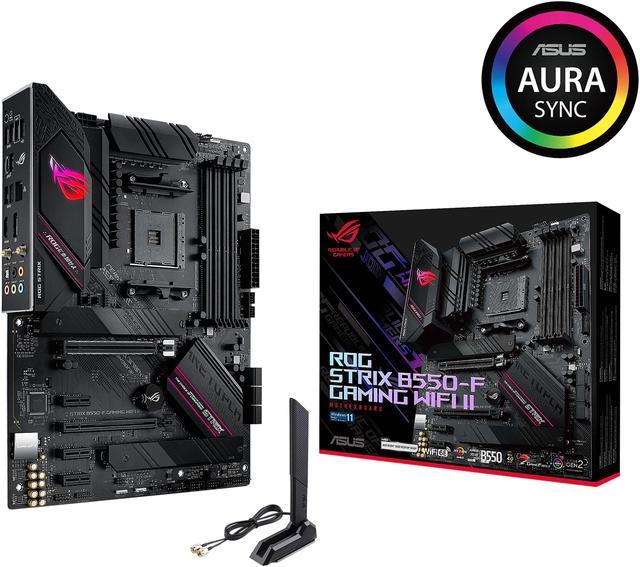
A motherboard in 2026 is no longer just the passive backbone that holds your components together. It is an active participant in your PC’s performance — routing data at speeds that would have been considered server-grade hardware just three years ago, providing wireless connectivity faster than most home fiber connections, and increasingly acting as an AI-aware platform layer that ties together the NPU in your CPU, the tensor cores in your GPU, and the software intelligence running on top of it all. If you’re building or upgrading a PC this year and haven’t yet examined what modern motherboards actually offer, the gap between an entry-level board and a feature-complete model is wider than it has ever been.
PCIe 5.0: The New Standard That Changes Everything
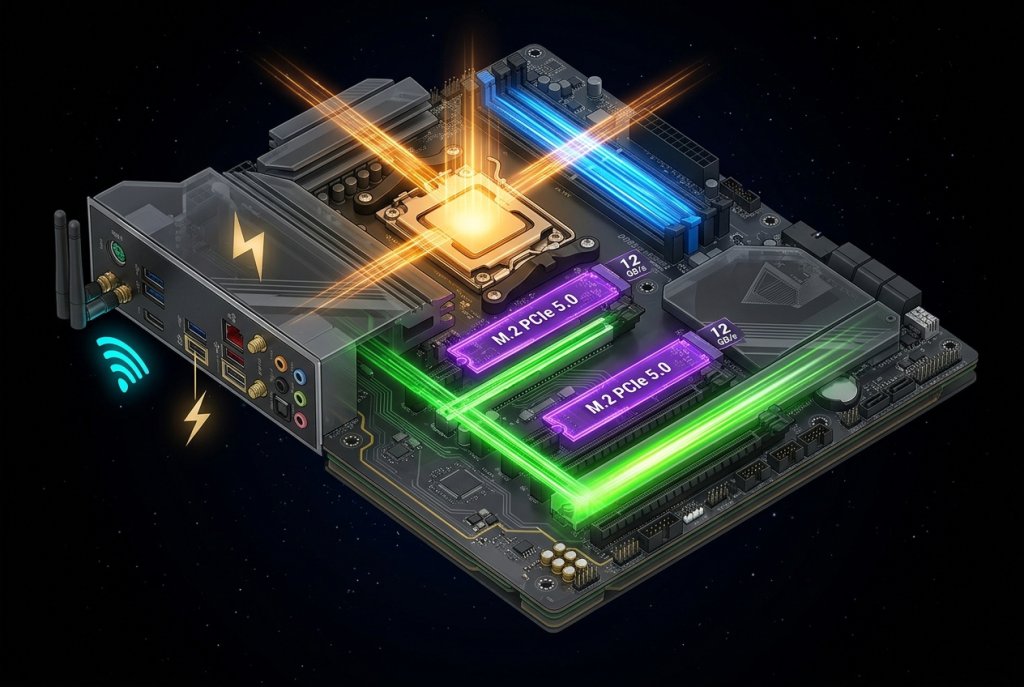
PCIe 5.0 is the single most consequential shift in motherboard connectivity of the past two years. At 32 GT/s per lane, a PCIe 5.0 x16 slot provides 64 GB/s of bandwidth — double what PCIe 4.0 offered. For modern GPU and video graphics cards, the GPU bandwidth itself is not yet saturated by PCIe 5.0, but the elimination of any potential bottleneck as GPU architectures scale is meaningful future-proofing.
Where PCIe 5.0 makes an immediate, measurable difference today is in NVMe storage. PCIe 5.0 x4 M.2 SSDs — now widely available across multiple tiers — achieve sequential read speeds of 12–14 GB/s. For video editors working with 8K RAW footage, AI researchers loading large model weights, and developers syncing large code repositories, this bandwidth is transformative. High-performance SSDs built on PCIe 5.0 are now available at prices that make them accessible for mainstream builds, not just workstation configurations.
Top-tier boards from ASUS and GIGABYTE now standardize on PCIe 5.0 for the primary GPU slot and at least one M.2 slot, with PCIe 4.0 slots remaining for secondary storage and legacy expansion. Understanding which slots on your prospective motherboard are PCIe 5.0 versus 4.0 is one of the most important — and most frequently overlooked — purchase considerations in 2026.
 DDR5: No Longer Optional
The DDR4-versus-DDR5 debate that dominated the 2022–2024 hardware cycle is over. In 2026, DDR5 is the default. Intel’s LGA1851 platform (Arrow Lake and beyond) and AMD’s AM5 (Ryzen 7000 and 9000 series) both require DDR5 — and for good reason. DDR5 starts at DDR5-4800 and scales to DDR5-8000+ with XMP/EXPO profiles on premium kits, delivering nearly double the bandwidth of DDR4-3200 at equivalent capacity.
| Memory Standard | Max Speed (common kits) | Bandwidth per Channel | Min Latency (CL) |
|---|---|---|---|
| DDR4-3200 | 4400 MT/s (OC) | ~25.6 GB/s | CL14 |
| DDR5-6000 | 6000 MT/s | ~48 GB/s | CL30 |
| DDR5-7200 | 7200 MT/s | ~57.6 GB/s | CL34 |
| DDR5-8000 | 8000 MT/s | ~64 GB/s | CL38 |
For gaming, DDR5-6000 MT/s remains the performance sweet spot on AMD’s AM5 platform — it aligns with the infinity fabric clock’s optimal 1:1 ratio, translating to real-world gaming frame rate improvements over slower DDR5 configurations. For memory-bandwidth-sensitive workloads like AI inference, large dataset manipulation, and video encoding, faster DDR5 kits at DDR5-7200 or above are worth the premium. Browse DDR5 memory options on Newegg to find kits validated for your platform with verified XMP and EXPO profiles.
 Wi-Fi 7: Wireless Connectivity That Rivals Gigabit Ethernet
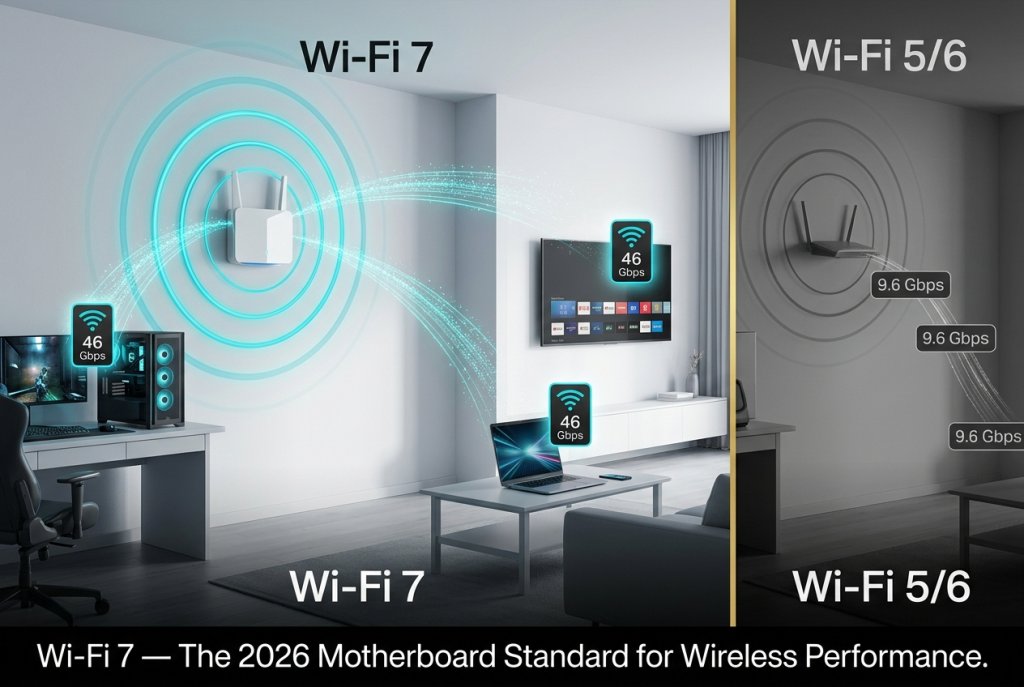
Wi-Fi 7 (802.11be) is the feature that has most dramatically shifted the value proposition of modern motherboards. Where Wi-Fi 6 offered peak theoretical speeds of 9.6 Gbps per band, Wi-Fi 7 extends to 46 Gbps using Multi-Link Operation (MLO) — the ability to simultaneously transmit and receive data across 2.4 GHz, 5 GHz, and 6 GHz bands at once.
In practical terms, this means a Wi-Fi 7 motherboard connected to a Wi-Fi 7 router delivers sustained speeds that match or exceed 2.5 Gigabit Ethernet for most home and office networks. For gamers, the latency reduction — MLO enables sub-2ms wireless latency under optimal conditions — is as significant as the raw speed improvement. For professionals working with large file transfers over their home network, Wi-Fi 7 makes running cable-free builds genuinely viable without performance compromise.
In 2026, mid-range and premium ATX motherboards from MSI and ASRock routinely include Wi-Fi 7 as a standard onboard feature rather than an add-in card upgrade. This is particularly valuable because PCIe slot real estate is more precious than ever with high-bandwidth SSDs, capture cards, and GPU configurations competing for lanes.
 USB4 Gen 3×2 and Thunderbolt 5: The Rear I/O Revolution
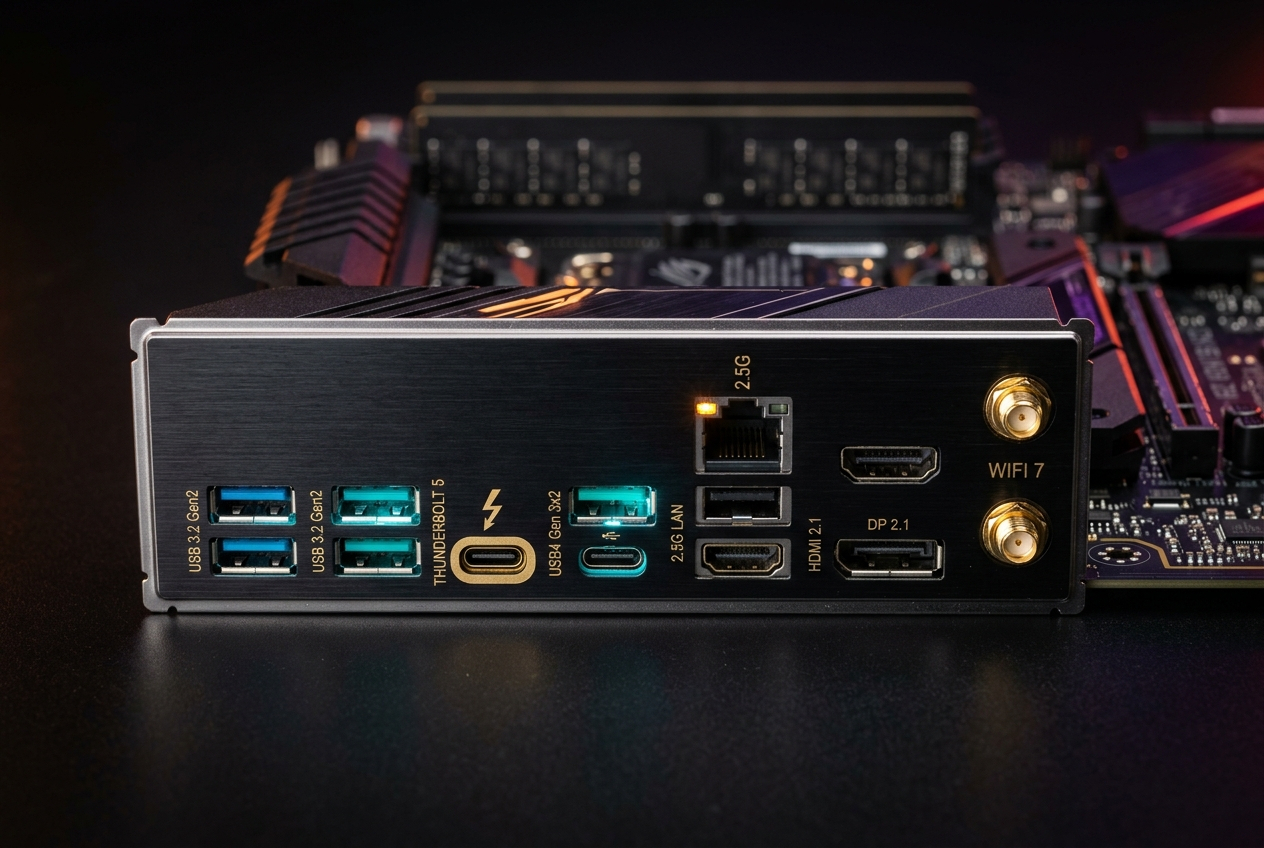
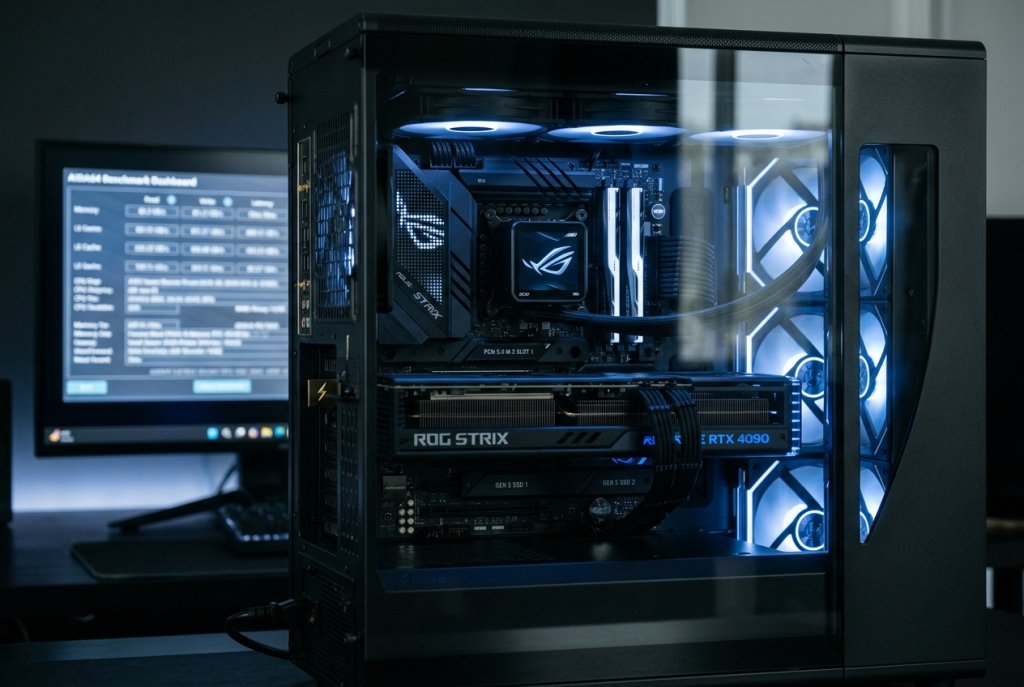
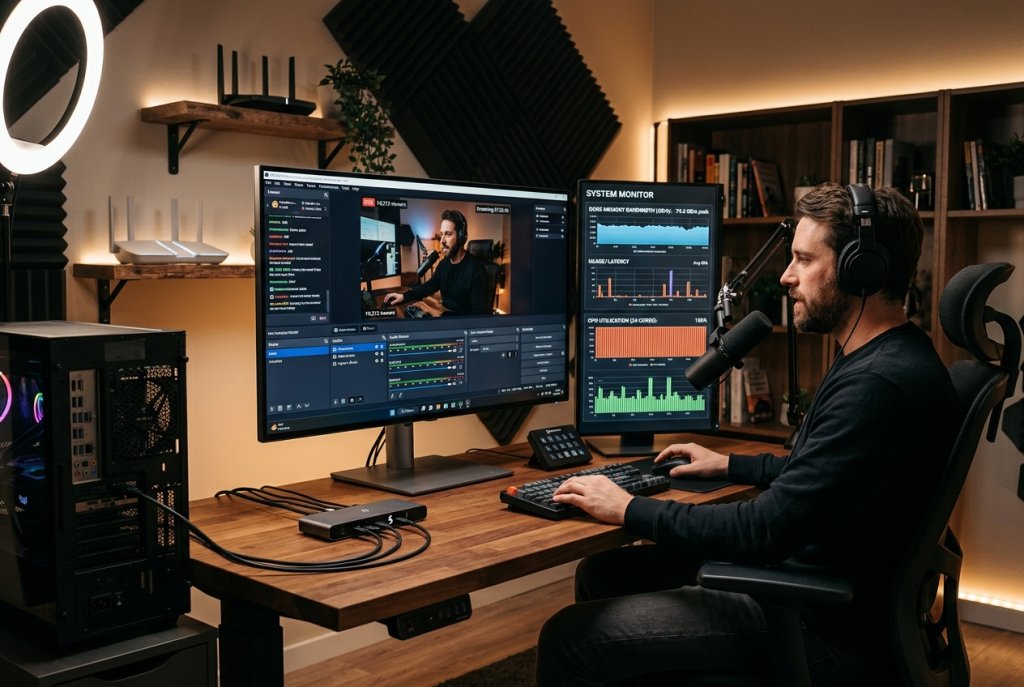
The rear I/O panel of a 2026 motherboard tells a story about the pace of connectivity evolution. USB4 Gen 3×2 (80 Gbps) and Thunderbolt 5 (120 Gbps) ports now appear on upper-midrange and premium boards — enabling daisy-chained external NVMe enclosures, egpu docks, and Thunderbolt displays on a single cable. A single Thunderbolt 5 port can simultaneously drive a 4K 240Hz display, charge a laptop at 100W, and transfer files to an external SSD at over 3 GB/s.
This shift in rear I/O has changed how professionals configure their workstations. A media producer can now run a Thunderbolt 5 dock that connects their external RAID array, reference monitor, audio interface, and camera card reader through a single cable. Boards targeting creative professionals — particularly higher-end offerings from ASUS’s ProArt series and comparable lines from other vendors — are increasingly designed around this use case.
 AI Integration: The 2026 Platform Story
The most forward-looking development in 2026 motherboard design is not a port or a slot — it is the software and firmware layer that sits beneath the operating system. High-end boards now ship with AI-assisted BIOS utilities that automatically tune XMP/EXPO memory profiles, adjust per-core boost behavior, and optimize power targets based on your specific CPU sample’s characteristics.
AMD’s Ryzen AI 300 series processors include up to 50 TOPS of NPU performance, and the motherboard is the platform that enables that capability to function — providing the power delivery, memory bandwidth, and thermal headroom the NPU needs to sustain inference workloads without thermal throttling. Choosing a board with inadequate VRM design for an AI-intensive CPU is no longer just an overclocking concern — it affects the sustained performance of on-device AI tasks that users increasingly rely on daily.
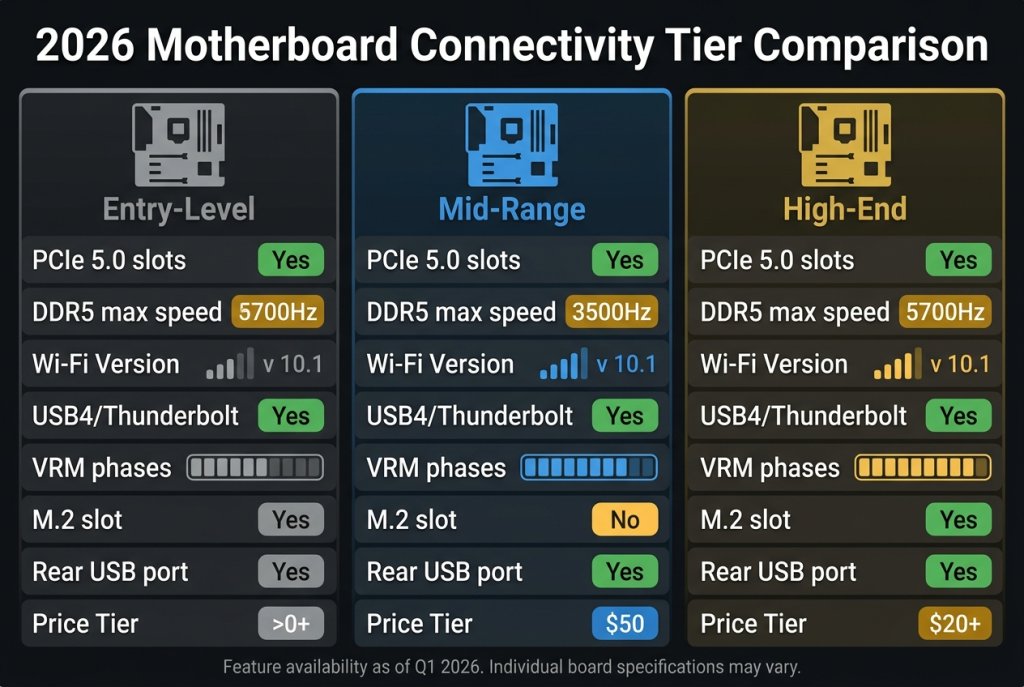
2026 Motherboard Connectivity Feature Comparison
| Feature | Entry-Level | Mid-Range | High-End |
|---|---|---|---|
| PCIe 5.0 GPU Slot | Sometimes | Yes | Yes |
| PCIe 5.0 M.2 Slot | No | 1 slot | 2+ slots |
| DDR5 Support | Yes (to 5600) | Yes (to 7200+) | Yes (to 8000+) |
| Wi-Fi Standard | Wi-Fi 6 or none | Wi-Fi 7 | Wi-Fi 7 |
| USB4 / Thunderbolt | No | USB4 Gen 2 | Thunderbolt 5 |
| VRM Phases | 6–8 | 14–16 | 20–24 |
| M.2 Total Slots | 2 | 3–4 | 5–6 |
 Building Around Connectivity: The Power and Case Considerations
A motherboard loaded with these modern features requires an equally capable power supply. A high-end platform with a 250W CPU, a flagship GPU, and multiple PCIe 5.0 SSDs running simultaneously demands a quality power supply rated for at least 850W — and 1000W or above if you plan to push the platform at full load. Similarly, fitting a feature-dense ATX board with proper cooling requires a well-ventilated computer case with front intake and top/rear exhaust as a minimum configuration.
The connectivity story of 2026 motherboards is ultimately about building a platform with no bottlenecks — storage that matches your content throughput, wireless that matches your network infrastructure, and power delivery that matches the demands of modern CPUs under AI and productivity workloads. Choosing the right board means choosing the right foundation for everything your PC will do over the next four to five years.
Related Posts
- AMD vs. Intel Motherboards in 2026: Platform Architecture, Chipset Hierarchy, and What Actually Differs
- ATX, Micro-ATX, or Mini-ITX? The Complete Motherboard Form Factor Guide for 2026 Builds
- Wi-Fi 6E vs Ethernet: Which Connection Delivers the Ultimate Gaming Experience at Home in 2026?
- The ASUS ROG Zenith II motherboard is the 3rd-gen Threadripper’s best friend
- 5 of the best TRX40 motherboards to pair with Threadripper 3000 CPUs